> ## Documentation Index
> Fetch the complete documentation index at: https://docs.ruloans.com/llms.txt
> Use this file to discover all available pages before exploring further.
# Sign up as an Individual for RuConnect
> Journey flow for individual journey on RuConnect Application
**Introduction:**
This document provides a comprehensive step-by-step guide for DSAs to sign up as an individual on the RuConnect platform. It highlights mandatory and optional fields, supported by screenshots, to ensure clarity and completeness.
Download the Ruconnect application on your device and open application.
## Step 1: Enter Your Mobile Number
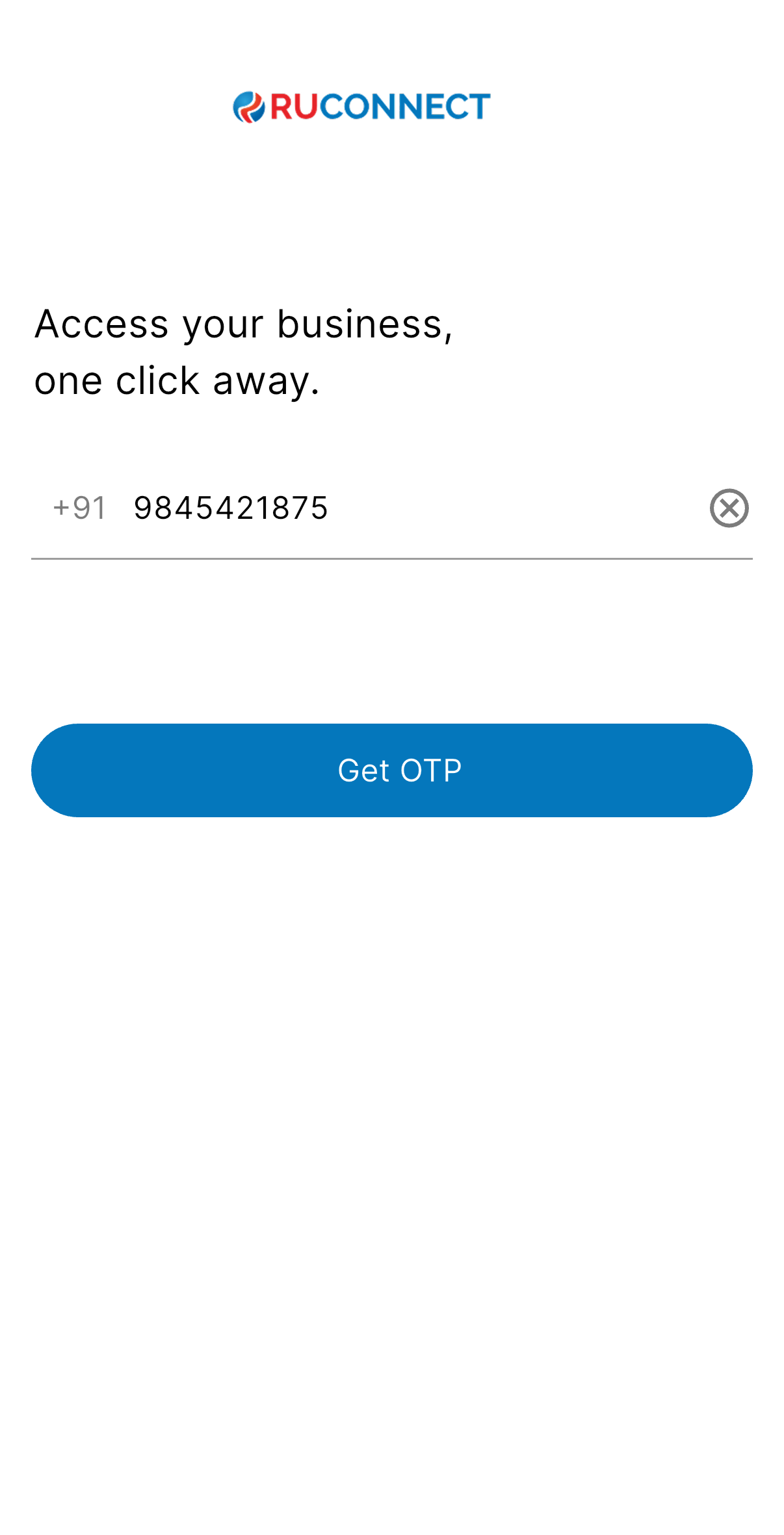
Just type your **10-digit mobile number** and click **"Get OTP."**\
We'll send a one-time password to verify your number.
 ## Step 2: Verify with OTP
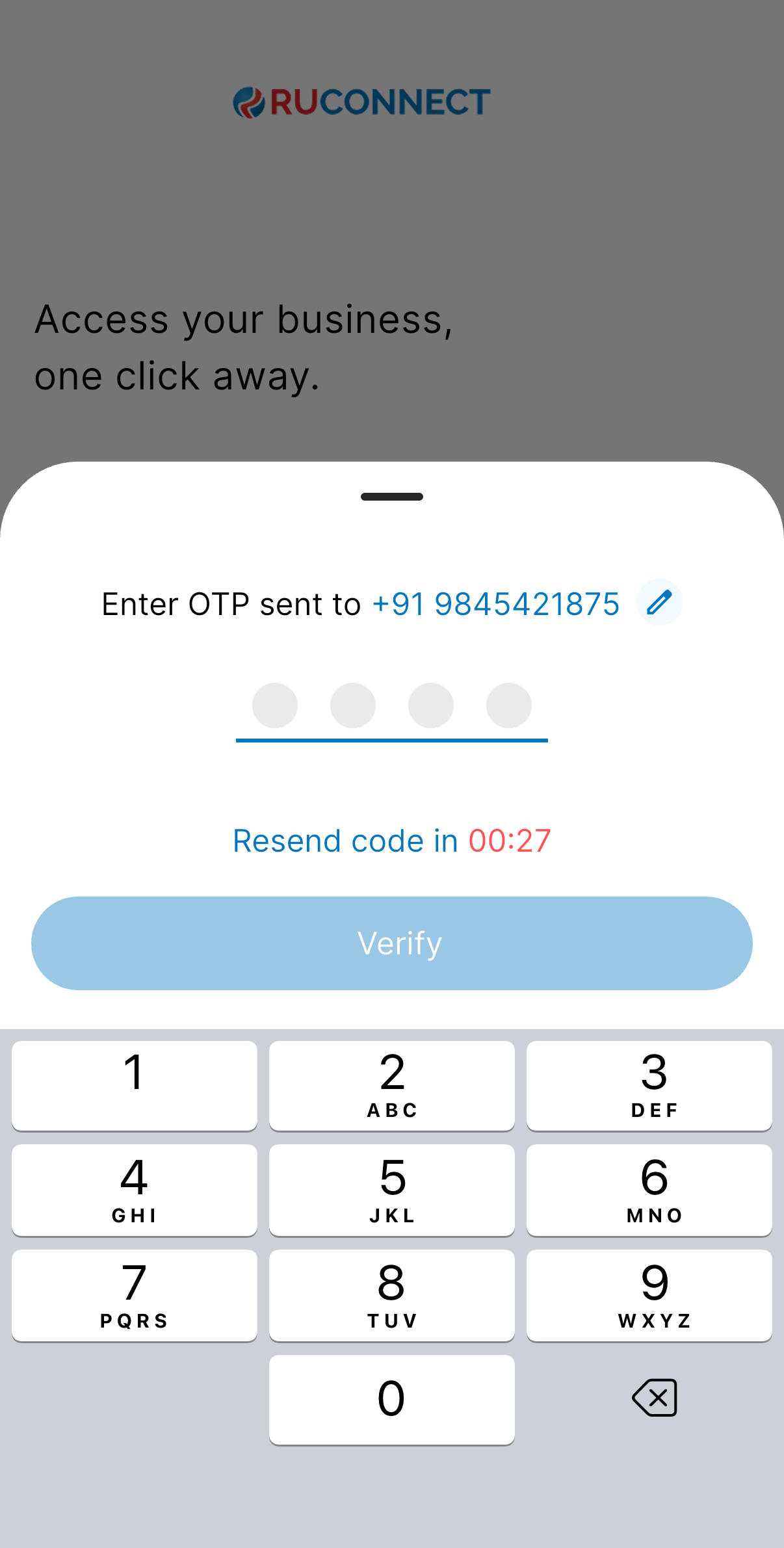
Enter the **4-digit OTP** sent via SMS.\
You can resend it if it doesn’t arrive in time.
## Step 2: Verify with OTP
Enter the **4-digit OTP** sent via SMS.\
You can resend it if it doesn’t arrive in time.
 ## Step 3: Tell Us About Yourself
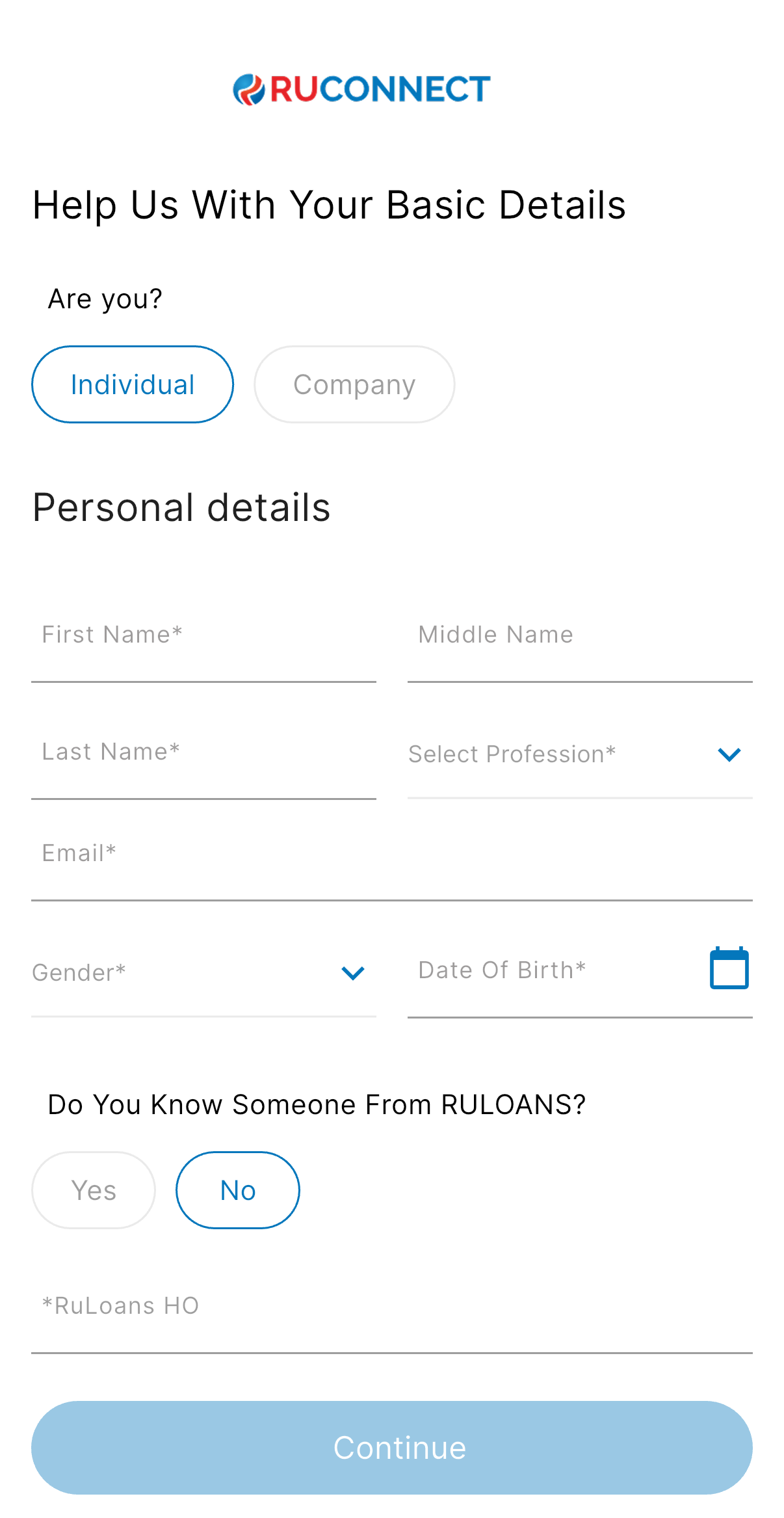
Choose if you're an **Individual** or a **Company**.
\*\*Select Individual option
Fill in your personal details:
* Name
* Profession
* Email
* Gender
* Date of Birth
Also select Yes or No from “Do you know someone from RULOANS?”
## Step 3: Tell Us About Yourself
Choose if you're an **Individual** or a **Company**.
\*\*Select Individual option
Fill in your personal details:
* Name
* Profession
* Email
* Gender
* Date of Birth
Also select Yes or No from “Do you know someone from RULOANS?”
 ## Step 4: Referral Info (Optional)
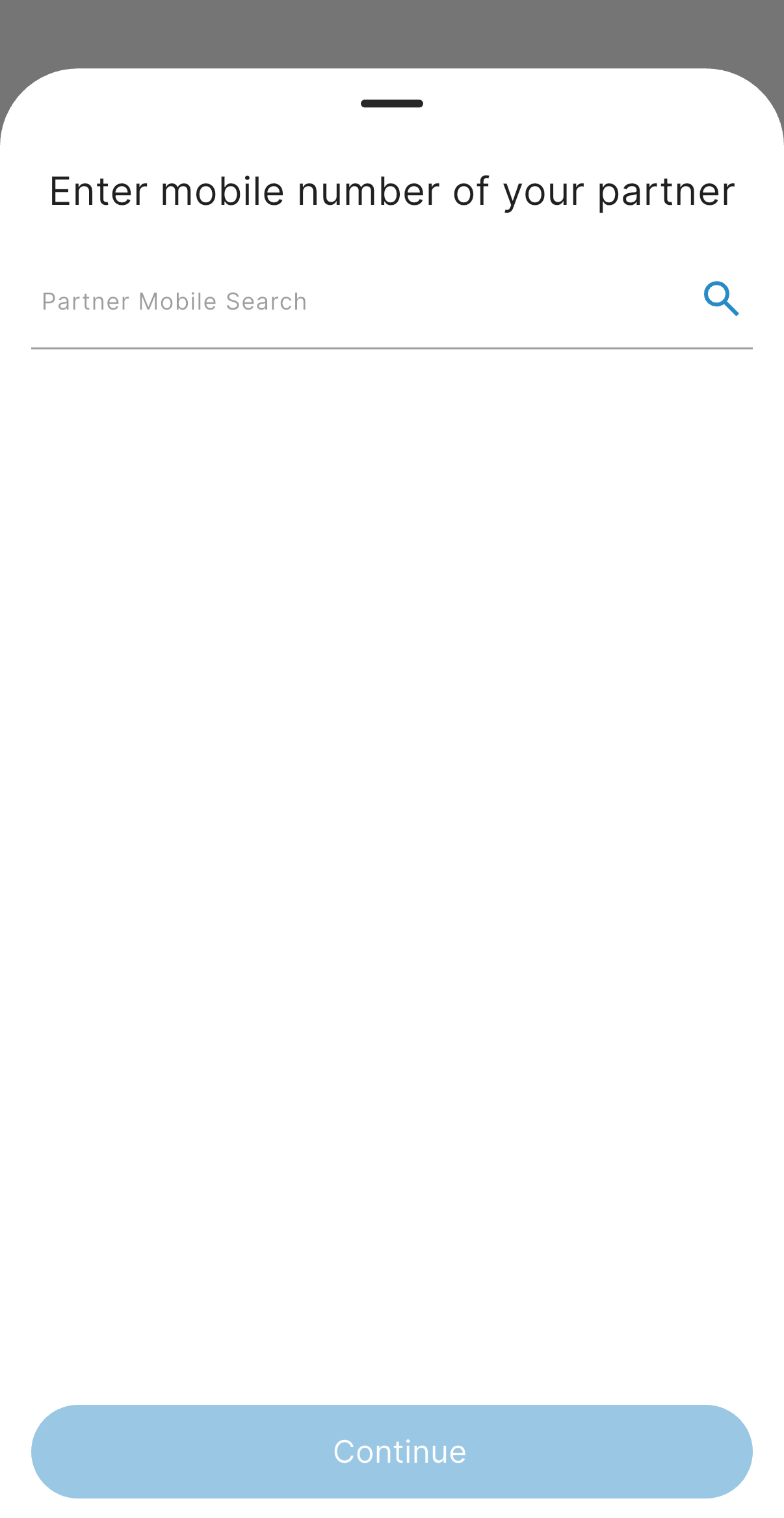
If someone referred you, enter their **mobile number**.\
This helps them get credit for referring you!
**Note: If 'No' is selected this step is skipped.**
## Step 4: Referral Info (Optional)
If someone referred you, enter their **mobile number**.\
This helps them get credit for referring you!
**Note: If 'No' is selected this step is skipped.**
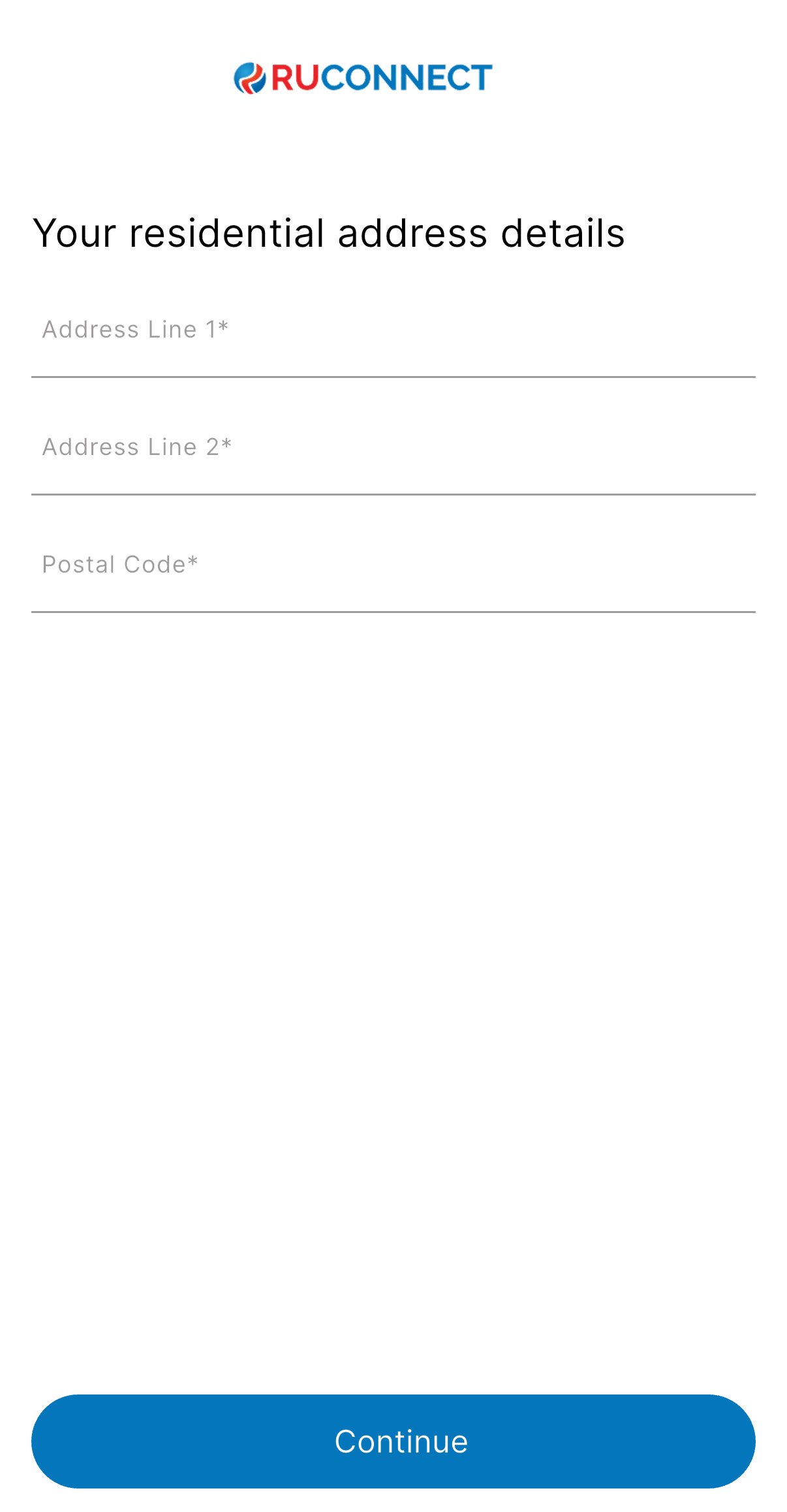
 ## Step 5: Add Your Residential Address
Fill in your full address:
* Address Line 1
* Address Line 2
* Residential Postal Code
* City/State (Select these on basis of entered Postal Code)
## Step 5: Add Your Residential Address
Fill in your full address:
* Address Line 1
* Address Line 2
* Residential Postal Code
* City/State (Select these on basis of entered Postal Code)
 ## Step 6: Complete Your KYC
You can choose one of the following:
### Option 1: eKYC via Digio
### Option 2: Manual KYC (Skip for Now)
## Step 6: Complete Your KYC
You can choose one of the following:
### Option 1: eKYC via Digio
### Option 2: Manual KYC (Skip for Now)
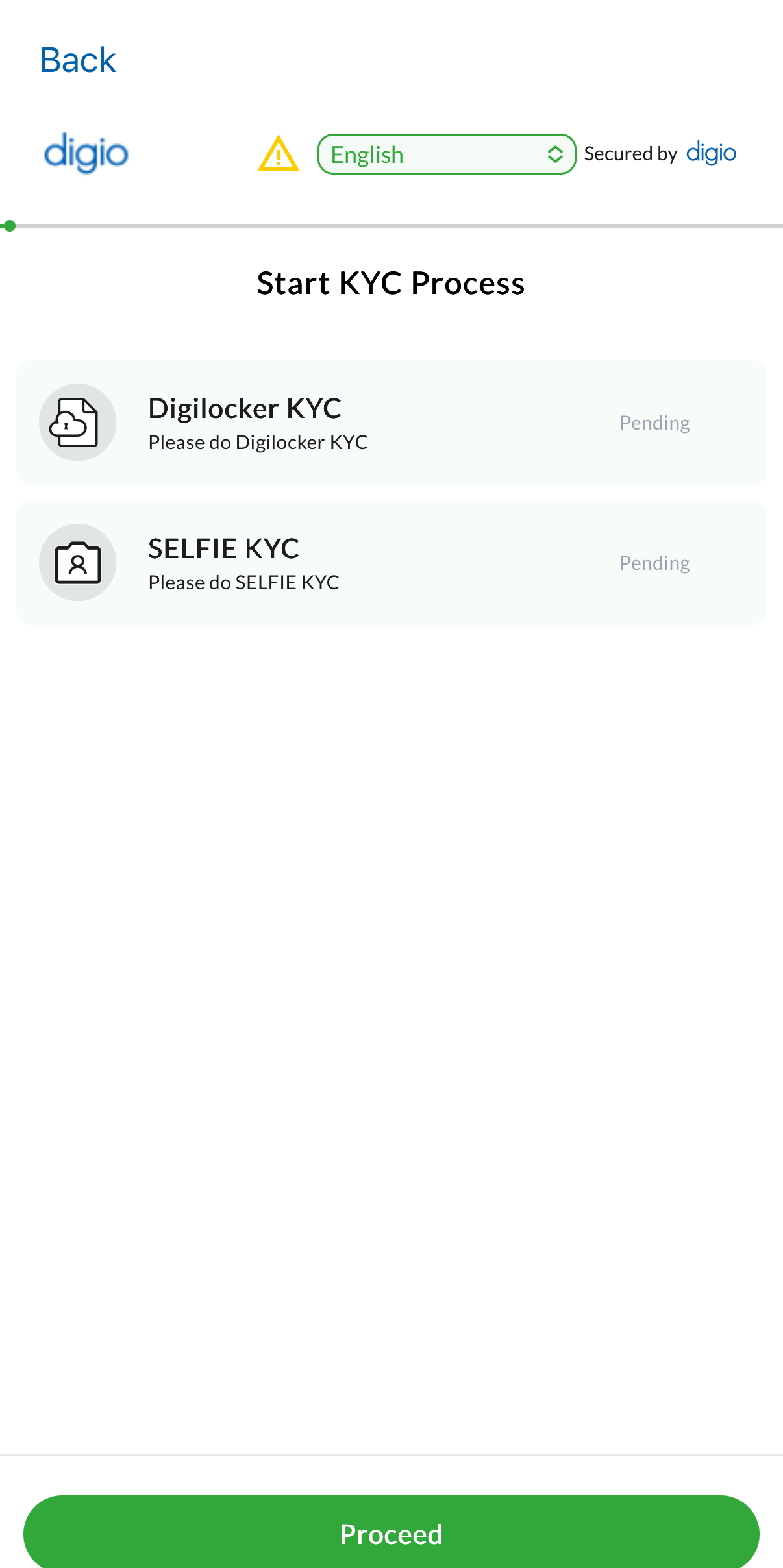
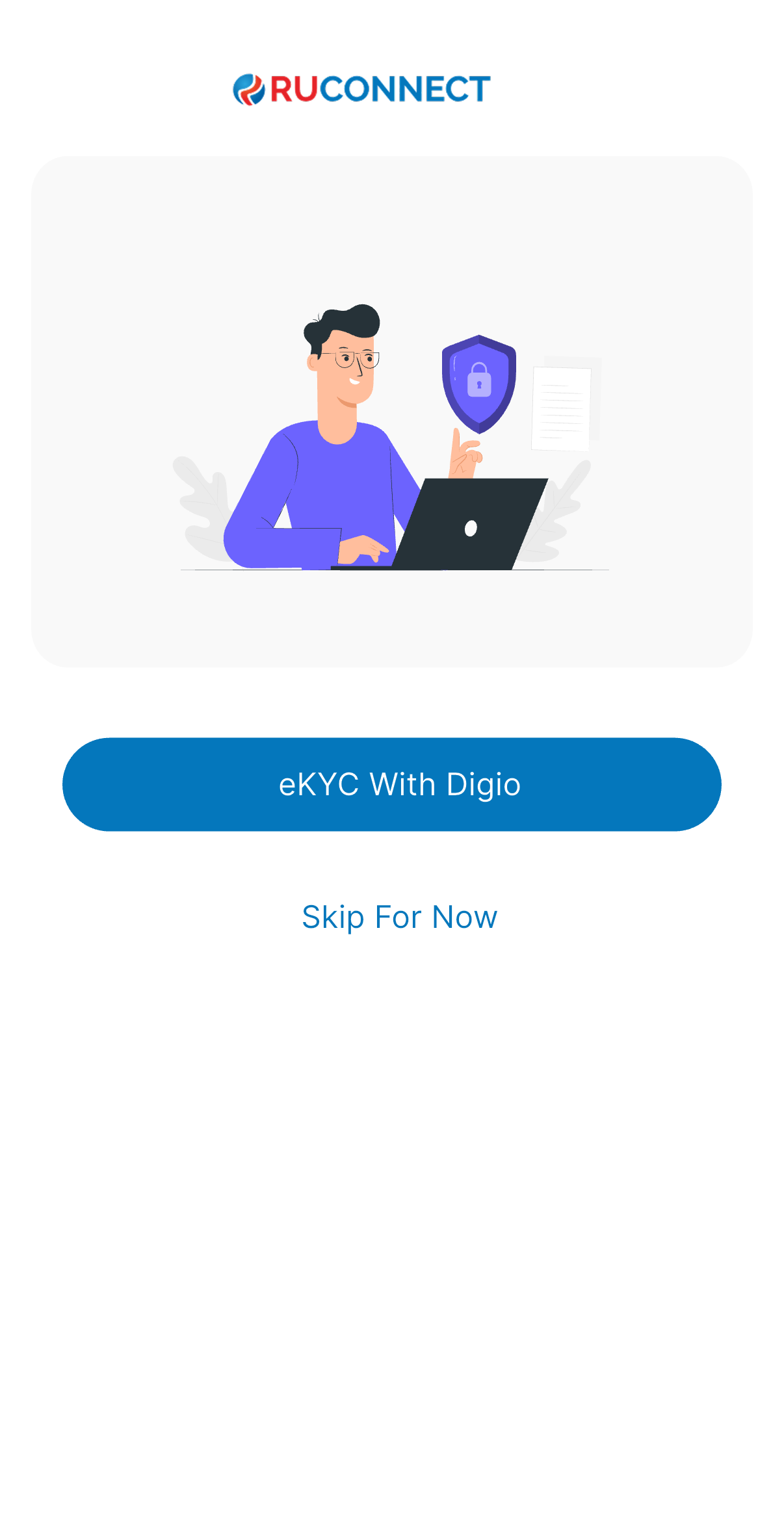 **Note: When eKYC with digio is selected user is redirected to Digio for KYC verification.**
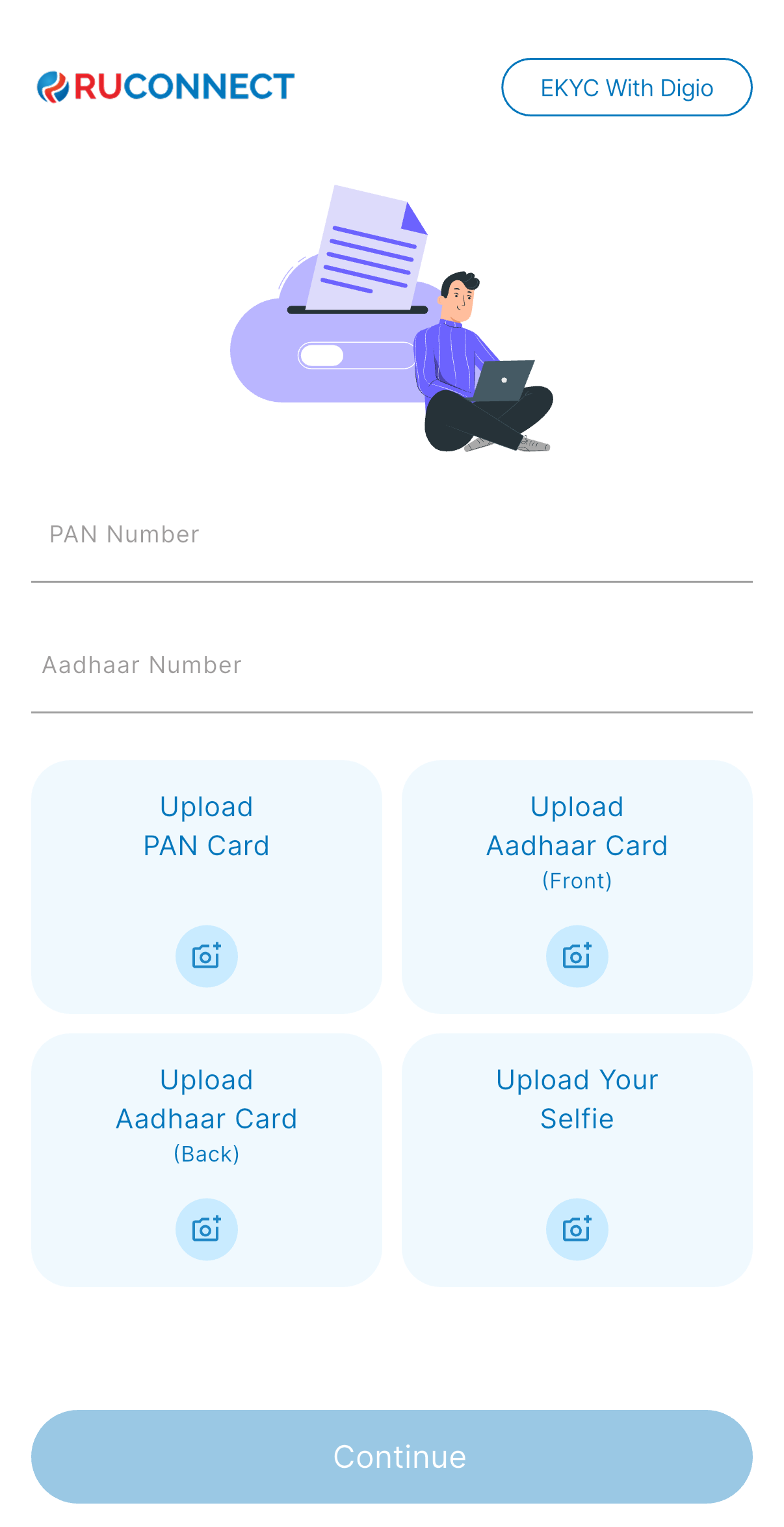
 When Manual KYC is Selected
Provide:
* PAN Number
* Aadhar Number
* Upload:
* PAN Card
* Aadhar (Front & Back)
* A Selfie
When Manual KYC is Selected
Provide:
* PAN Number
* Aadhar Number
* Upload:
* PAN Card
* Aadhar (Front & Back)
* A Selfie
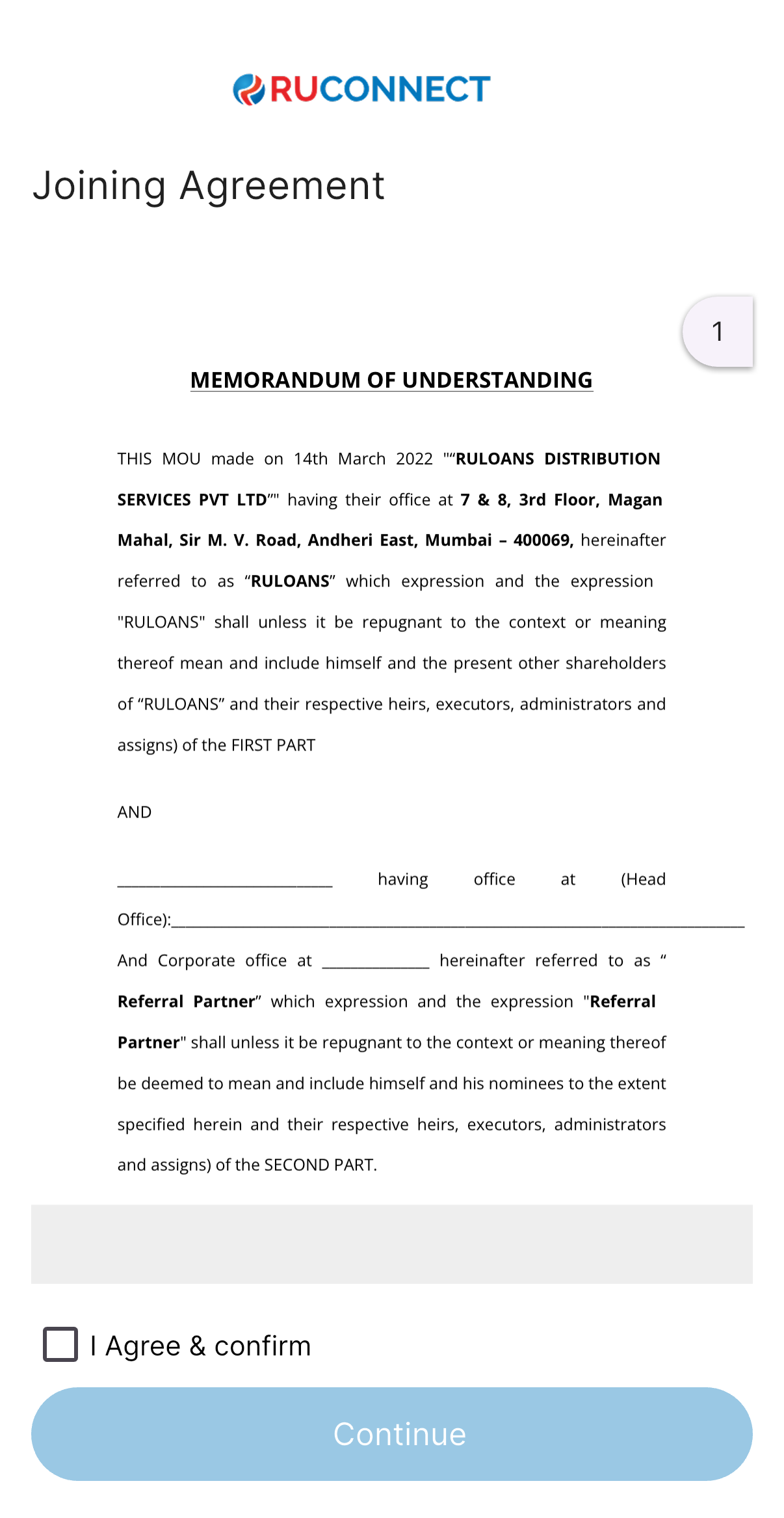
 ## Step 7: Read & Accept Agreement
You’ll see a **Joining Agreement (MoU)**.\
Read carefully and tick the **“I Agree”** checkbox.
## Step 7: Read & Accept Agreement
You’ll see a **Joining Agreement (MoU)**.\
Read carefully and tick the **“I Agree”** checkbox.
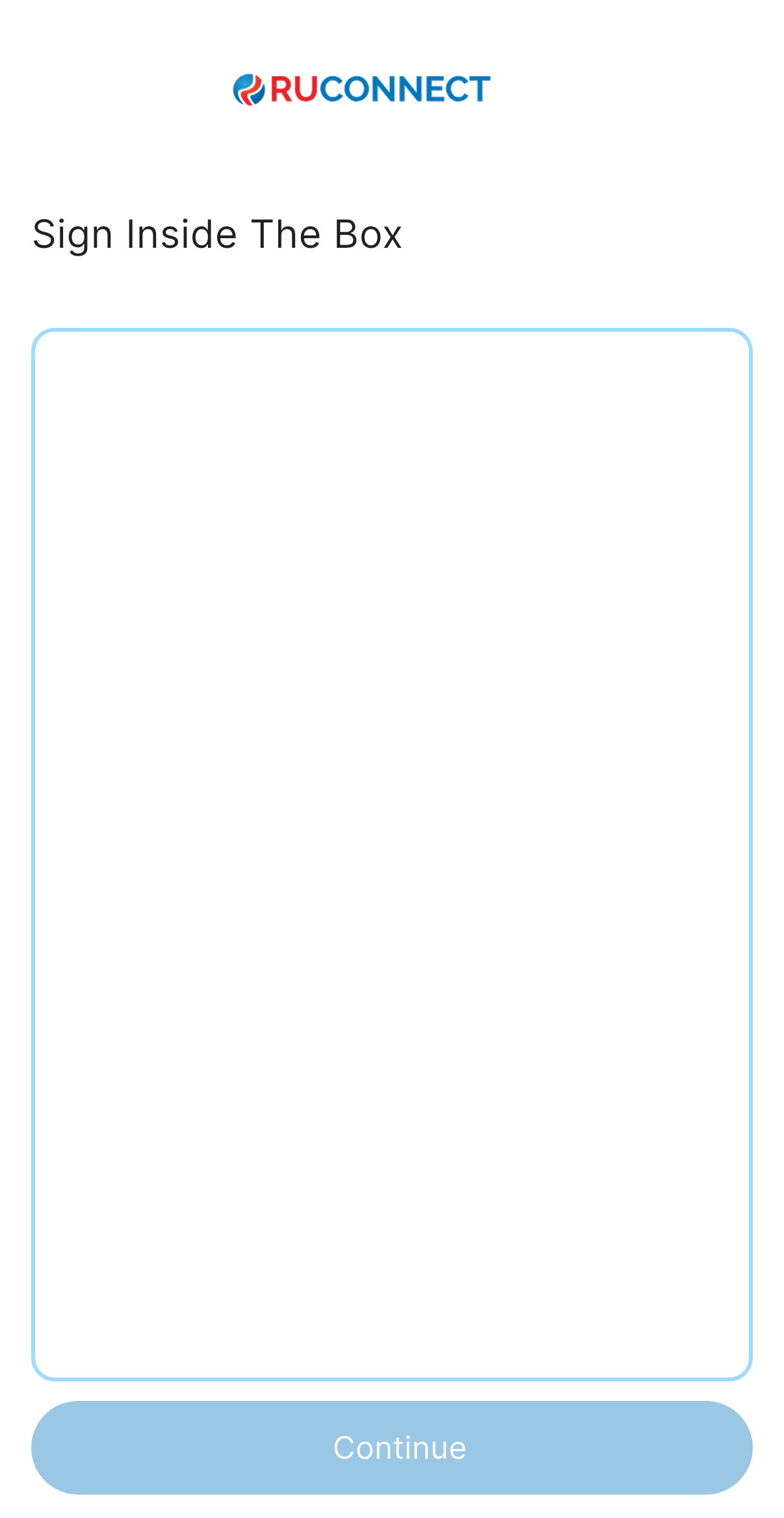
 ## Step 8: Sign Digitally
Use your mouse to sign in the box.\
Once it’s clear and inside the box, hit **Continue**.
You will se the sign inside the box and re-sign if you want to do it again.
## Step 8: Sign Digitally
Use your mouse to sign in the box.\
Once it’s clear and inside the box, hit **Continue**.
You will se the sign inside the box and re-sign if you want to do it again.
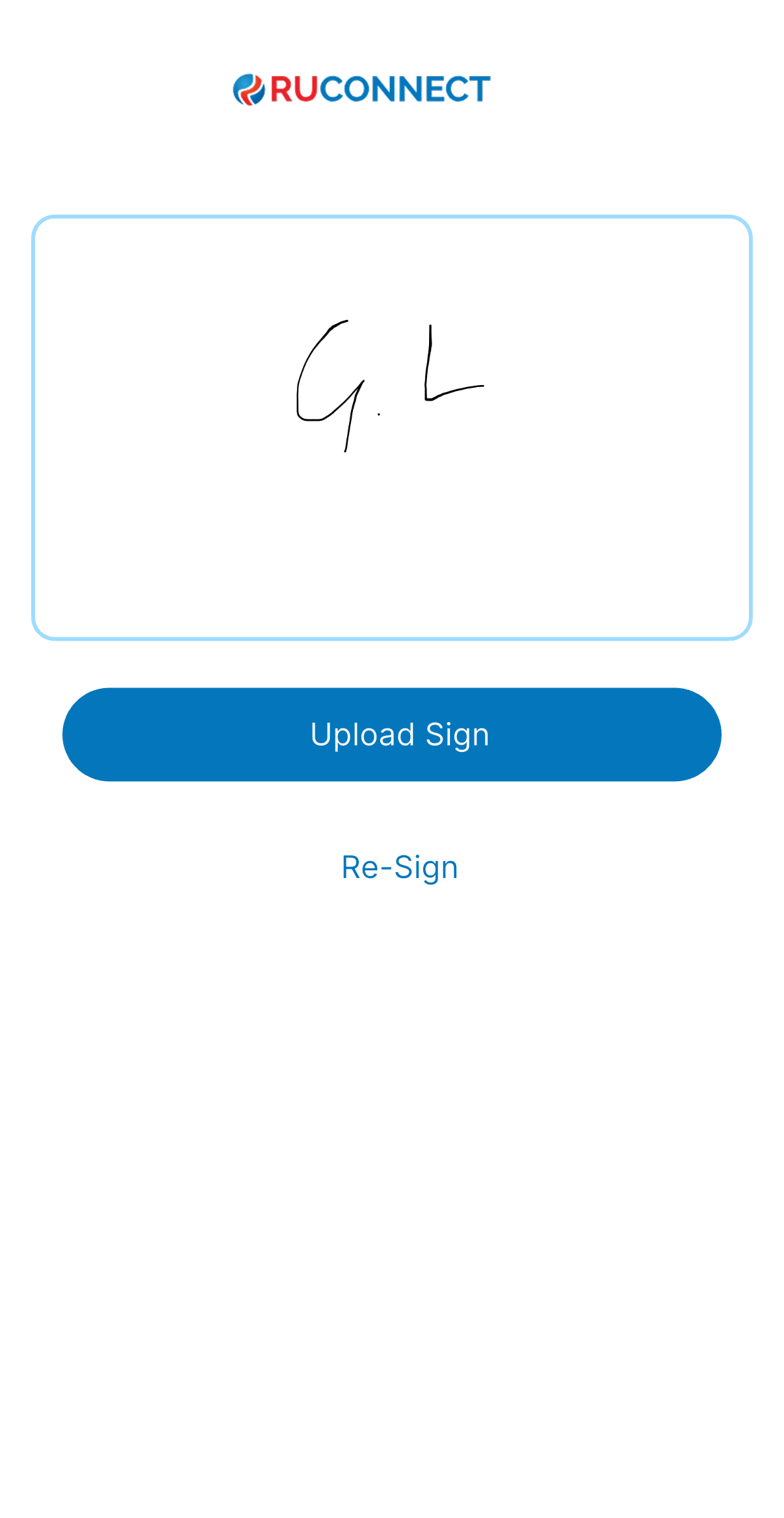
 ## Step 9: Review & Confirm Your Signature
Check the signature you just drew. Ensure it's clear, accurate, and looks exactly the way you'd sign official documents.
If you're happy, click Confirm Signature to proceed.
Want a redo? Click Re-sign or upload a different one.
## Step 9: Review & Confirm Your Signature
Check the signature you just drew. Ensure it's clear, accurate, and looks exactly the way you'd sign official documents.
If you're happy, click Confirm Signature to proceed.
Want a redo? Click Re-sign or upload a different one.
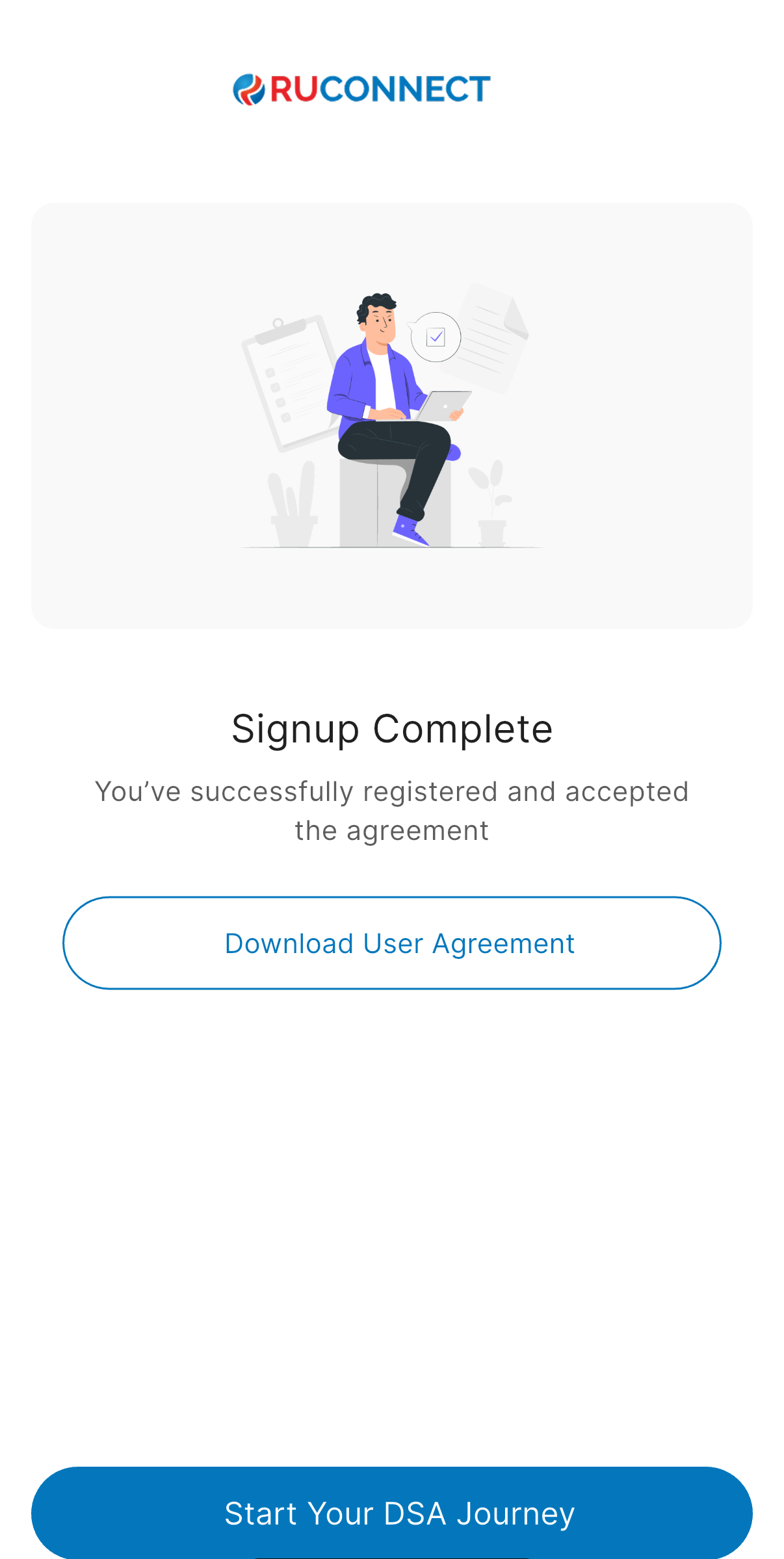
 ## Step 10: Signup Complete!
You're done! Your registration is successful and the agreement is accepted.
Click Download User Agreement if you’d like a copy for your records.
CLick Start your DSA journey to begin using your account and explore all features.
## Step 10: Signup Complete!
You're done! Your registration is successful and the agreement is accepted.
Click Download User Agreement if you’d like a copy for your records.
CLick Start your DSA journey to begin using your account and explore all features.
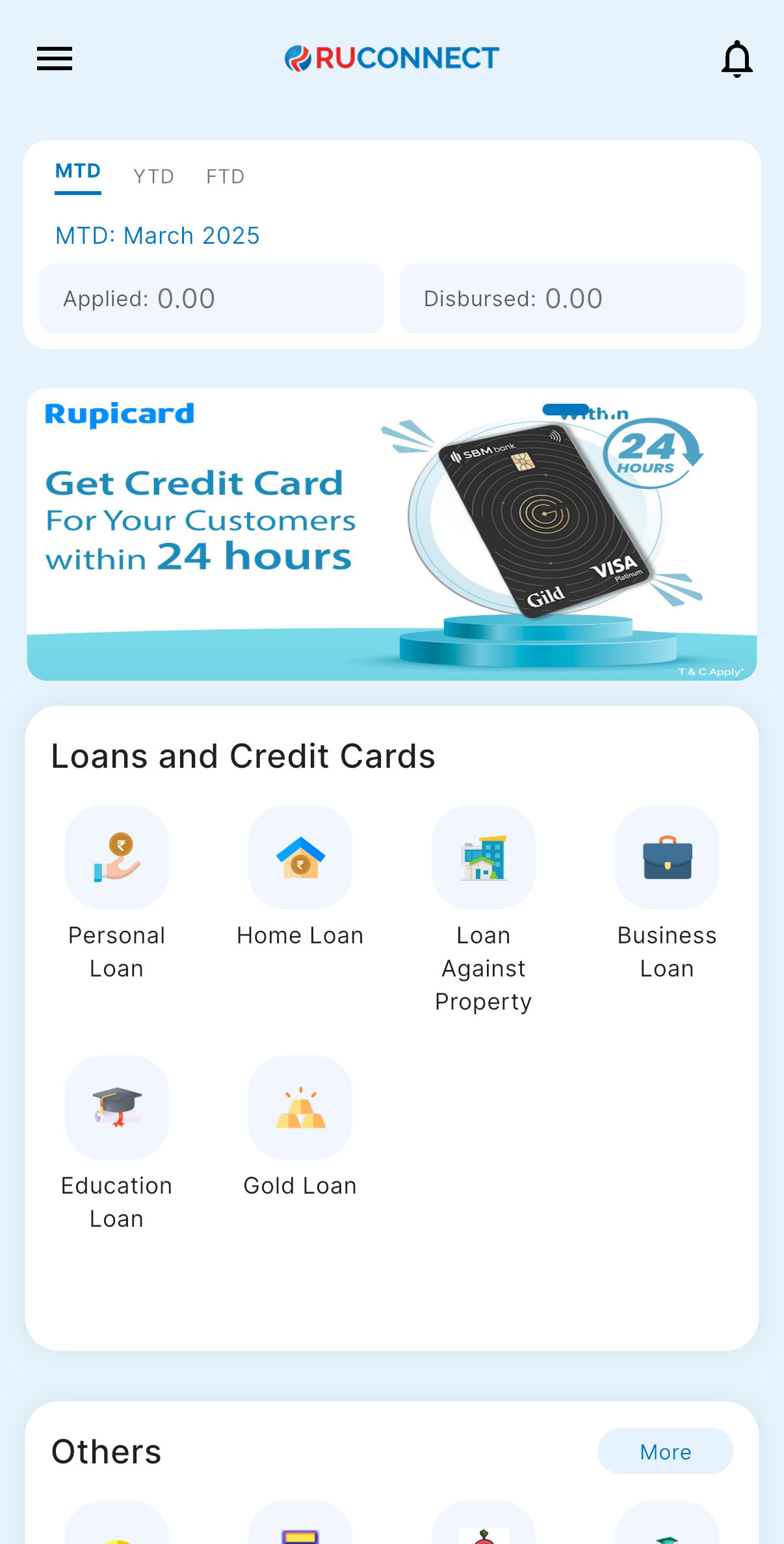
 You’ll be redirected to your dashboard.
Your profile and settings will be available for customization.
Need help? Visit our Help Center or contact Support anytime.
You’ll be redirected to your dashboard.
Your profile and settings will be available for customization.
Need help? Visit our Help Center or contact Support anytime.
 Thank you for joining us! Let’s get started on this exciting DSA journey together.
\*\*Date: 11 September 2025
Thank you for joining us! Let’s get started on this exciting DSA journey together.
\*\*Date: 11 September 2025