> ## Documentation Index
> Fetch the complete documentation index at: https://docs.ruloans.com/llms.txt
> Use this file to discover all available pages before exploring further.
# How to Refer a DSA/customer on RuConnect
> Assisted flow for how to Refer a DSA/Customer on RuConnect Platform
## Introduction
This document provides a comprehensive step-by-step guide for DSAs on how to refer a DSA/Customer on the RuConnect platform. It highlights mandatory and optional fields, supported by screenshots, to ensure clarity and completeness.
## Step 1: Access the RuConnect Platform
1. **URL**: Open the RuConnect platform at [https://ruconnect.in/](https://ruconnect.in/).
2. **Login**
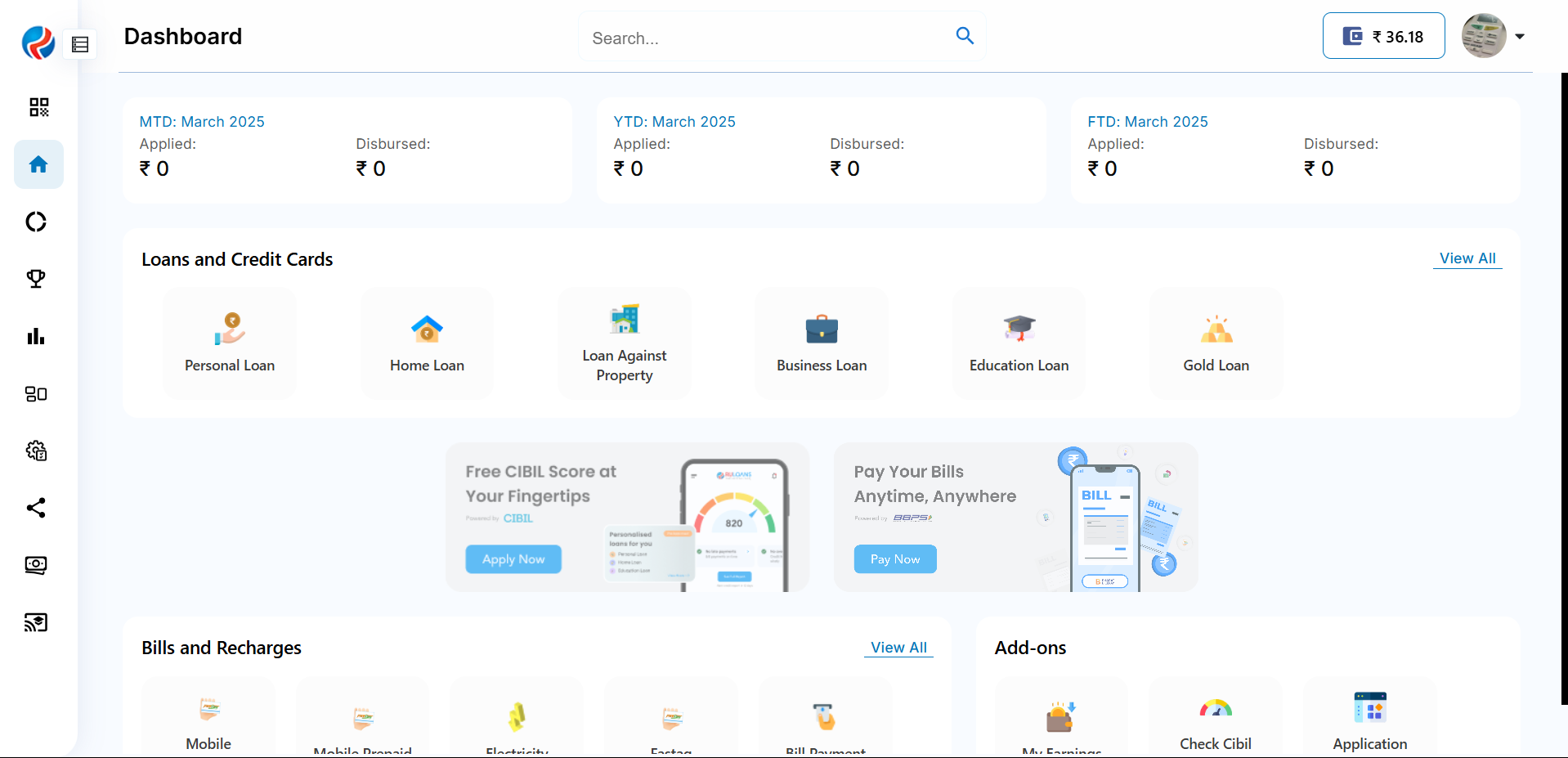
## Step 2: Navigate to the Dashboard
1. After successful login, you will land on the Dashboard.
2. The Dashboard provides:
* **Quick Access Links**: Links to personal loans, home loans, and other products.
* **Status Overview**: Displays details of ongoing or past applications.
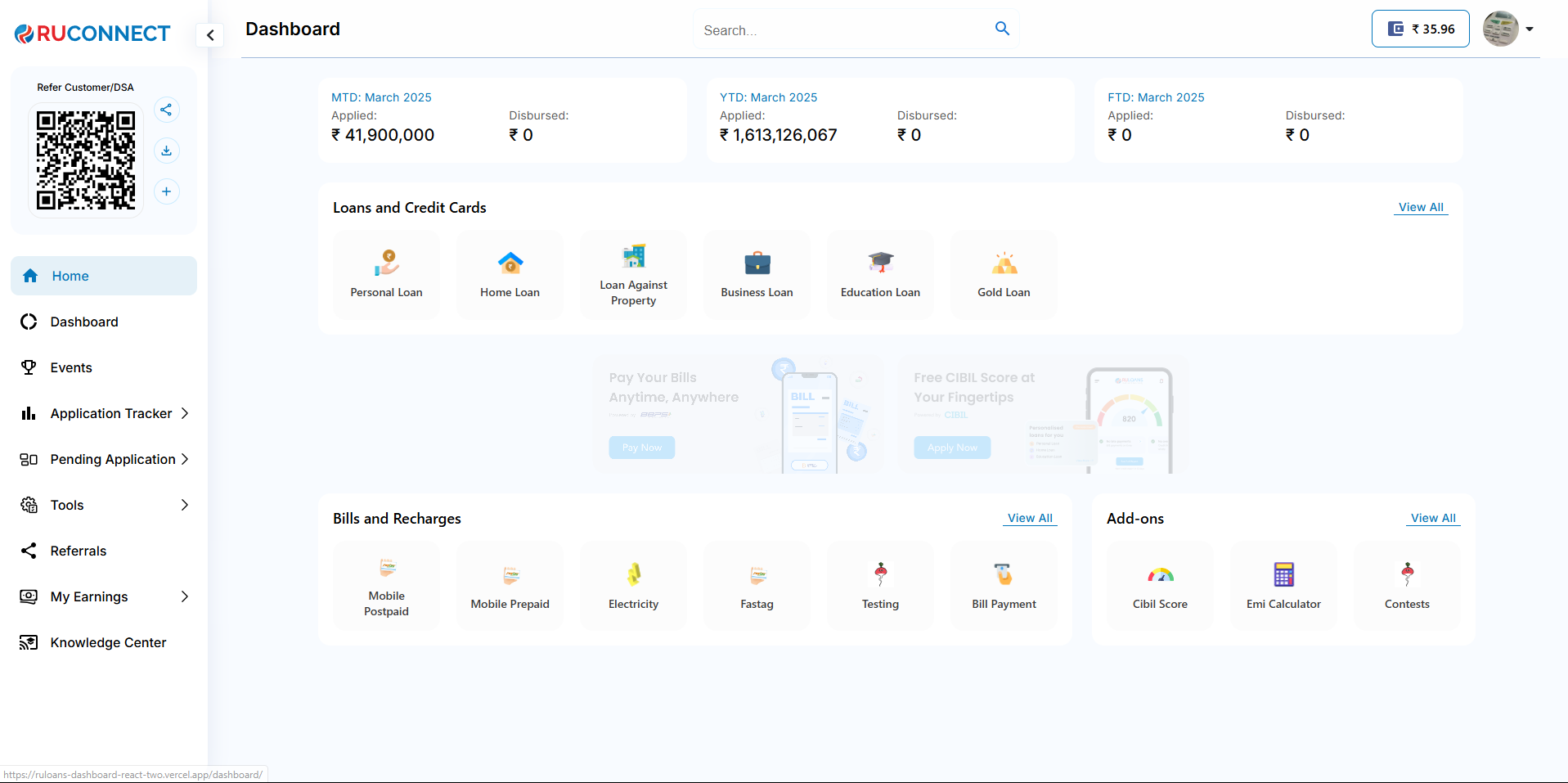
 ## Step 3: Navigate to Hamburger Menu and Scan QR
1.Click on Hamburger menu shows the QR code for the DSA.
2.Scan the QR code and it will Navigate user to DSA or customer flow.
## Step 3: Navigate to Hamburger Menu and Scan QR
1.Click on Hamburger menu shows the QR code for the DSA.
2.Scan the QR code and it will Navigate user to DSA or customer flow.
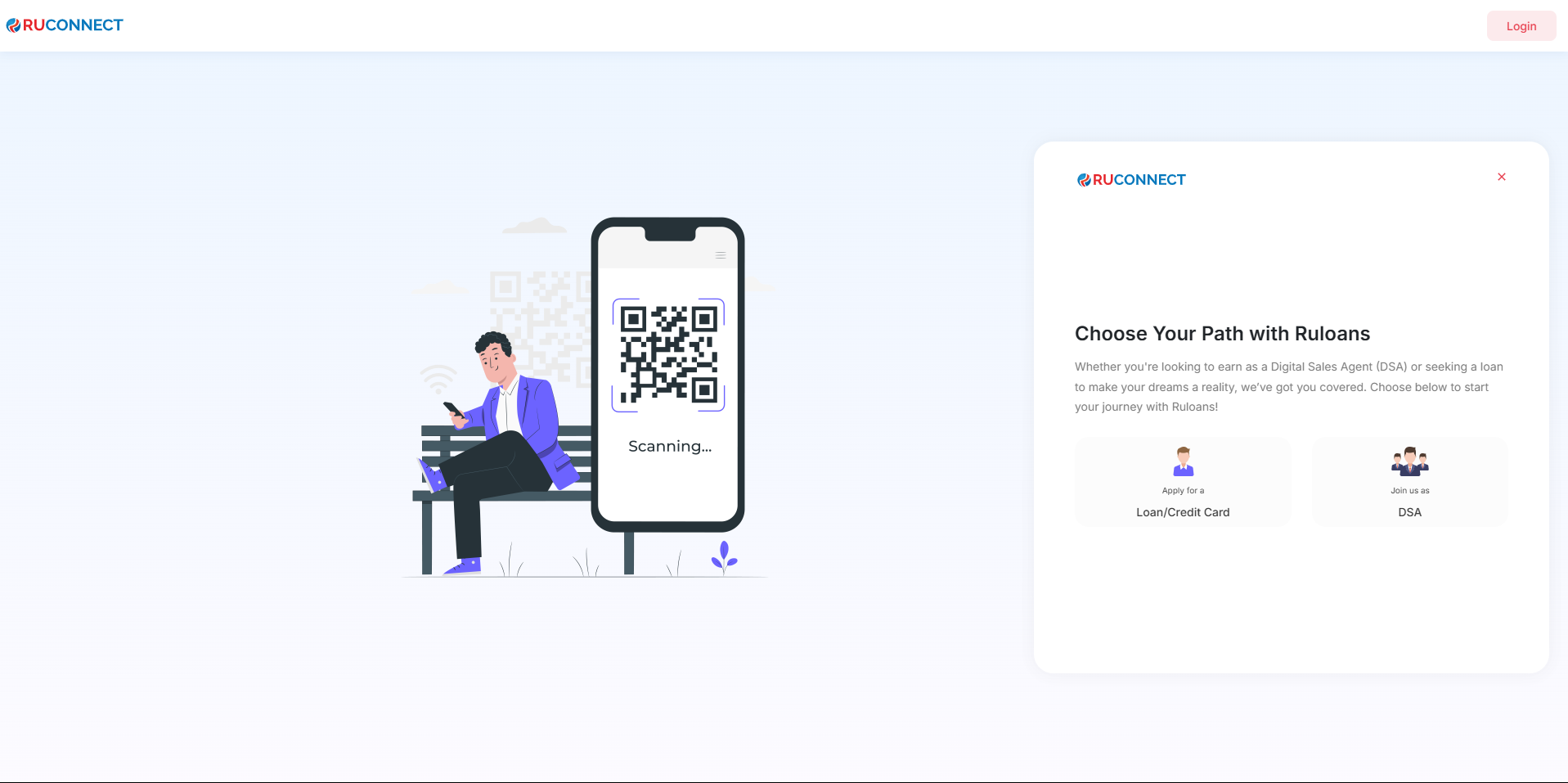
 ## Step 4: Choose Path with RUloans
1.Apply for Loan/Credit Card
2.Join us as DSA
## Step 4: Choose Path with RUloans
1.Apply for Loan/Credit Card
2.Join us as DSA
 ## Step 5: Apply For a Loan journey
1.Naviagte to Apply for a loan journey
2.Enter your mobile number
## Step 5: Apply For a Loan journey
1.Naviagte to Apply for a loan journey
2.Enter your mobile number
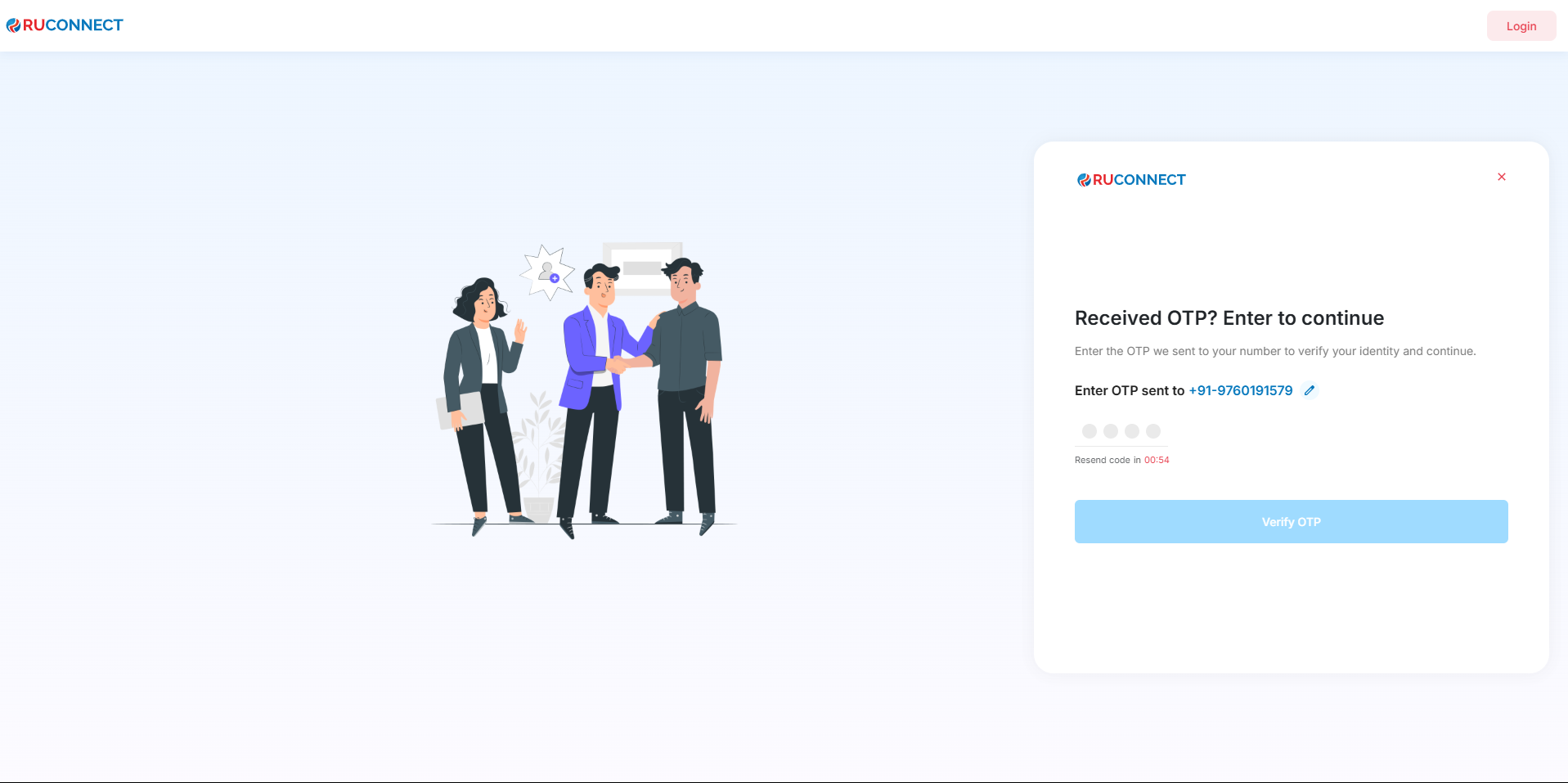
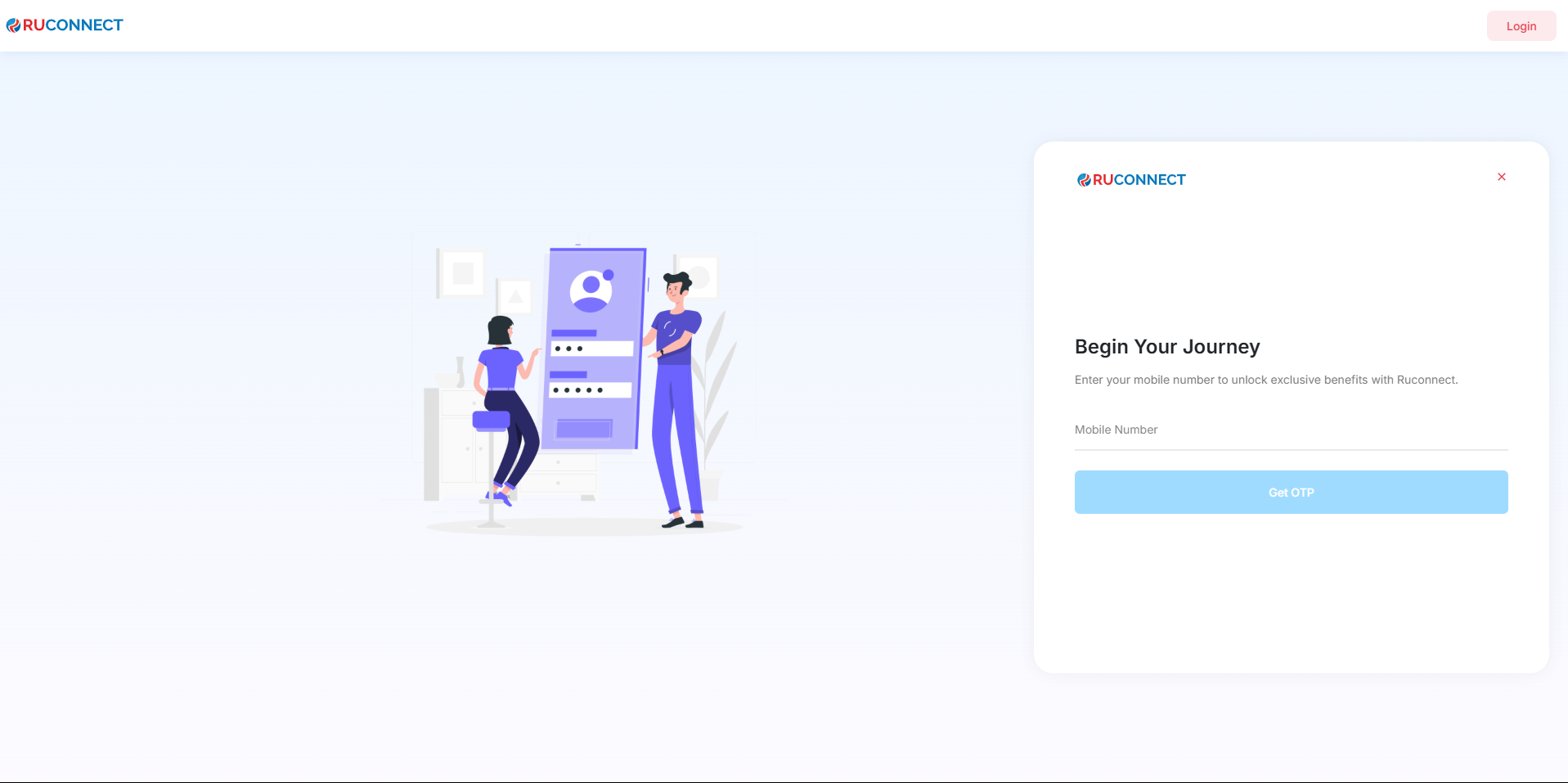 ## Step 6: Enter OTP for journey
1.Naviagte to OTP page.
2.Enter Correct OTP sent to the mobile number.
## Step 6: Enter OTP for journey
1.Naviagte to OTP page.
2.Enter Correct OTP sent to the mobile number.
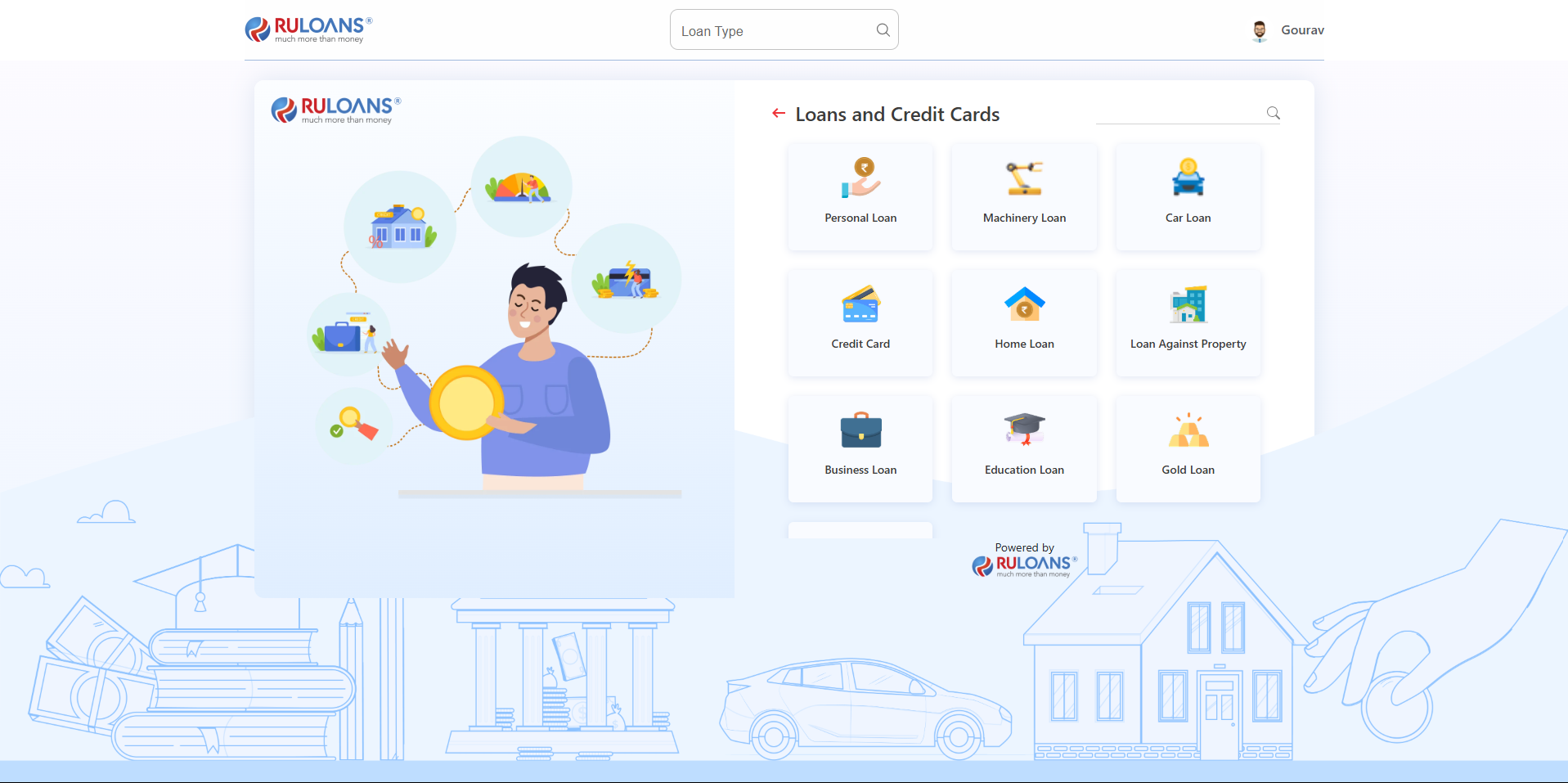
 ## Step 7: Customer Loans and Credit Card Page
1.User is navigated to loans/credit card page
2.Select the Loan Type and complete the selected loan journey.
## Step 7: Customer Loans and Credit Card Page
1.User is navigated to loans/credit card page
2.Select the Loan Type and complete the selected loan journey.
 \*\*Note: In step 4, when join as a DSA is selected
## Step 8: Join as a DSA
1.Naviagte to join as a DSA journey
2.User is redirected to Login page.
\*\*Note: In step 4, when join as a DSA is selected
## Step 8: Join as a DSA
1.Naviagte to join as a DSA journey
2.User is redirected to Login page.
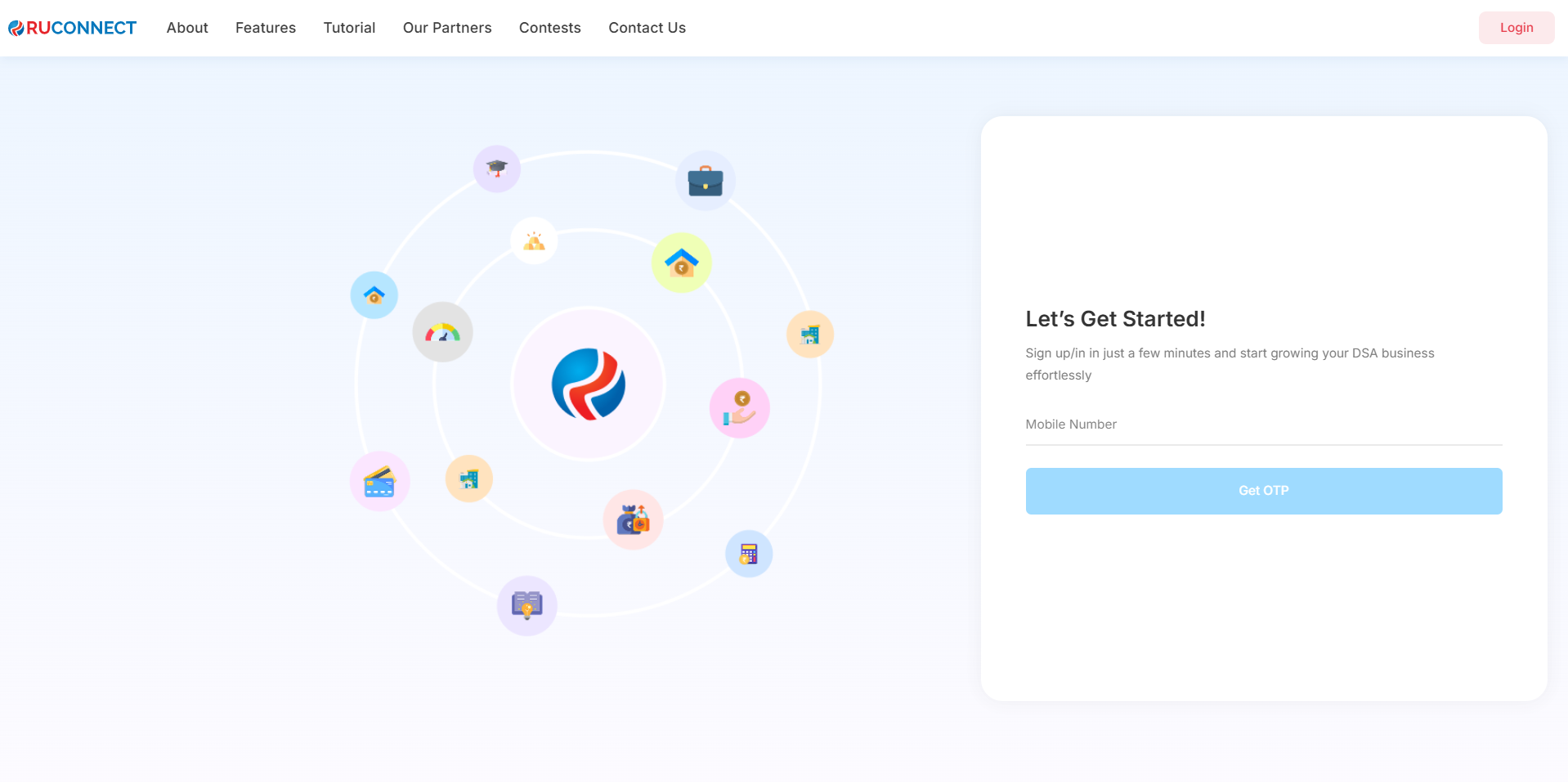 \*\*Note: User shall now follow the steps same mentioned in onboarding as an individual/company document with dsa reflecting as partner.
## Step 9: Share, Download and Plus button on hamburger menu
1. Share button will help dsa send a certain message to the person he wants to refer RuConnect.
2. Download button will download the QR code to the dsa's system or mobile.
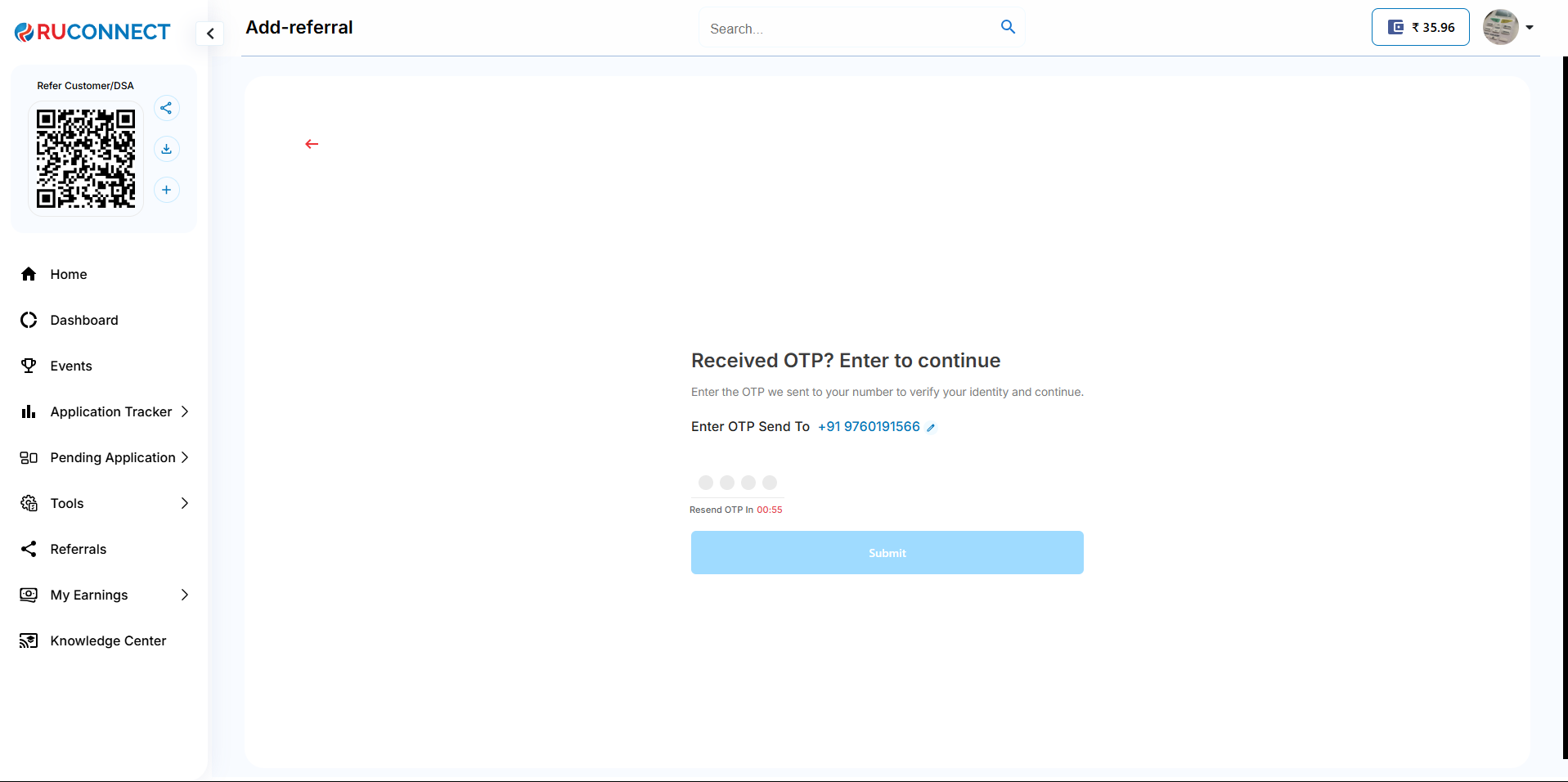
3. Plus button will help DSA refer someone using 4 simple steps.
\*\*Note: User shall now follow the steps same mentioned in onboarding as an individual/company document with dsa reflecting as partner.
## Step 9: Share, Download and Plus button on hamburger menu
1. Share button will help dsa send a certain message to the person he wants to refer RuConnect.
2. Download button will download the QR code to the dsa's system or mobile.
3. Plus button will help DSA refer someone using 4 simple steps.
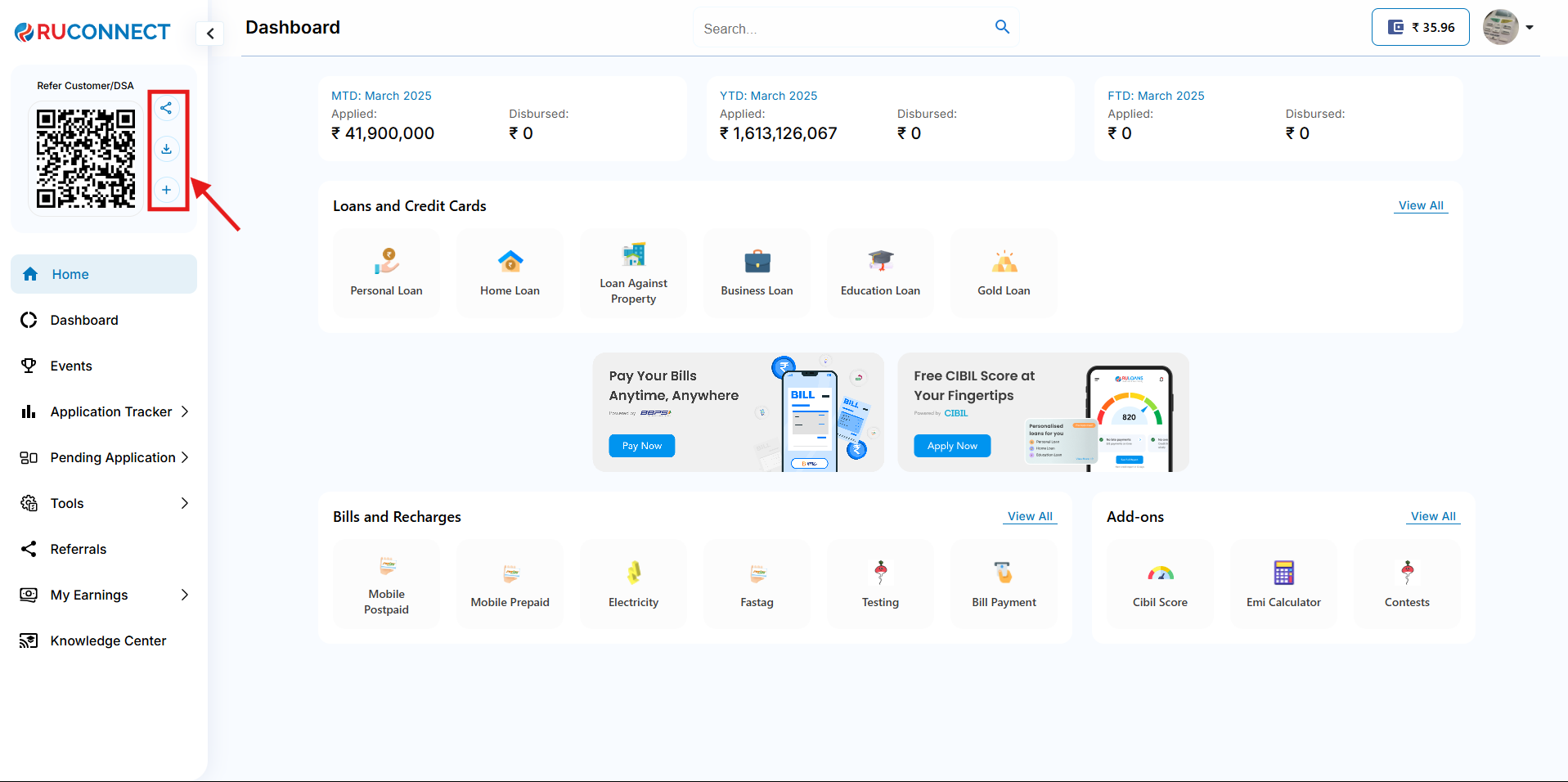 ## Step 10: Share button
1.User can share this to any platform of his choice to the new referral.
## Step 10: Share button
1.User can share this to any platform of his choice to the new referral.
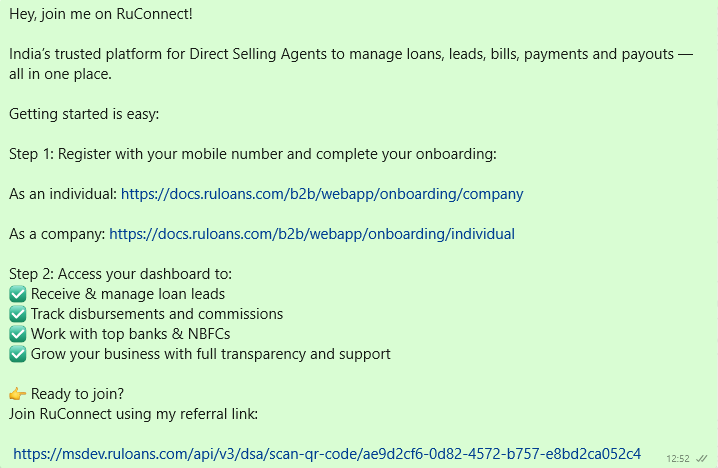
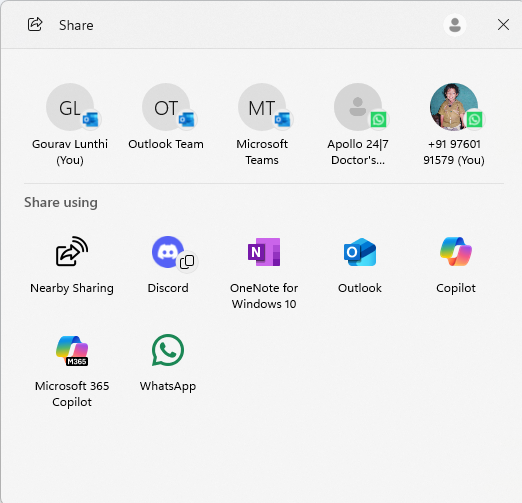 2.Message that is shared to the new user
 ## Step 11: Download QR
1.A QR image is downloaded to the DSA's system which he can share.
## Step 11: Download QR
1.A QR image is downloaded to the DSA's system which he can share.
 ## Step 12: Plus button
1.User is navigated to Referee's mobile number page.
## Step 12: Plus button
1.User is navigated to Referee's mobile number page.
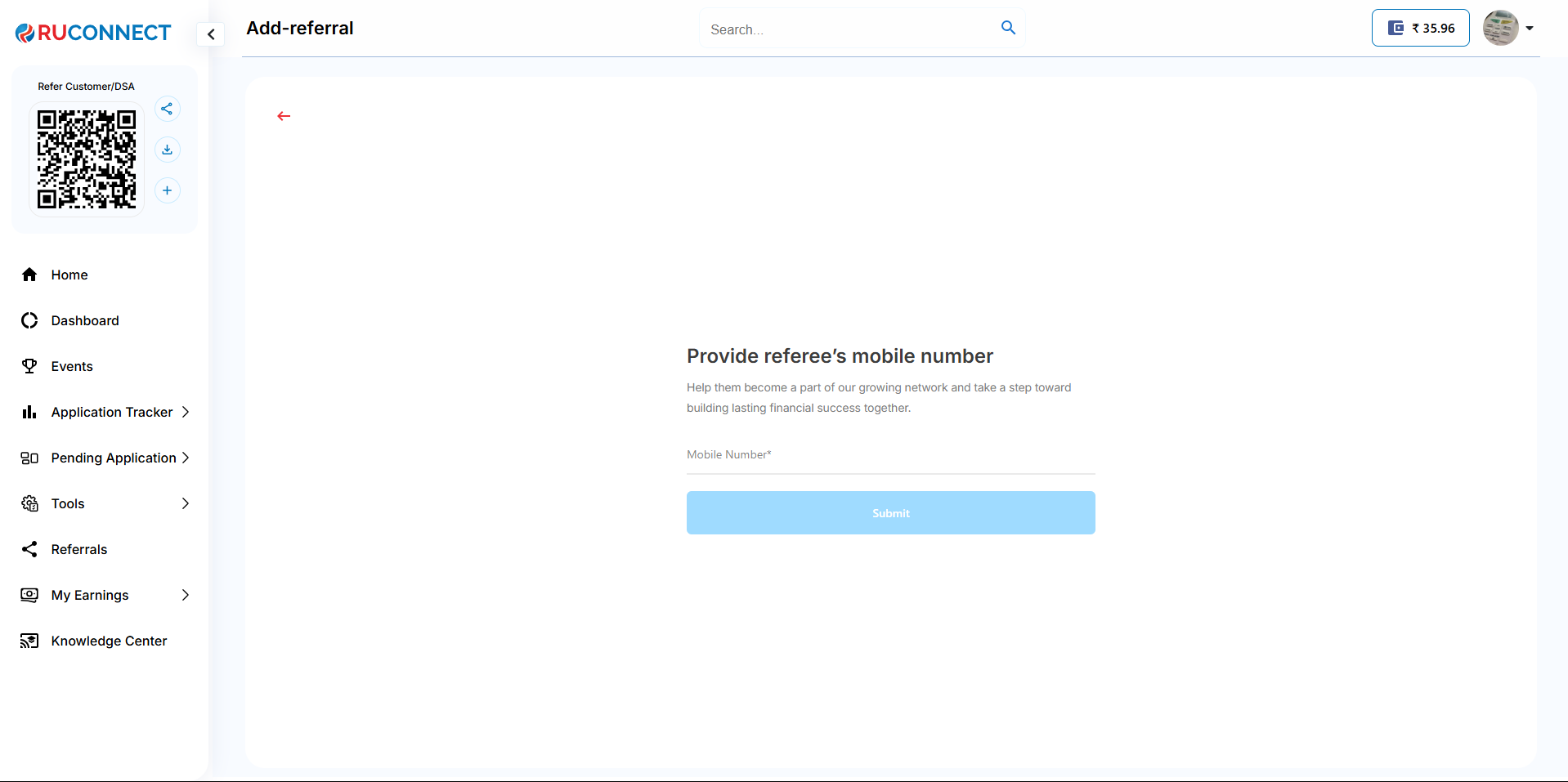 2.Enter correct OTP sent to referee's mobile phone.
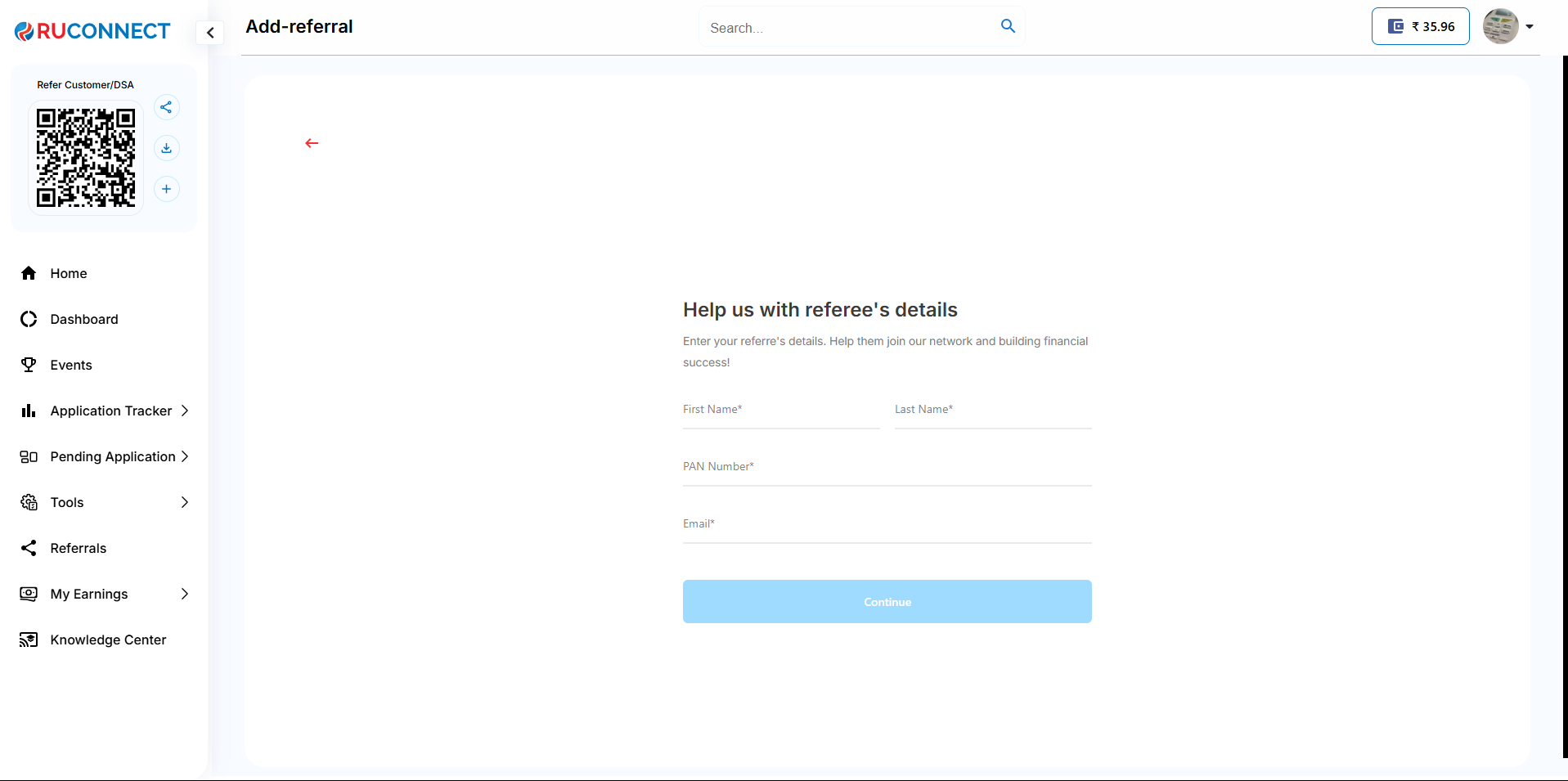
 3.Help us with Referee's details
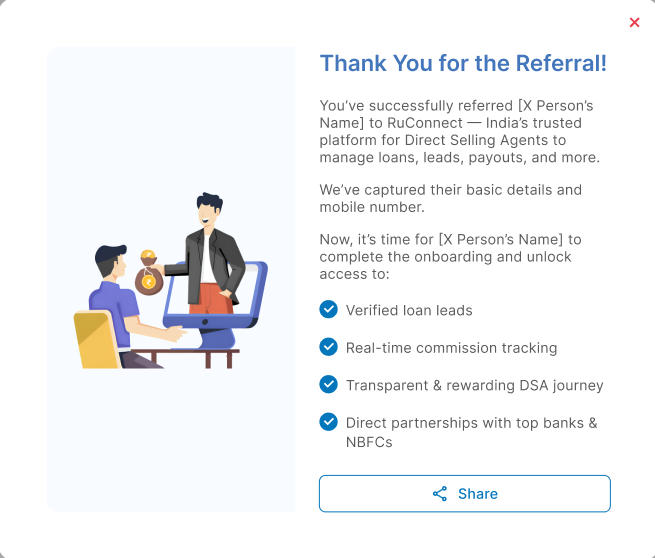
 4.Thank You screen with share button