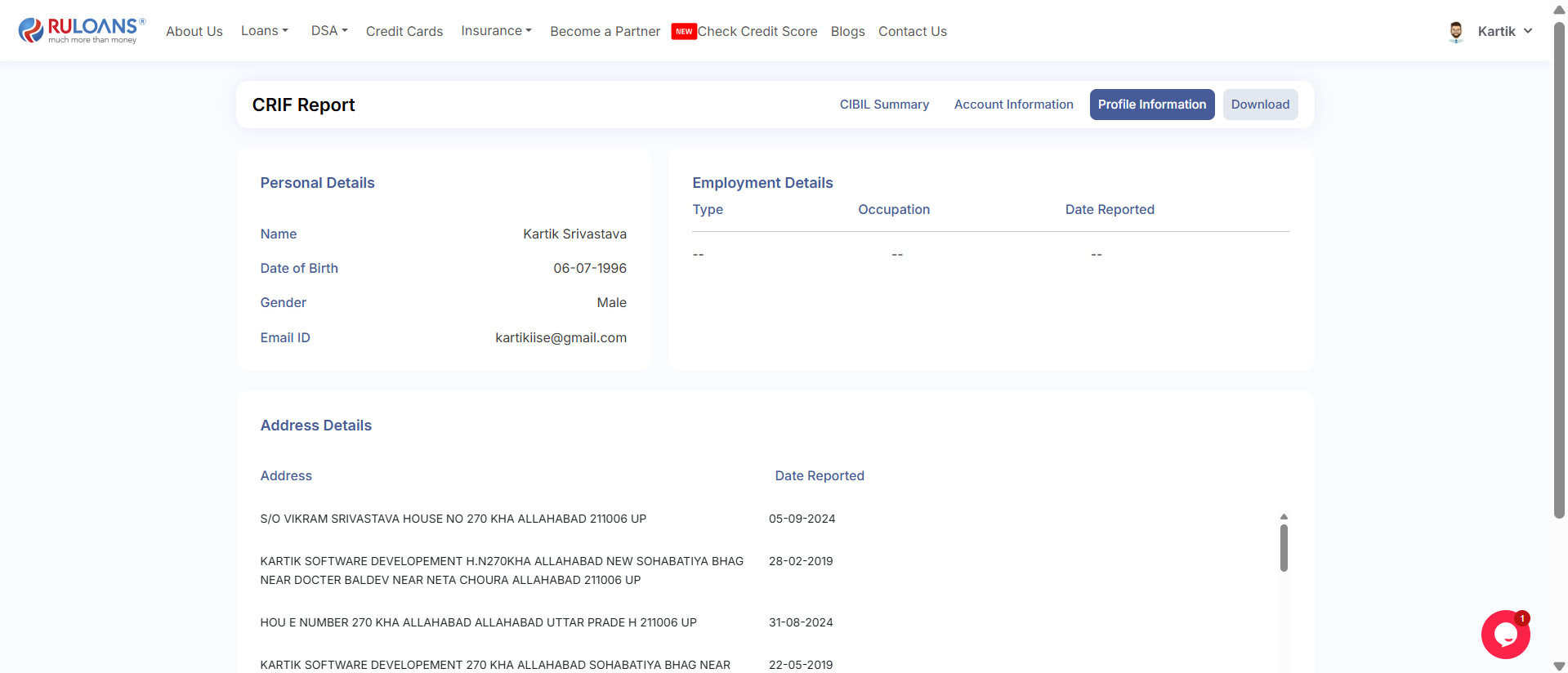
Documentation for New Feature in RuLoans Platform: CRIF Integration
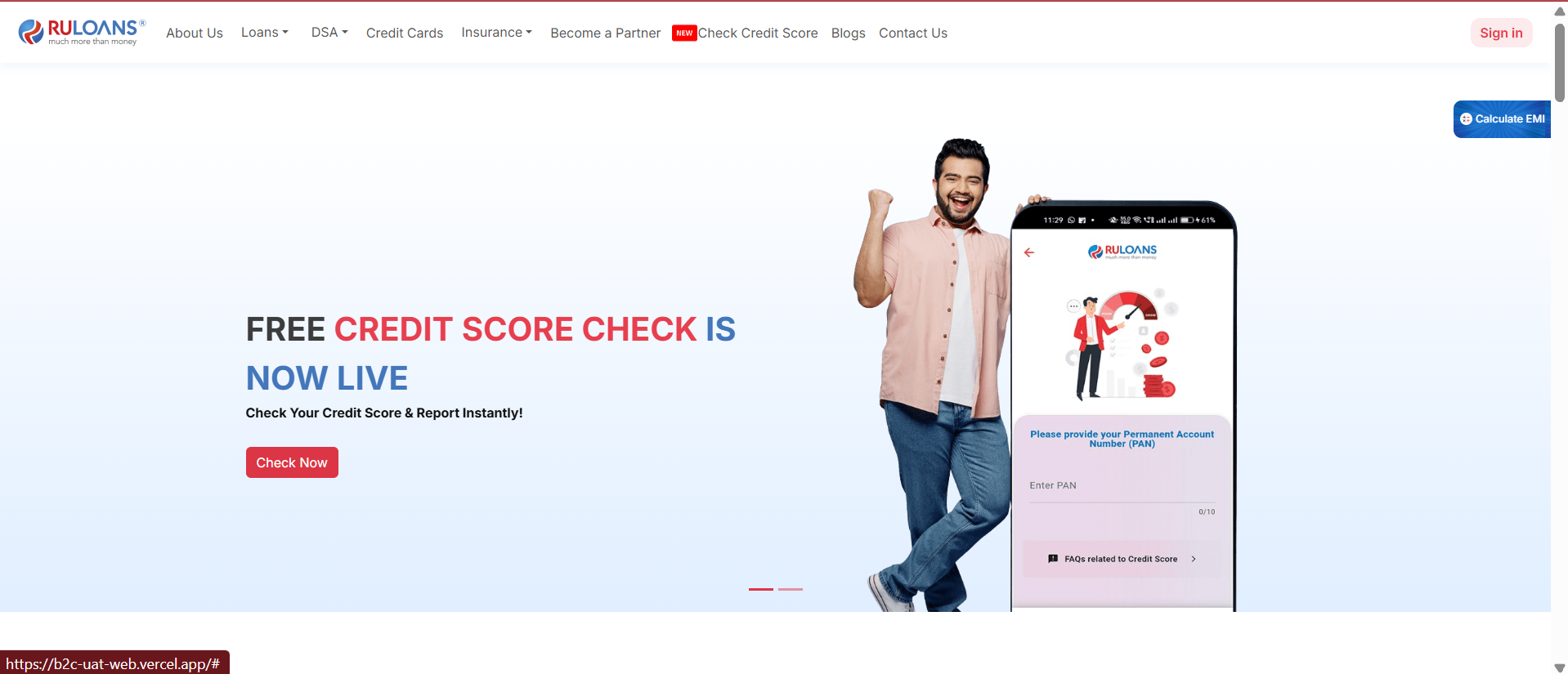
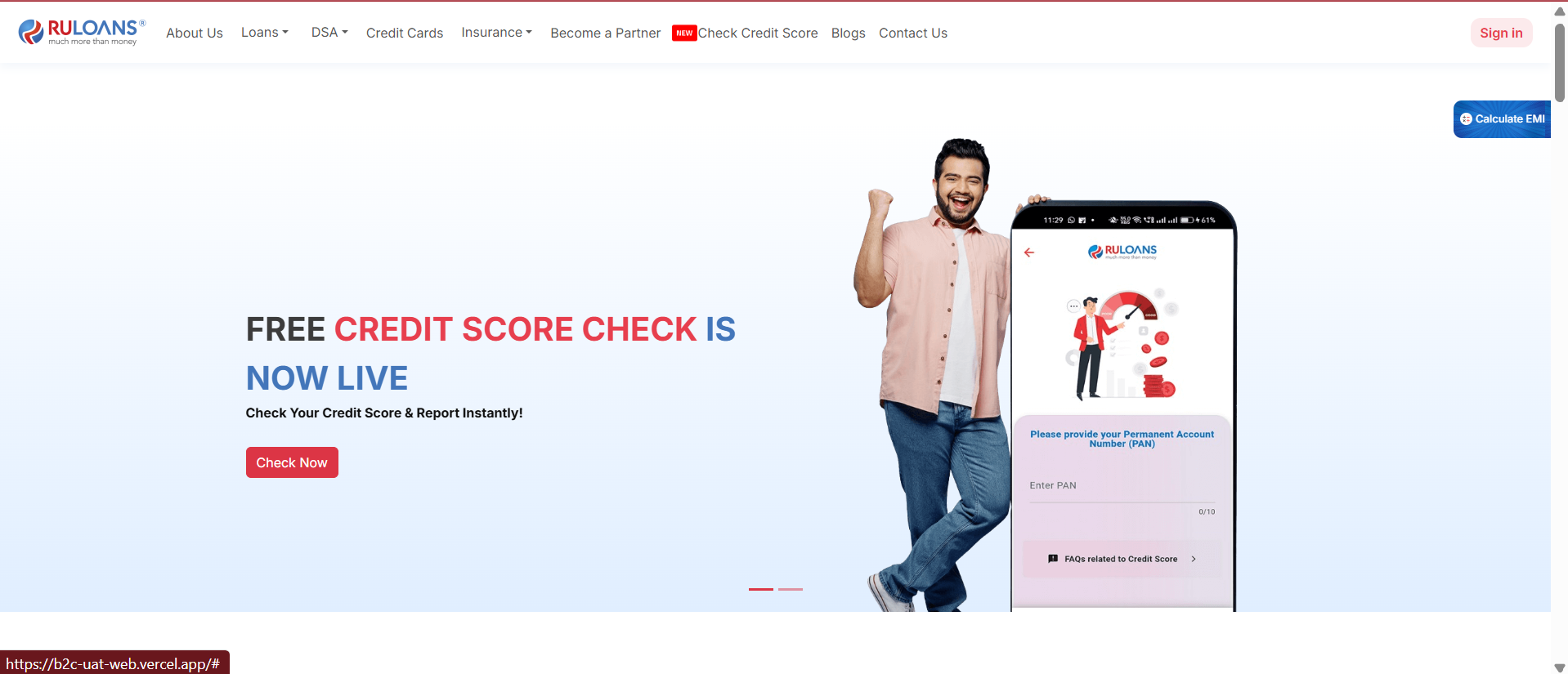
Step 1: Launch Web App
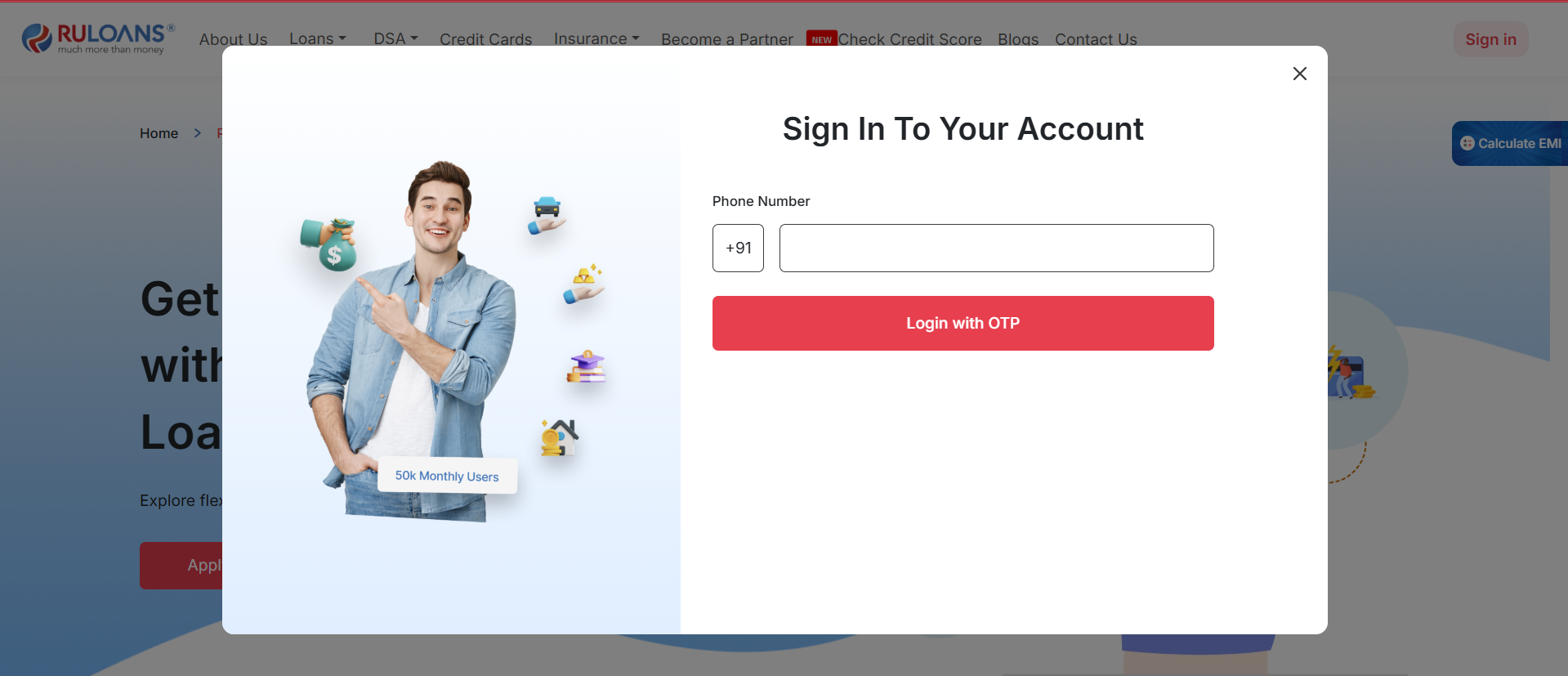
Step 2: Log in to the Web App
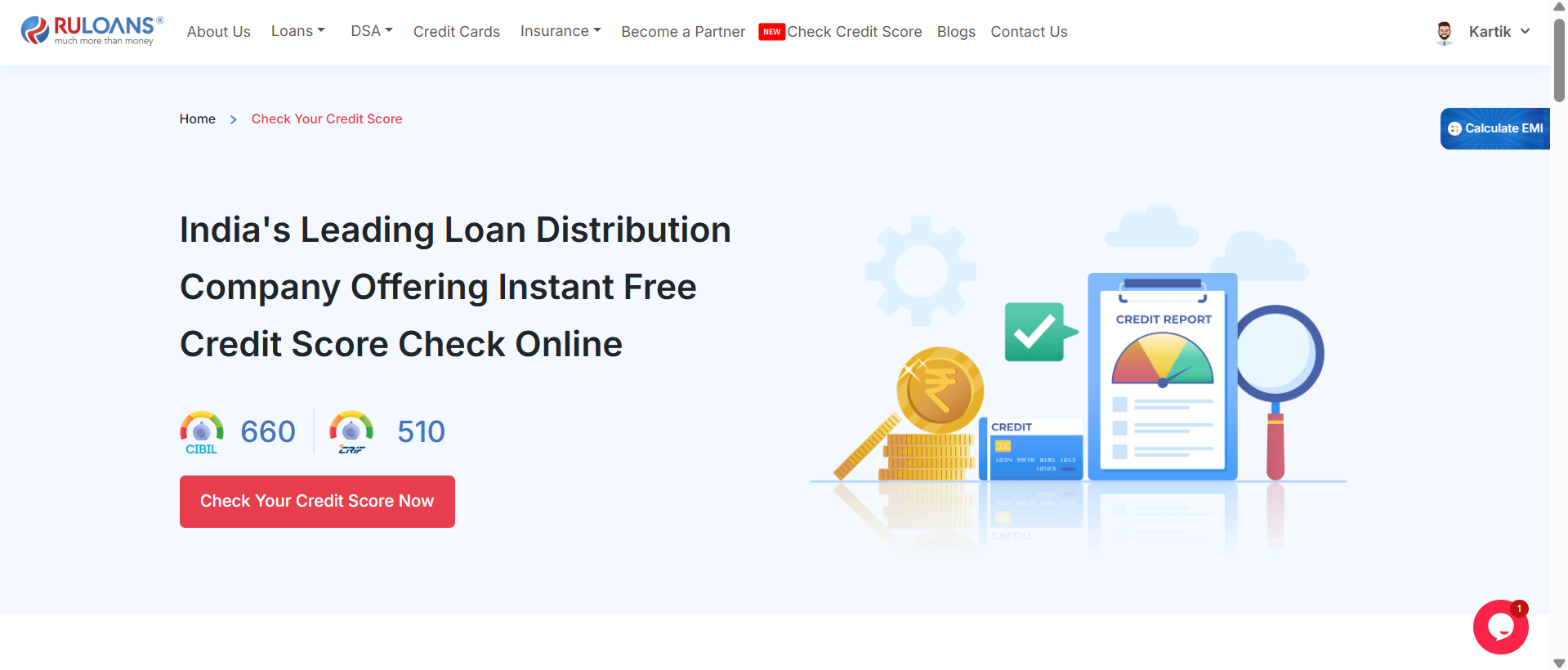
Step 3: Select the Check Credit Score from the Nav Bar

Step 4: Click on the Check Your Credit Score CTA
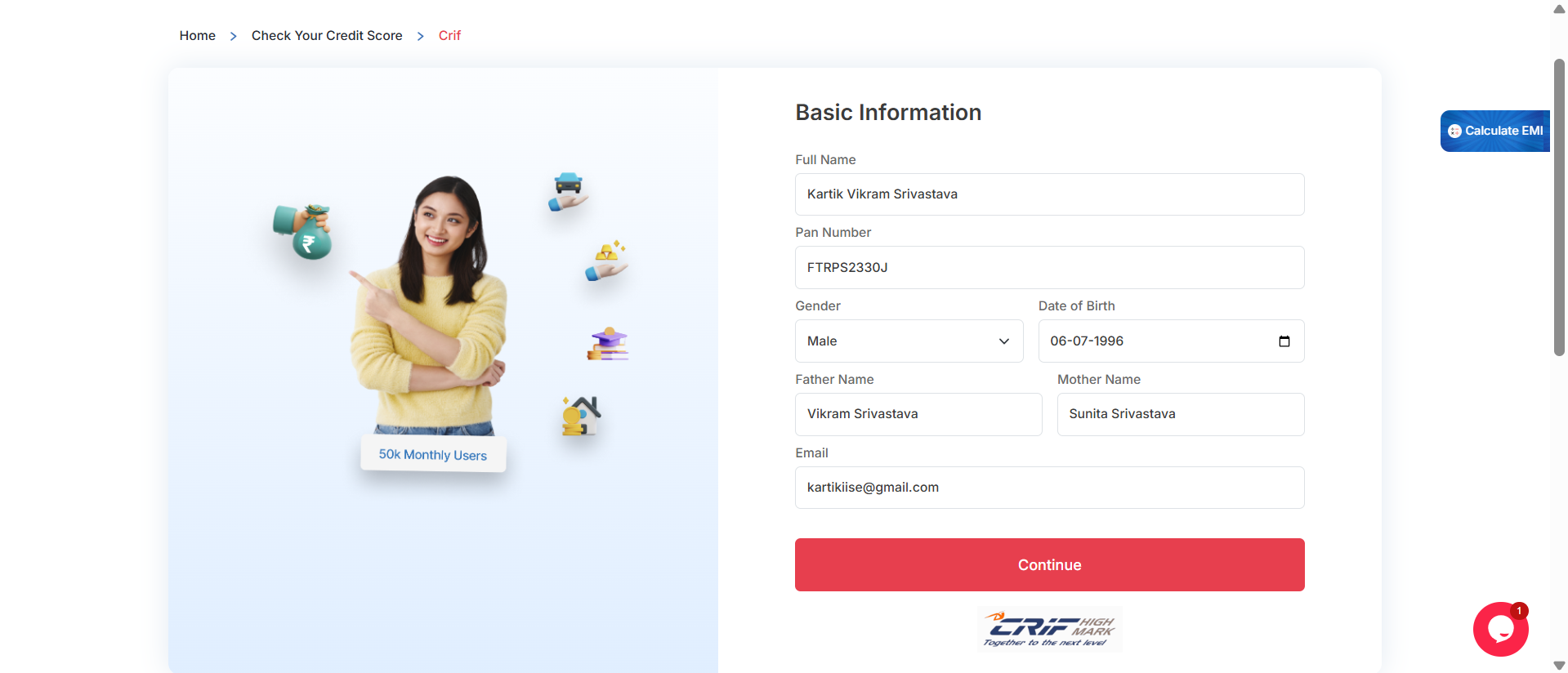
Step 5: Enter Your Basic Information
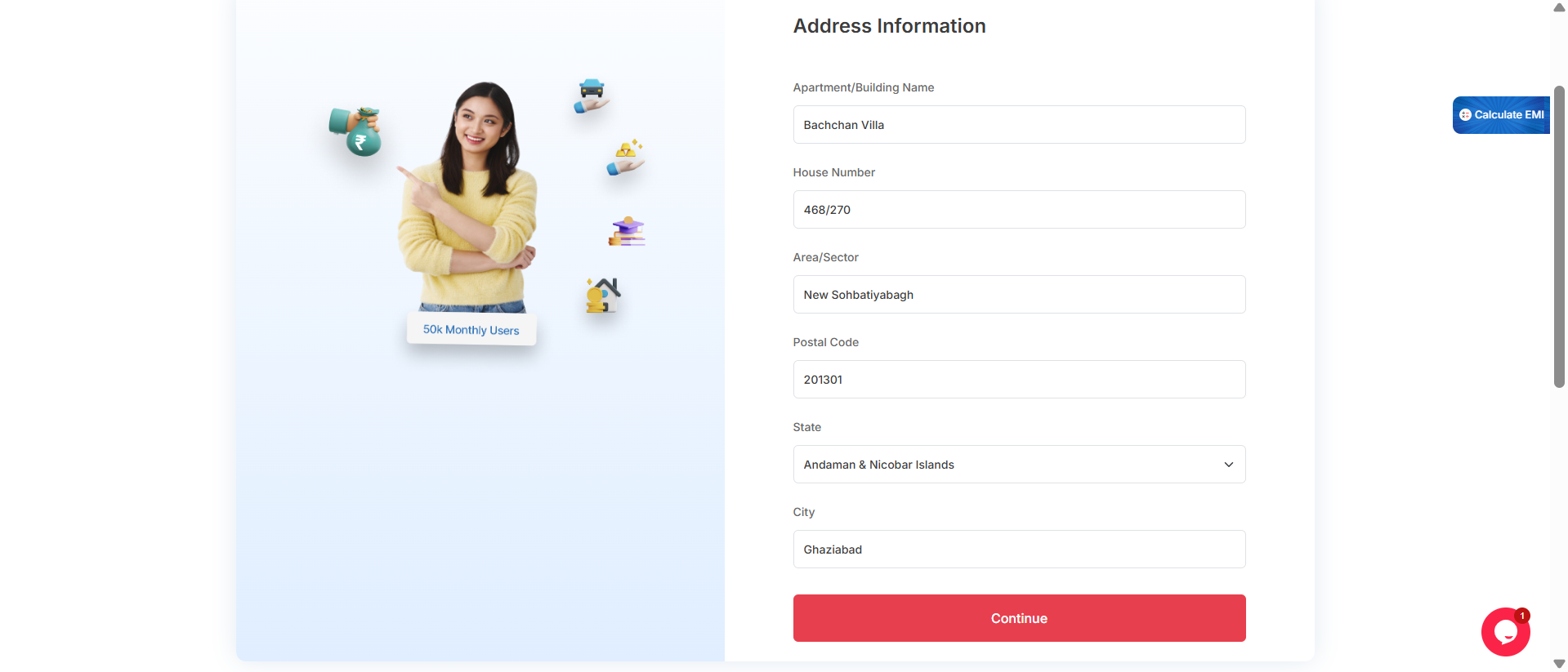
Step 6: Enter Your Address Information
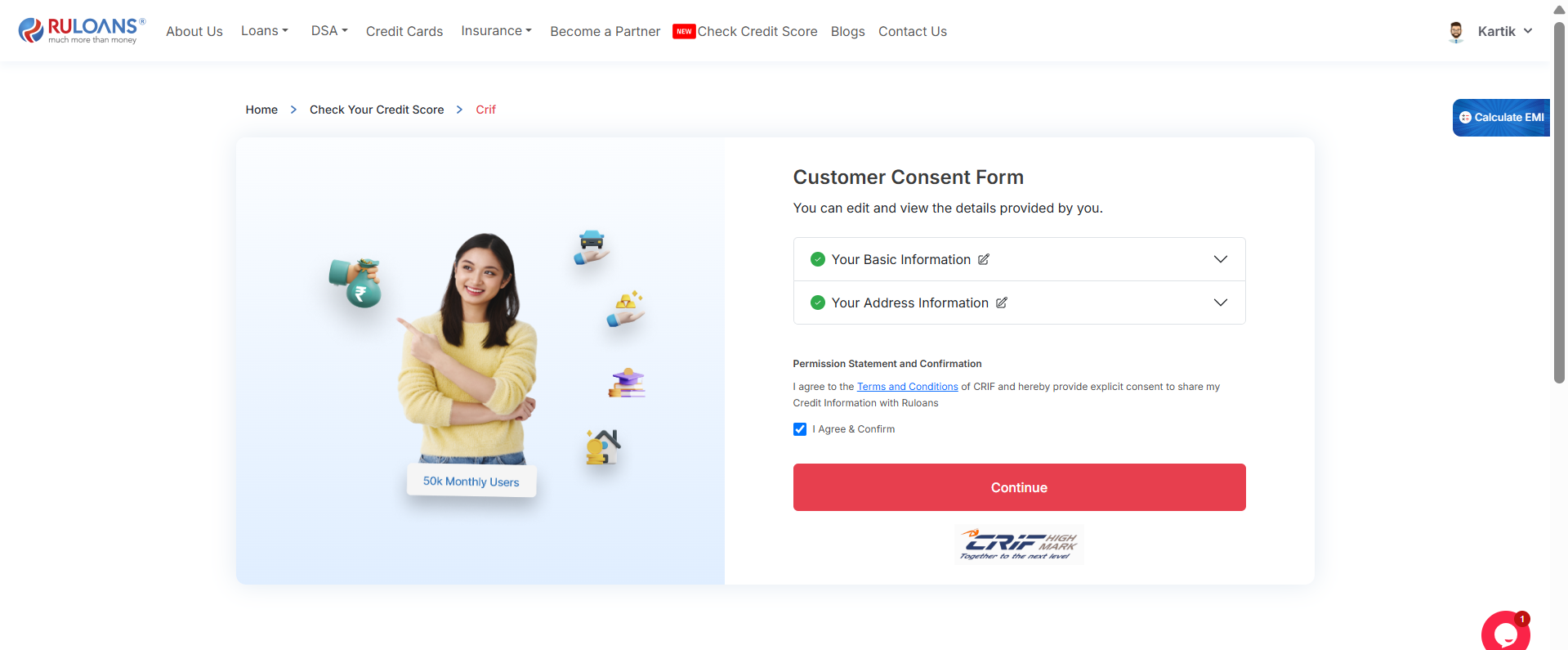
Step 7: Click on Continue CTA
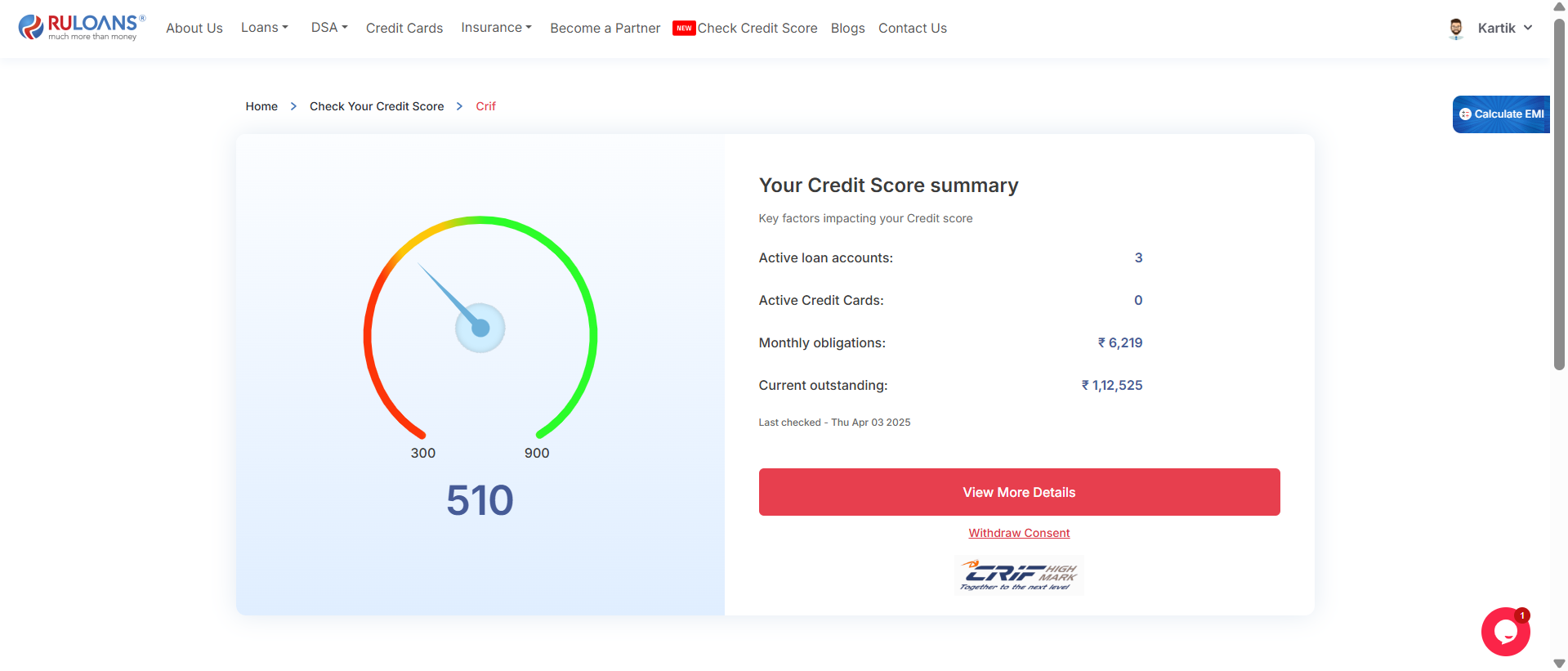
Step 8: View Your Credit Score Summary
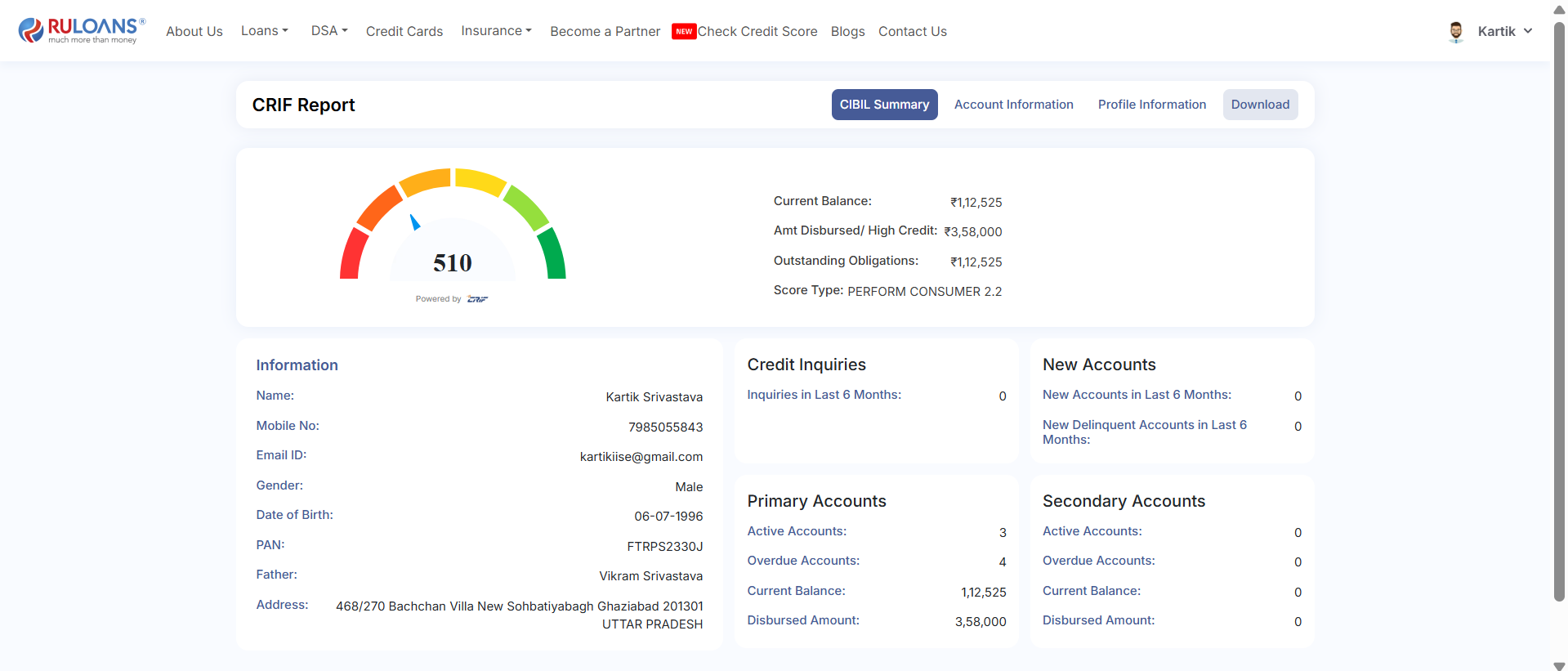
Step 9: Click on View More Details
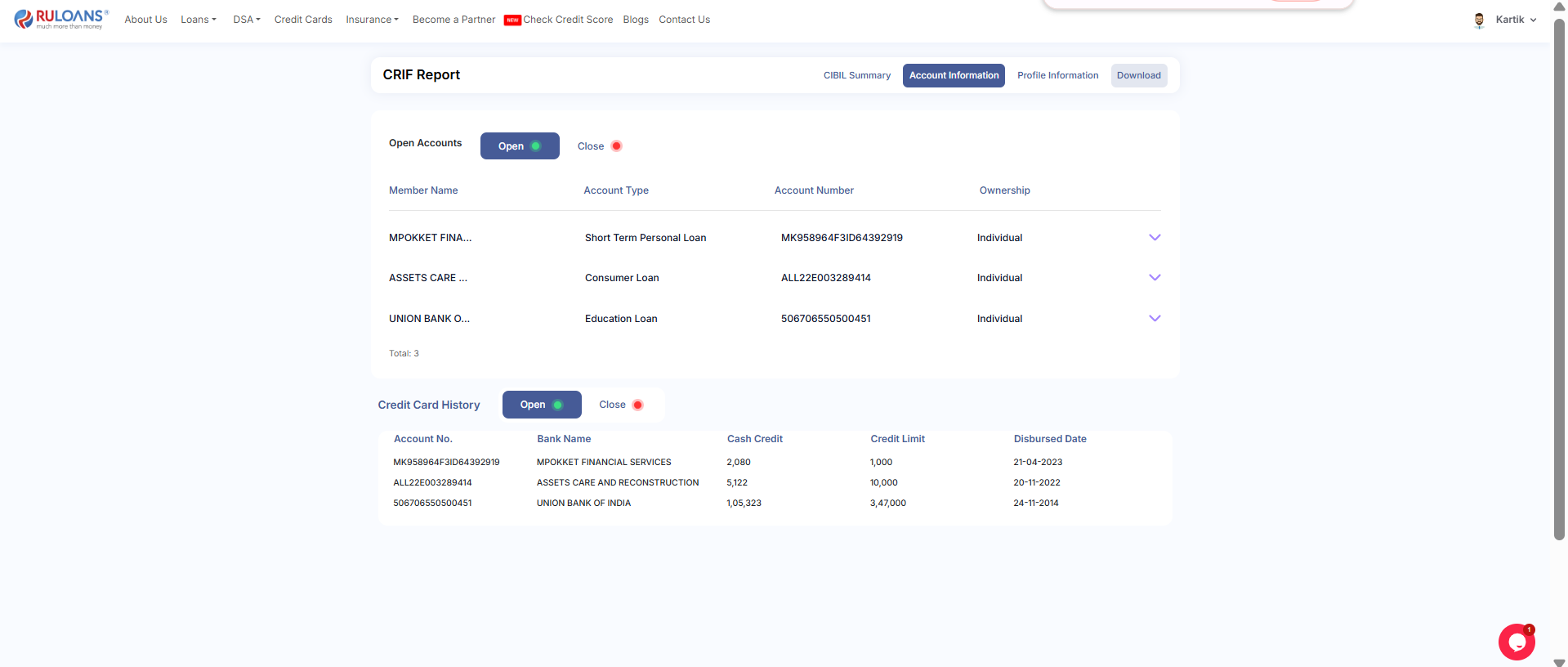
Step 10: Click on Account Information
Step 11: Click on Profile Information
Step 12: Click on Download from the Navigation Bar on CRIF