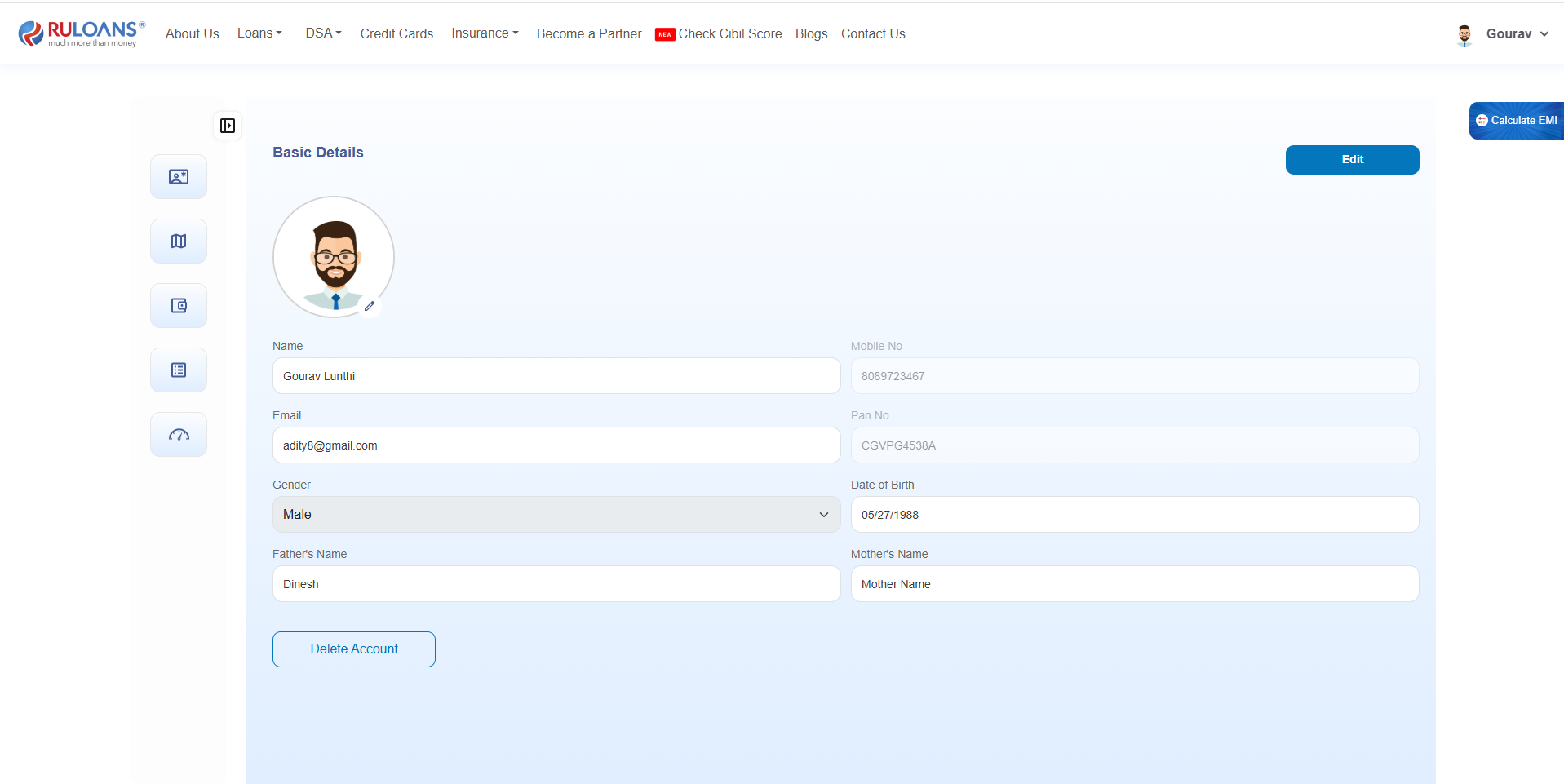
Customer Mobile Number Update
Overview
The Customer Mobile Number Update feature allows users to securely change their registered mobile number. To ensure account security, OTP verification is performed on both the existing and the new mobile numbers before the update is completed.Step 1: Login to the Portal
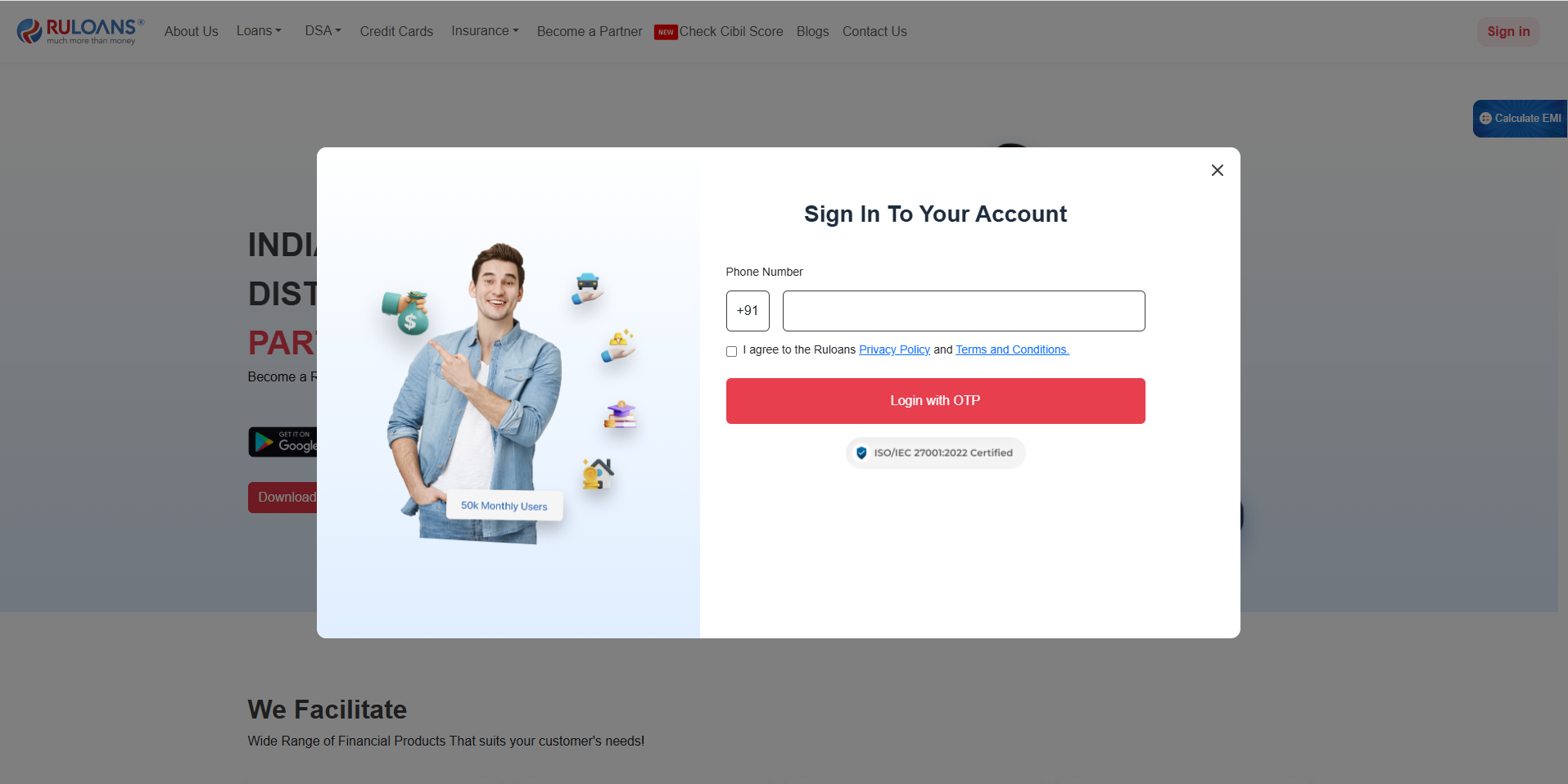
- Open https://ruloans.com.
- Enter the registered mobile number.
- Click Send OTP.
- Enter the OTP received on the registered mobile number.
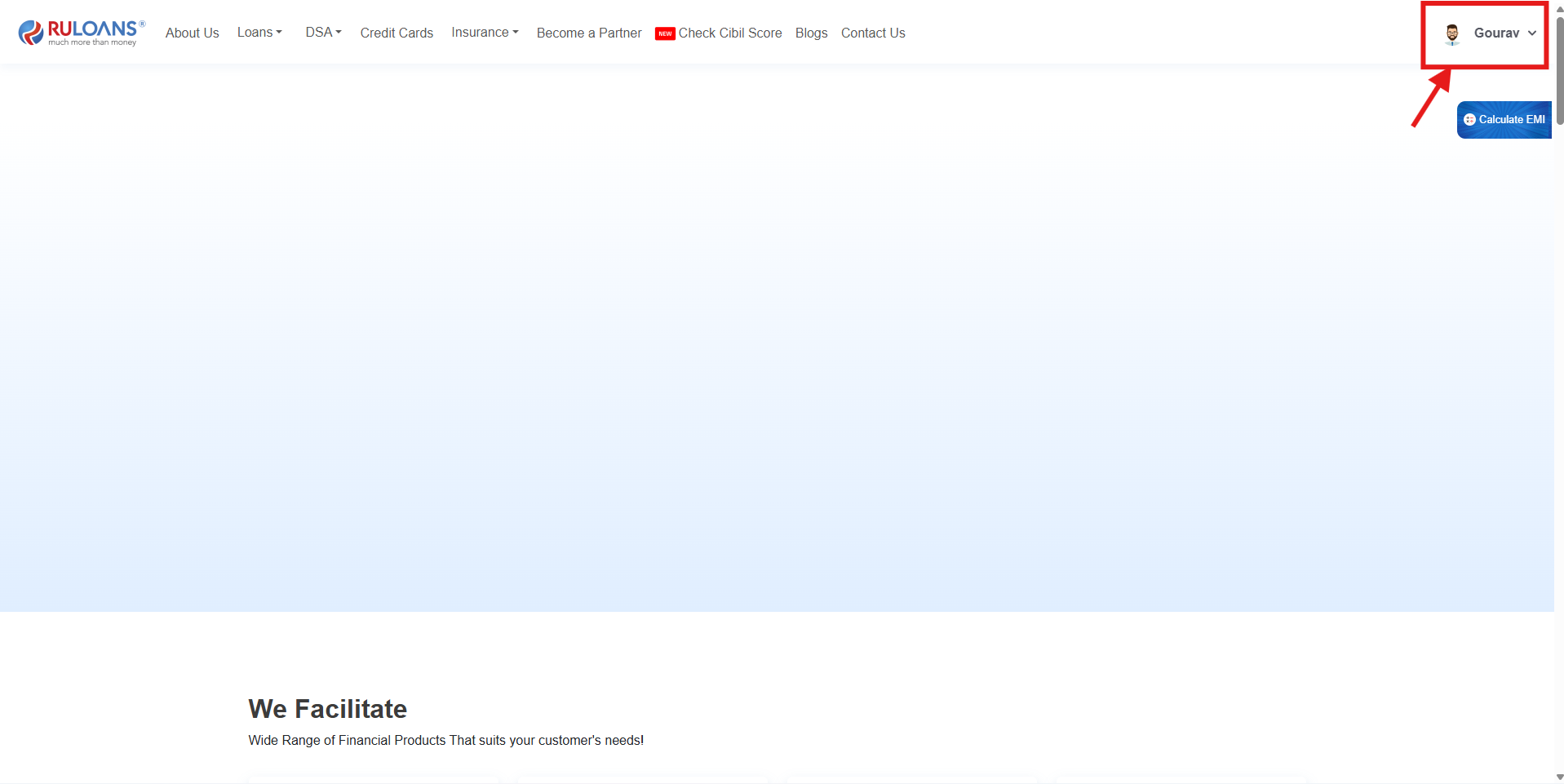
- Click Verify & Login.
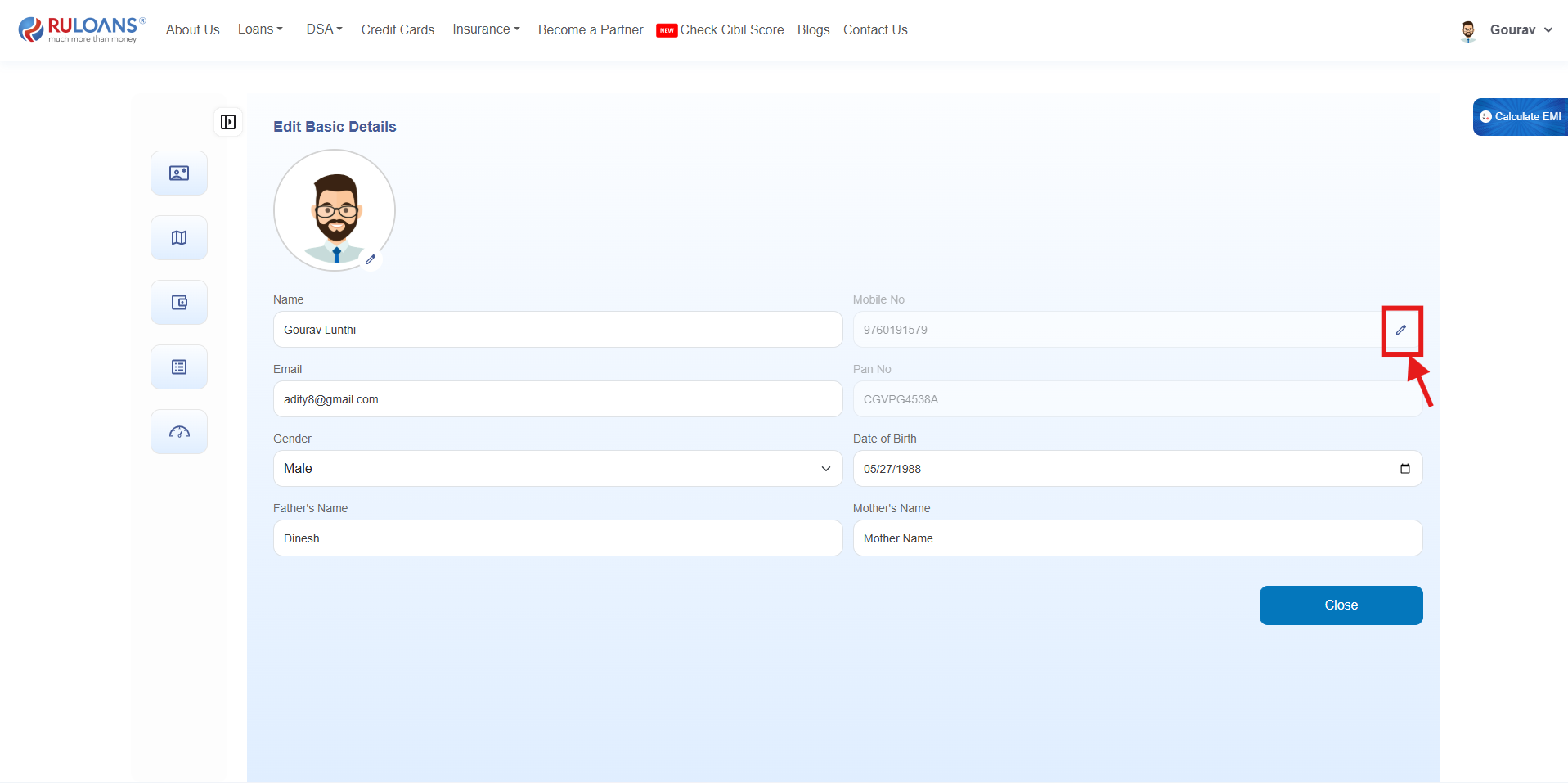
Step 2: Enter New Mobile Number
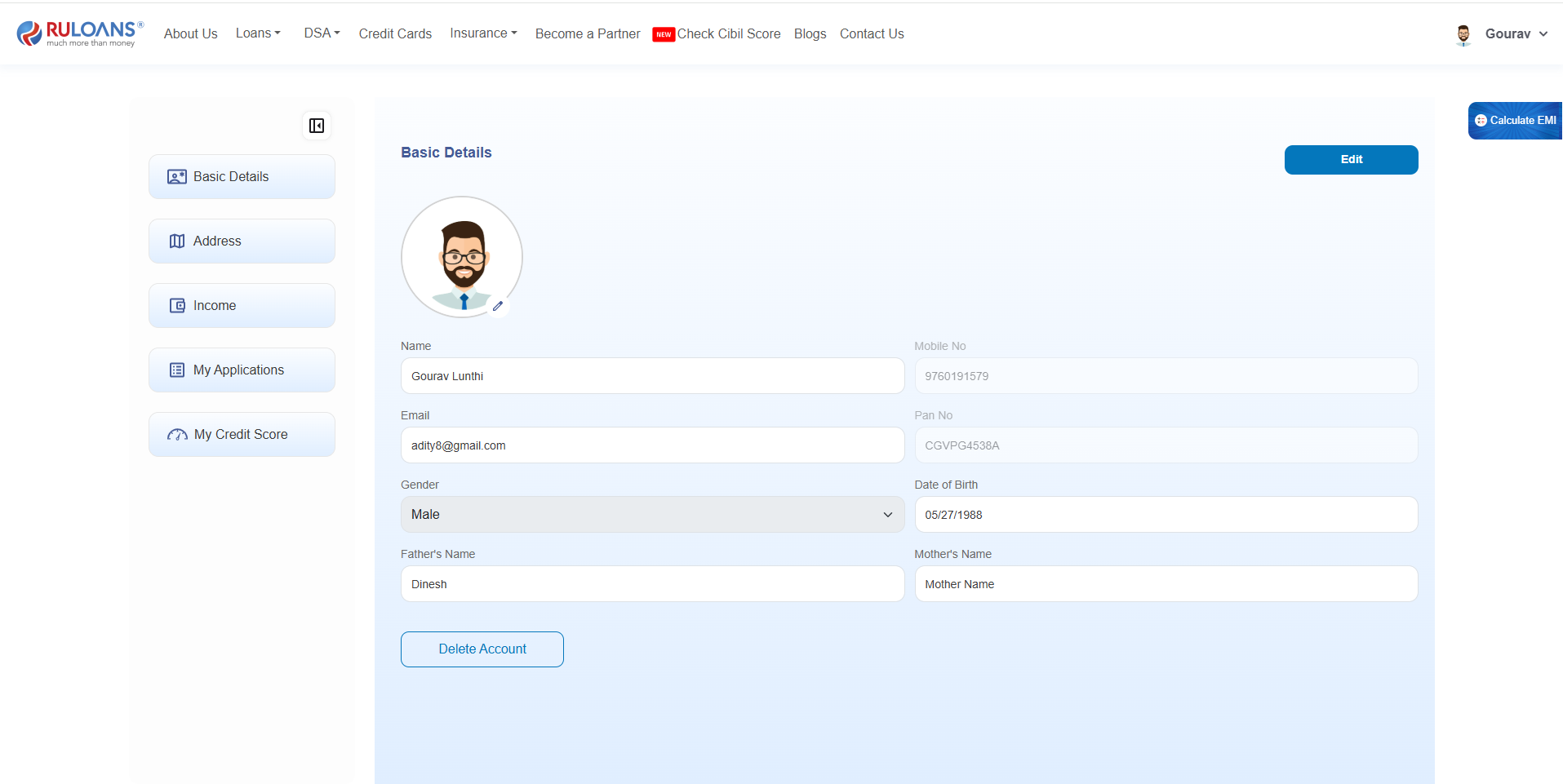
- Navigate to Profile.
- Click Update Mobile Number.
- Enter the new mobile number.
- Click Send OTP.
The system validates the entered mobile number before proceeding.
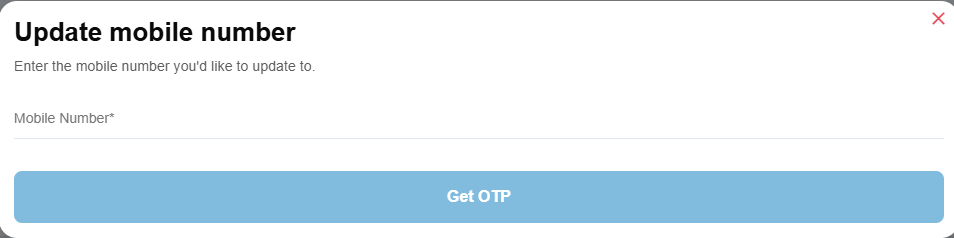
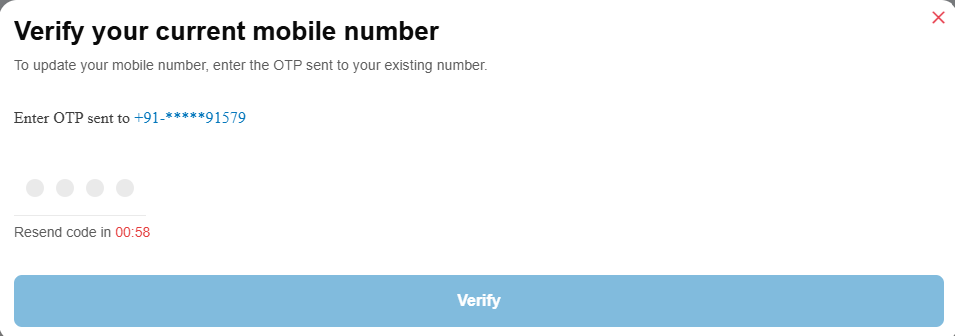
Step 3: Verify Existing Mobile Number
An OTP is sent to the customer’s currently registered mobile number.- Enter the OTP received on the existing mobile number.
- Click Verify OTP.
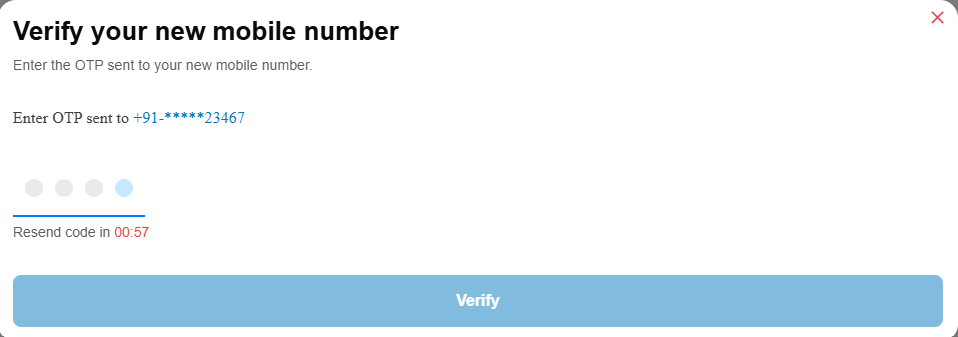
Step 4: Verify New Mobile Number
After successful verification of the existing number, an OTP is sent to the new mobile number.- Enter the OTP received on the new mobile number.
- Click Verify OTP.
Successful Update
After both OTP verifications are successful:- The customer’s account is mapped to the new mobile number.
- The previous mobile number is replaced with the new mobile number.
- All future logins and OTP-based authentication will use the updated mobile number.