Overview
This document defines the functional specifications for the DSA Partner Reassign Approval system in the CRM. It explains how authorized users can initiate and approve DSA partner reassignments, the criteria that determine reassignment eligibility, the validation checks applied to DSA primary details, KYC records, and application data, and the permissions required for each action.Prerequisites
- Access to the CRM system with the required permissions to view and assign partner.
Step-by-Step Process
1. Navigate to DSA
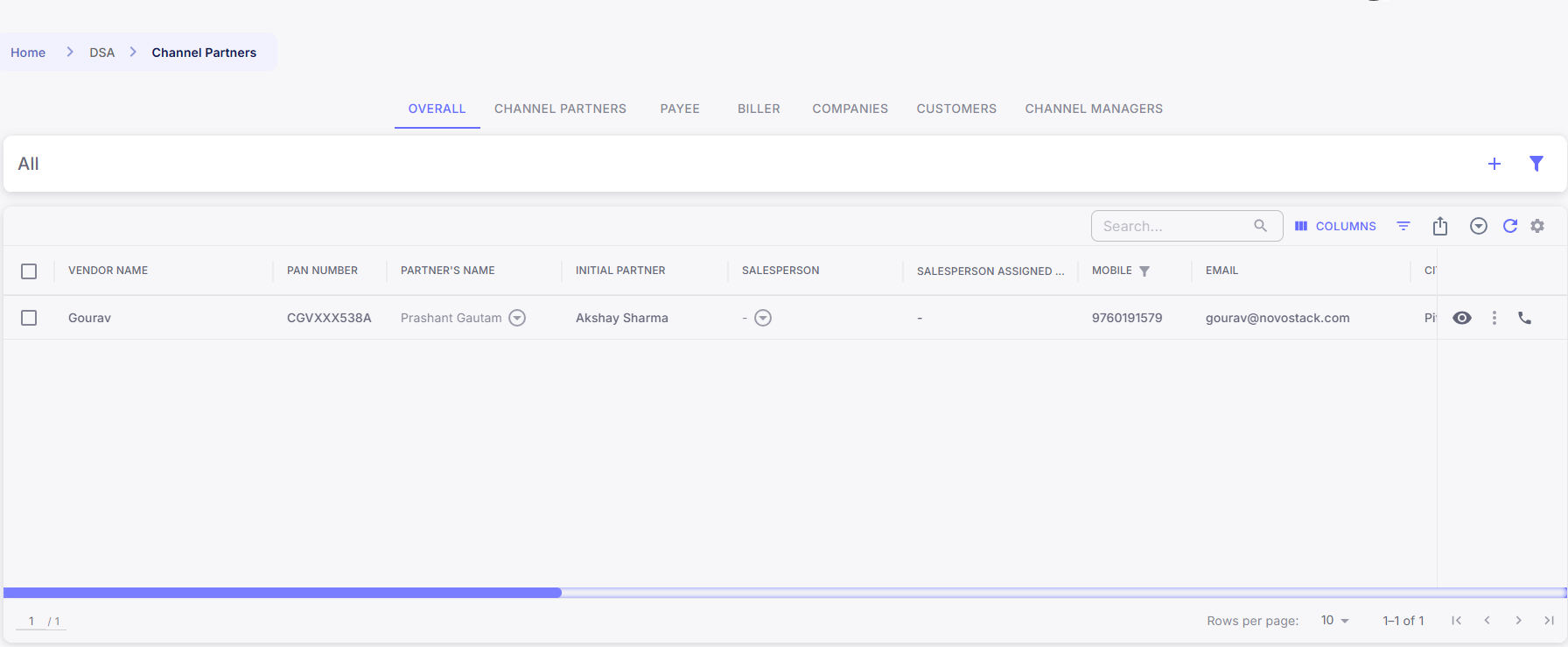
- Scroll on to hamburger menu located on the left side of the dashboard.
- In the menu, select DSA.
- Click on Channel Partner.
2. Select the DSA and the New Partner
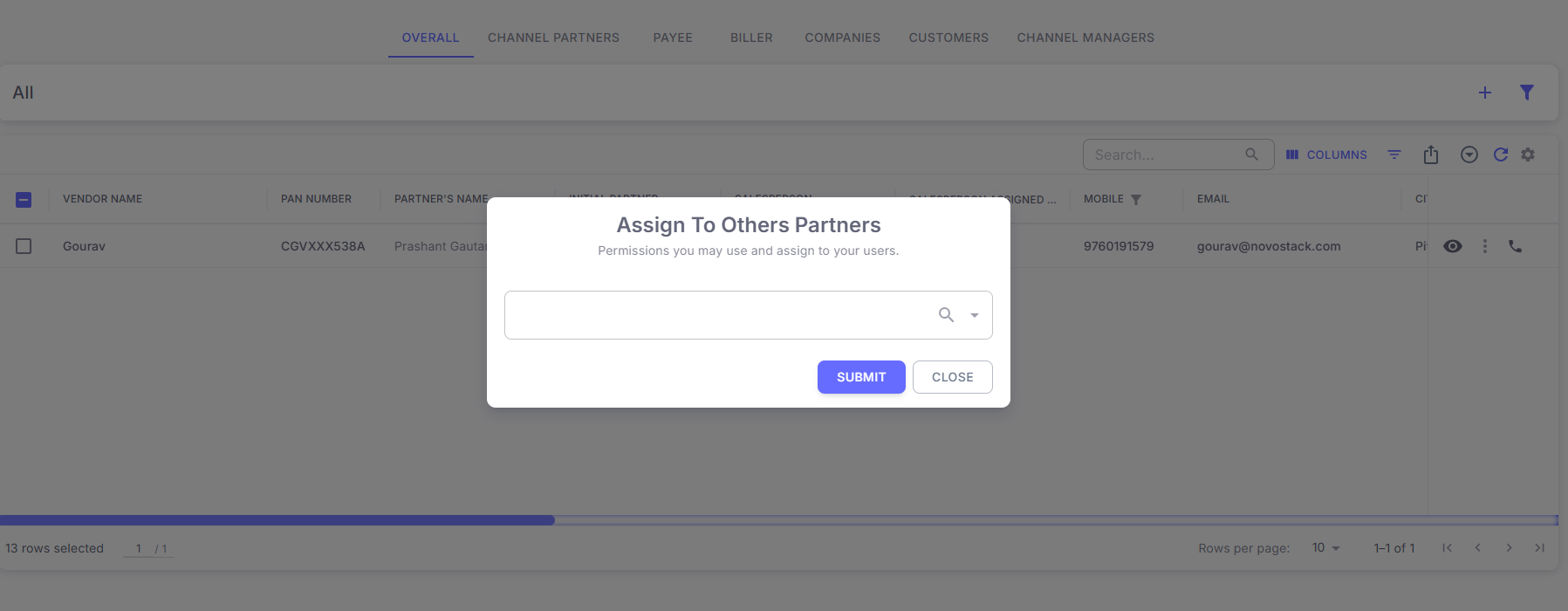
- Select the DSA whose partner needs to be changed.
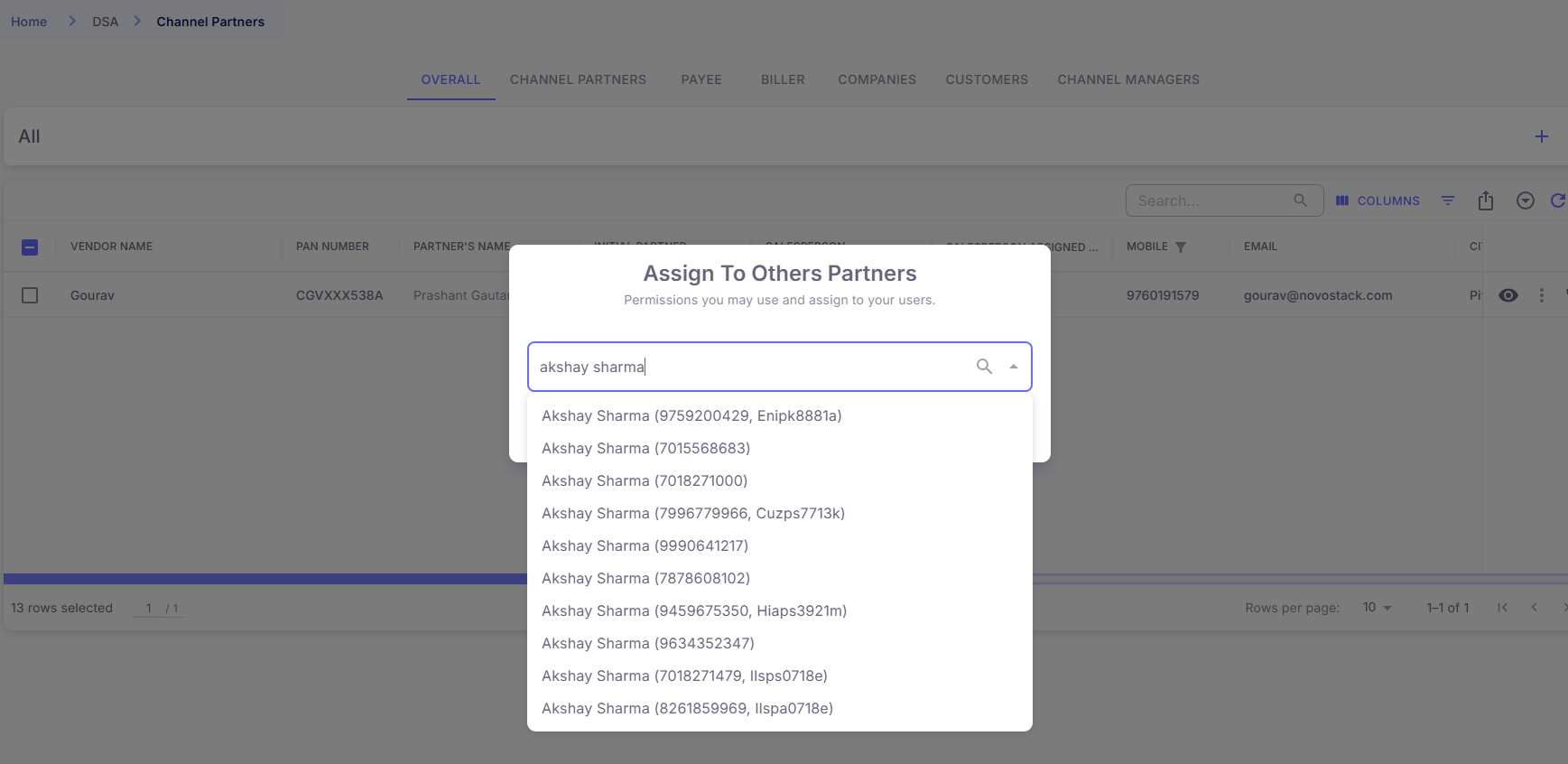
- From the Partner’s Name dropdown, select the partner you want to assign.
- You can search for the partner using PAN, Mobile Number, or Name.
- Click on submit button.
3. Select an Approver
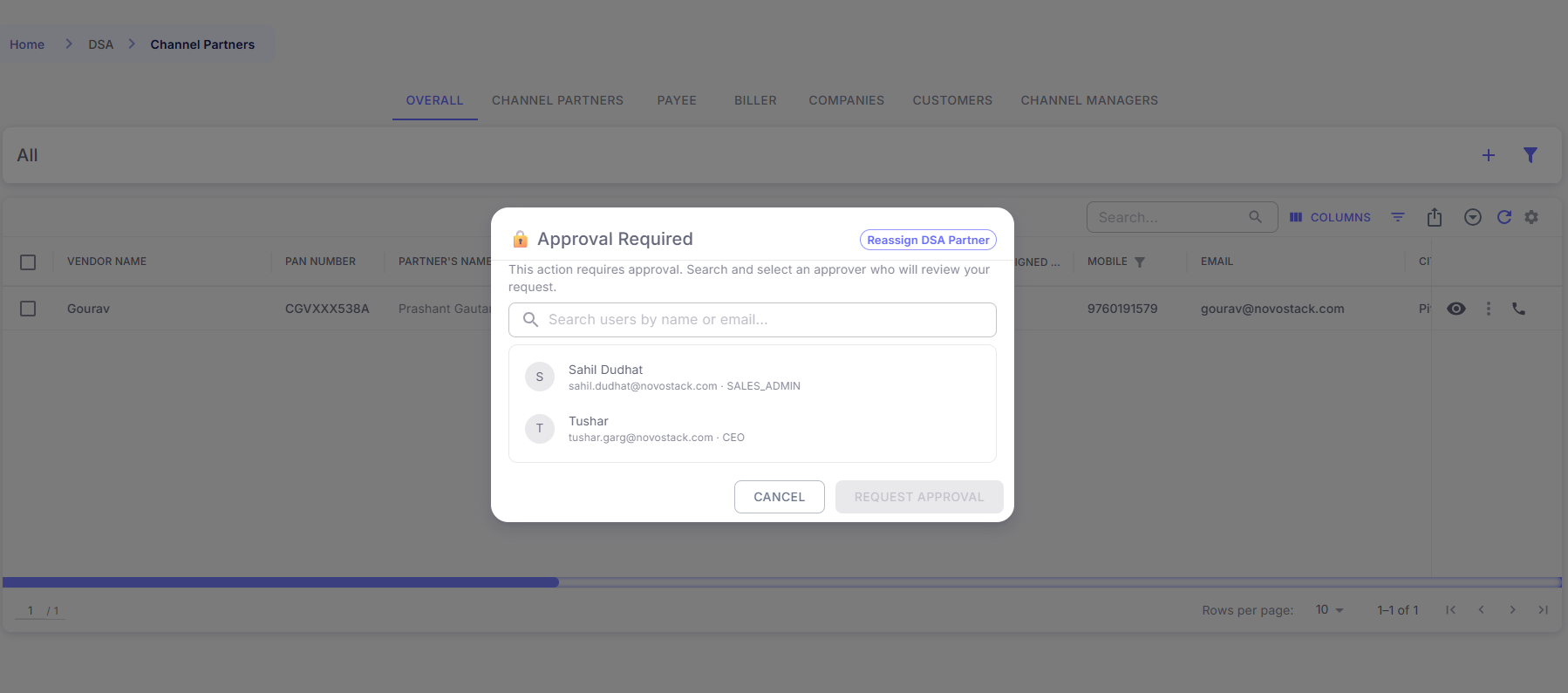
- An Approval Required pop-up will appear.
- The pop-up will display a list of users who can approve the request.
- Each approver’s name, email, and role are shown.
- Use the search box to find an approver by name or email.
- Click on the approver you want to assign for approval.
- Click Request Approval to send the request to the selected approver.
4. Track Approval Status in Approval Center
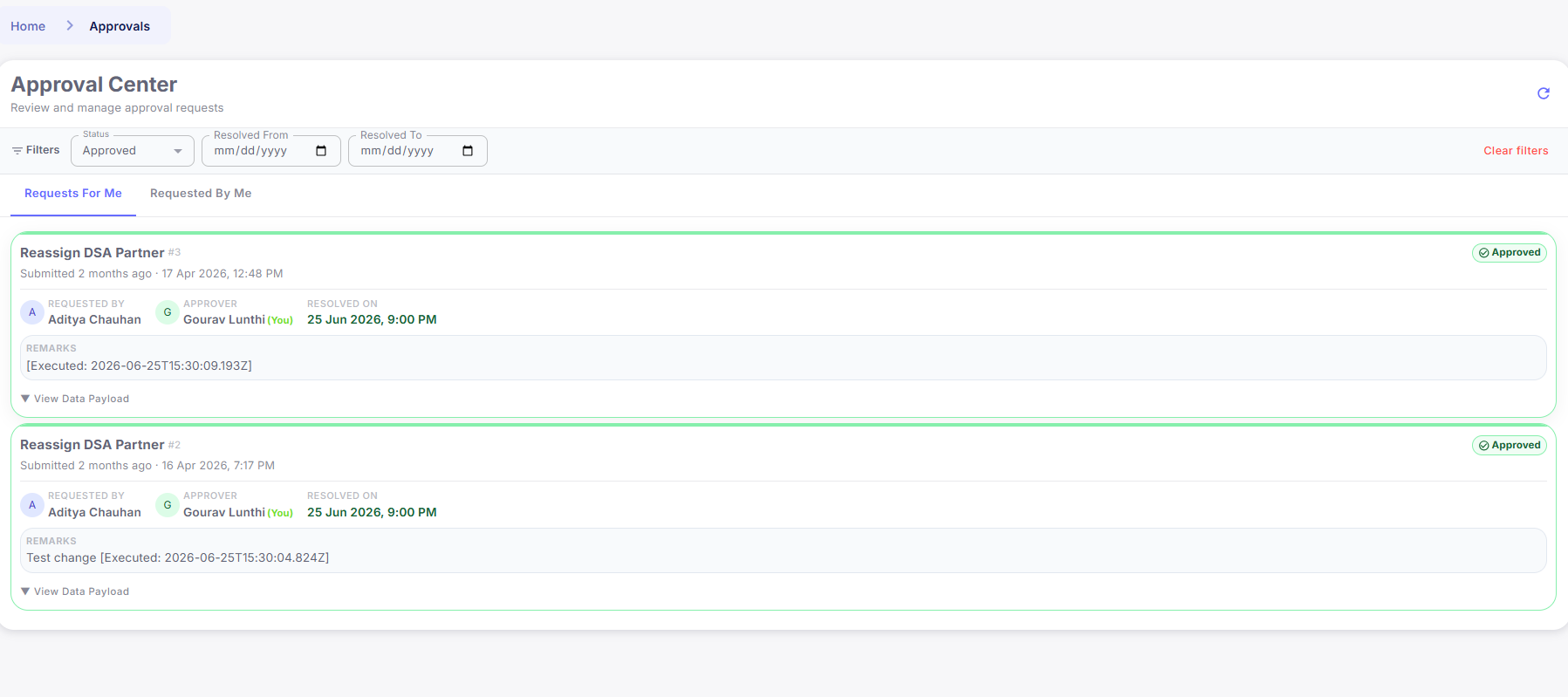
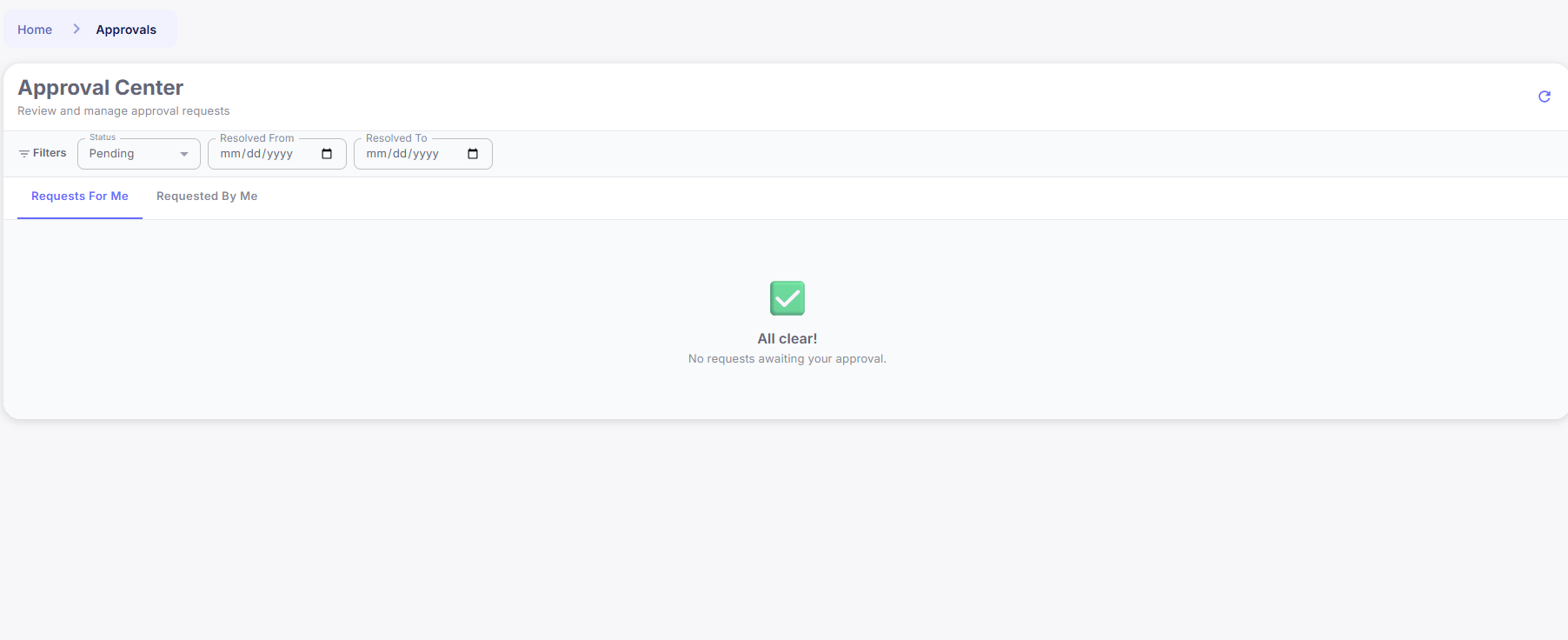
For the Selected Approver:- The approval request will appear in the Approval Center under the “Requests For Me” tab.
- The request will be displayed with a Pending status.
- The approver can review the DSA reassignment request details and either Approve or Reject it.
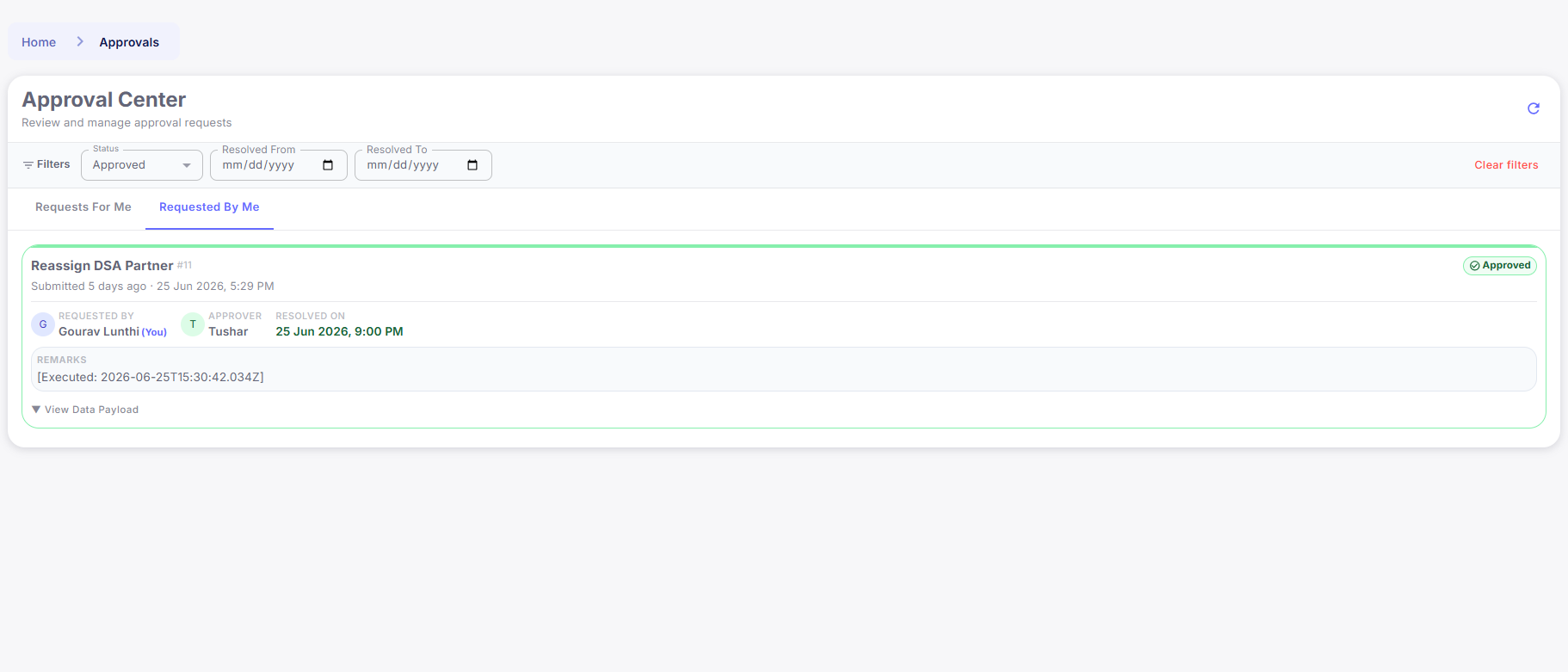
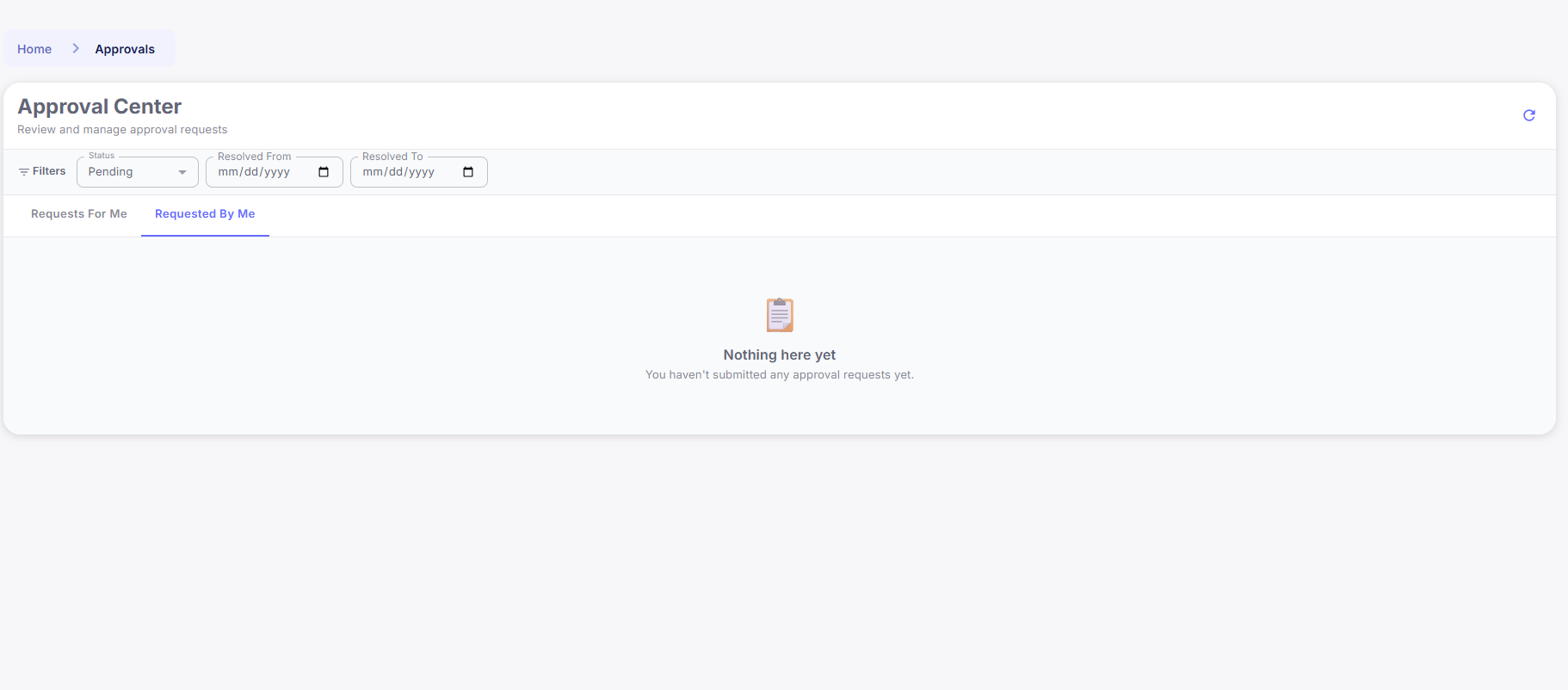
- The request will appear in the Approval Center under the “Requested By Me” tab.
- The requester can track the status of their approval request and monitor when the approver takes action.
- Once the approver responds, the status will update accordingly.
5. Approval and Partner Change Execution
Upon Approver’s Acceptance:- Once the approver clicks Approve, the request status will change to Approved.
- The DSA partner change will be scheduled and will execute at 9:00 PM on the day of approval.
- The partner assignment will be completed automatically at the scheduled time.
- If the user who is authorized to approve requests a partner change for themselves, the request will be approved automatically without requiring another approval.
- The partner change will still be scheduled to execute at 9:00 PM on the day of the request.