
Overview
The HelpDesk module in RuLoans CRM allows users to raise bugs, issues, or task requests directly from within the application. It provides a structured way to communicate with the technical and support teams for faster issue resolution. This feature ensures that all reported issues contain the necessary context and details.Navigation
To access the HelpDesk: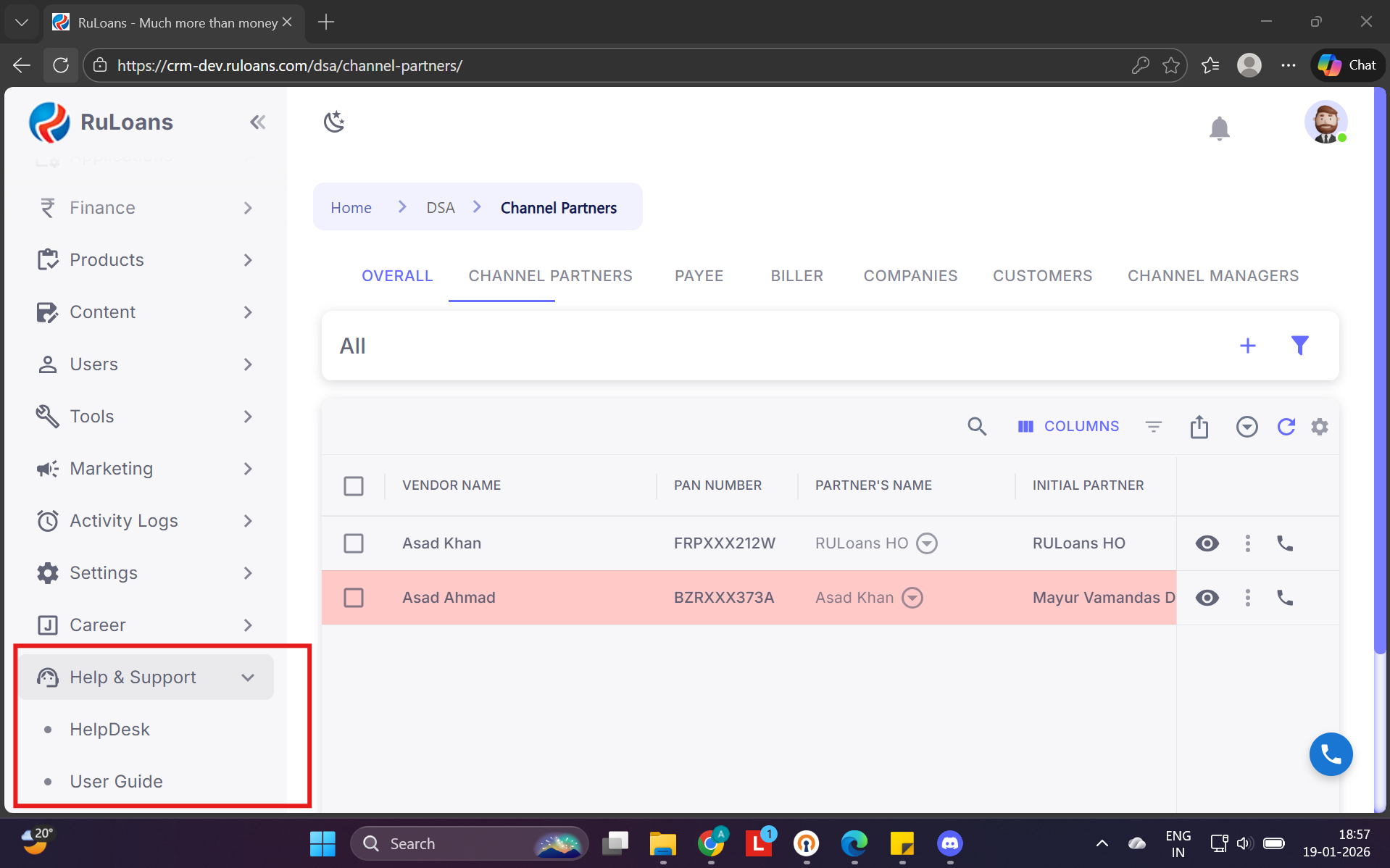
- From the left-side menu, click on Help & Support
- Select HelpDesk
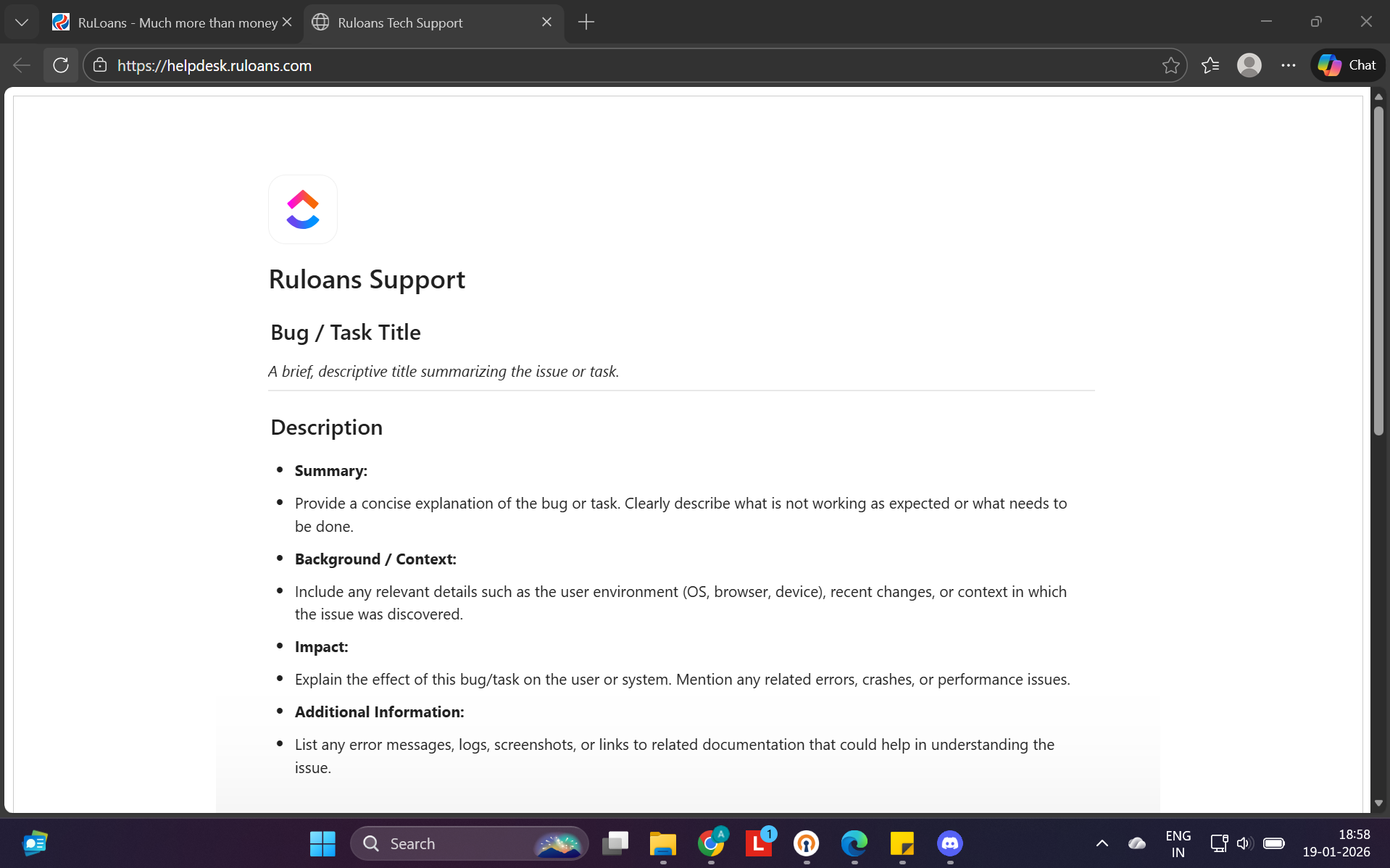 You will be redirected to the RuLoans Support portal.
Purpose
The HelpDesk is used to: Report application bugs Raise support issues Submit task or enhancement requests Communicate effectively with the support teamHelpDesk Form Details
When raising a request, users are required to fill in the following details:Bug / Task Title
A short, descriptive title summarizing the issue or requestSummary
A clear explanation of what is not working as expected or what needs to be doneBackground / Context
-Relevant details such as:- Browser
- Operating system
- Device
- Recent changes or actions performed before the issue occurred
Impact
Description of how the issue affects:- User workflow
- System functionality
- Business operations (if applicable)
Additional Information
Any supporting details such as:- Error messages
- Logs
- Screenshots
- Reference links