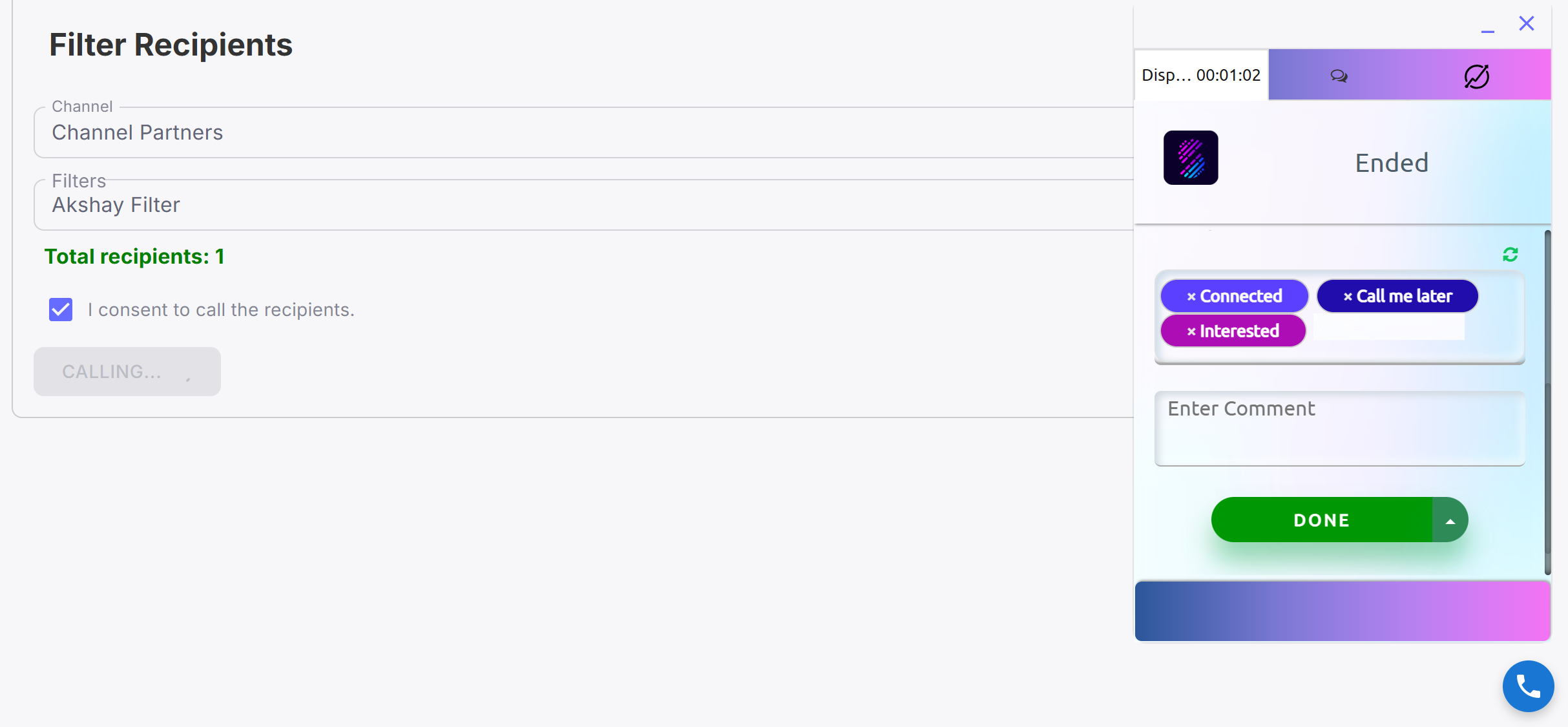
- Go to the Marketing tab in the application.
- Click on Bulk Calling to open the feature.
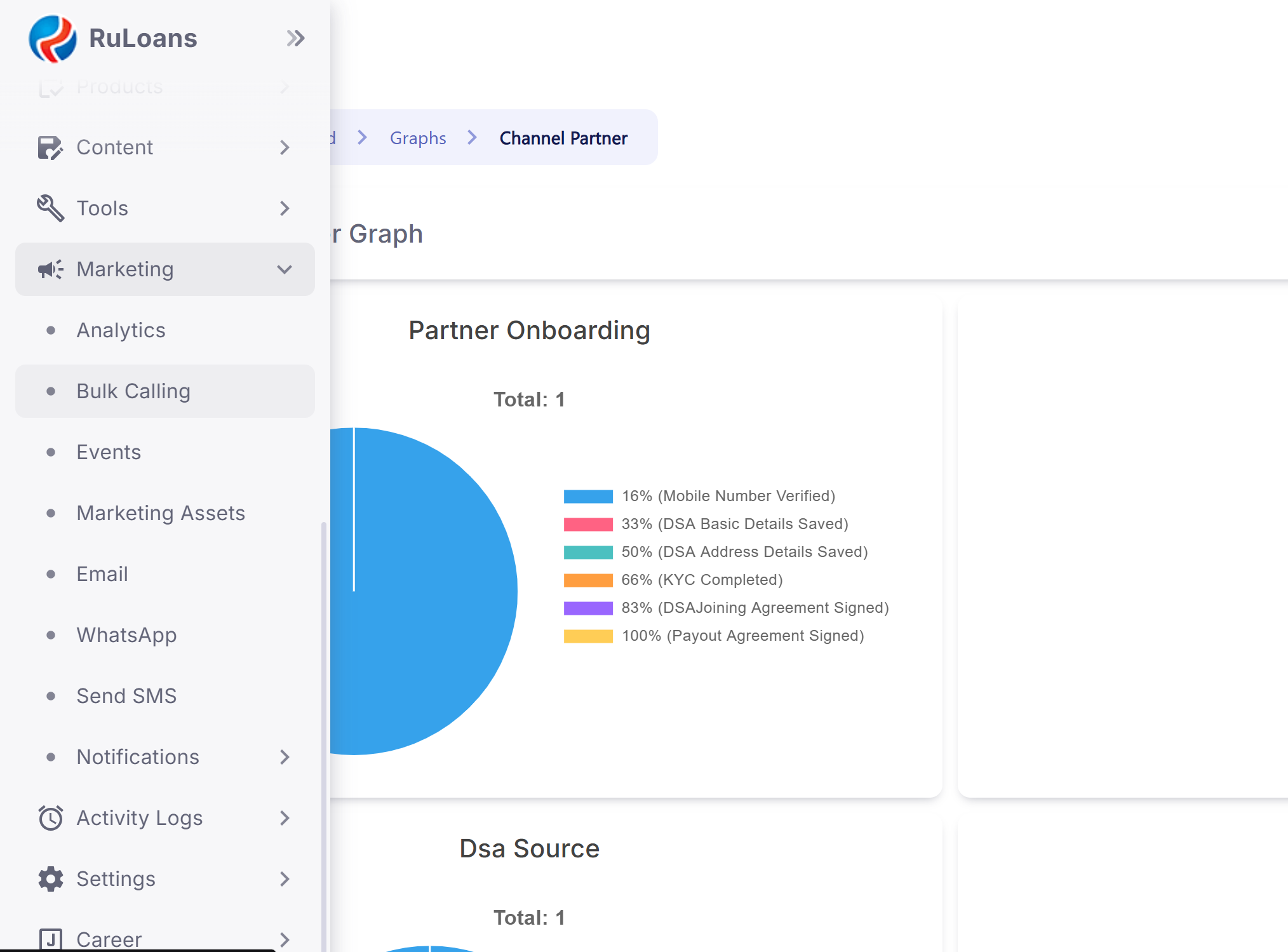 Step 2: Select Call Type
- Telecallers need to choose the type of customers they want to call:
- Channel Partners
- Customers
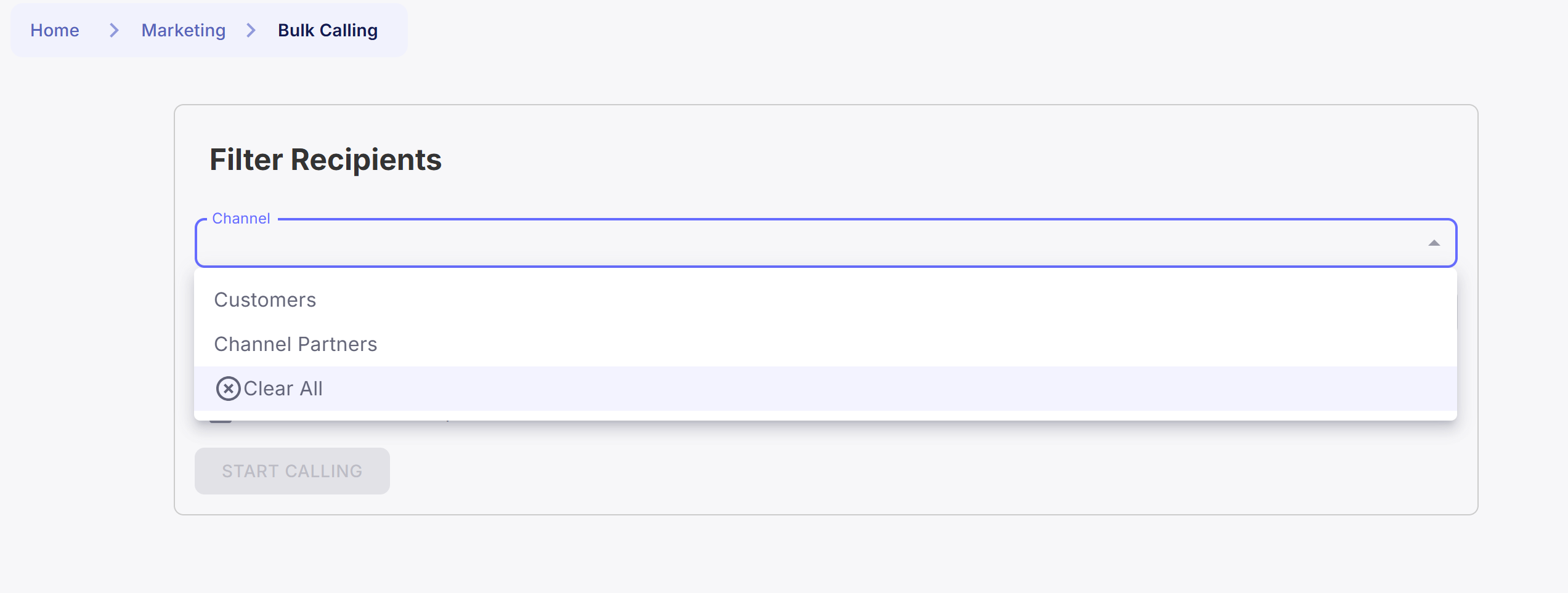 Step 3: Apply List Filter
- Select a List Filter to narrow down the list of customers.
- Based on the filter selected, the system fetches and displays the count of customers available for bulk calling.
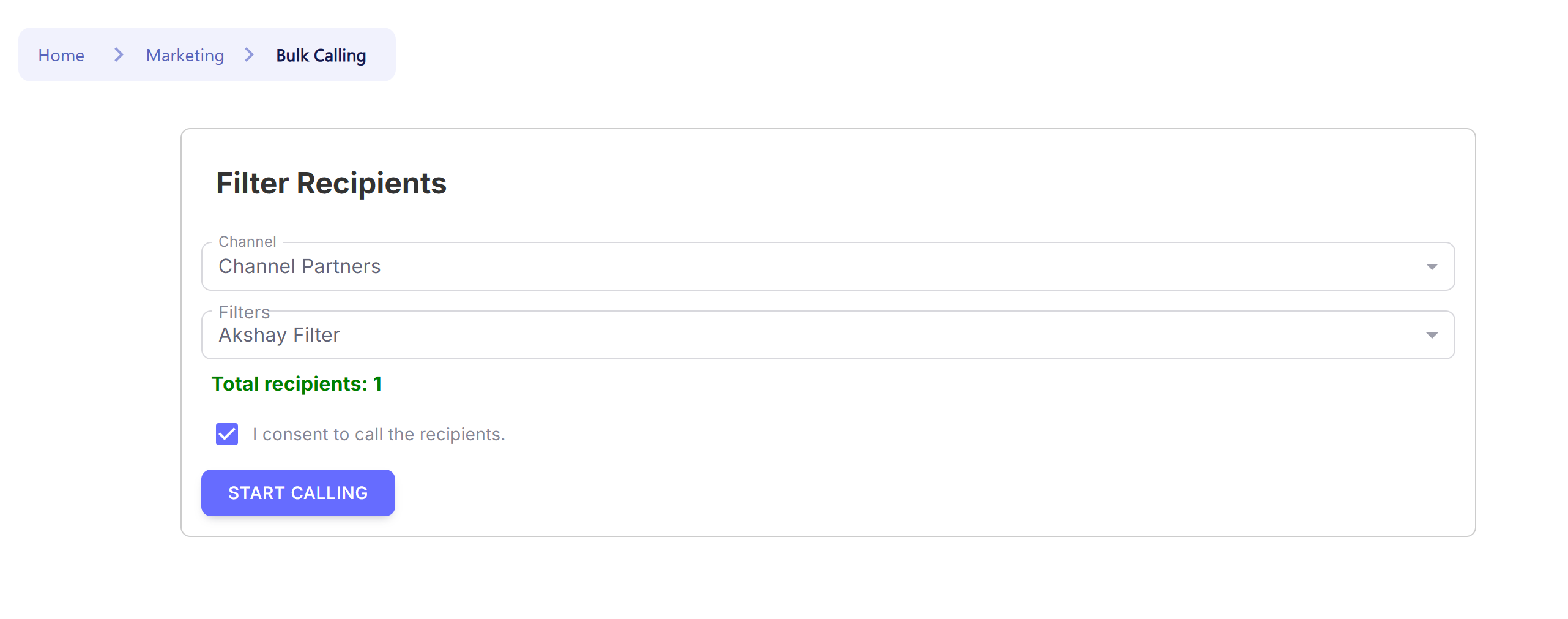 Step 4: Add Product & Lead ID
- Enter the Product ID related to the campaign.
- Enter the Lead ID for tracking the specific campaign.
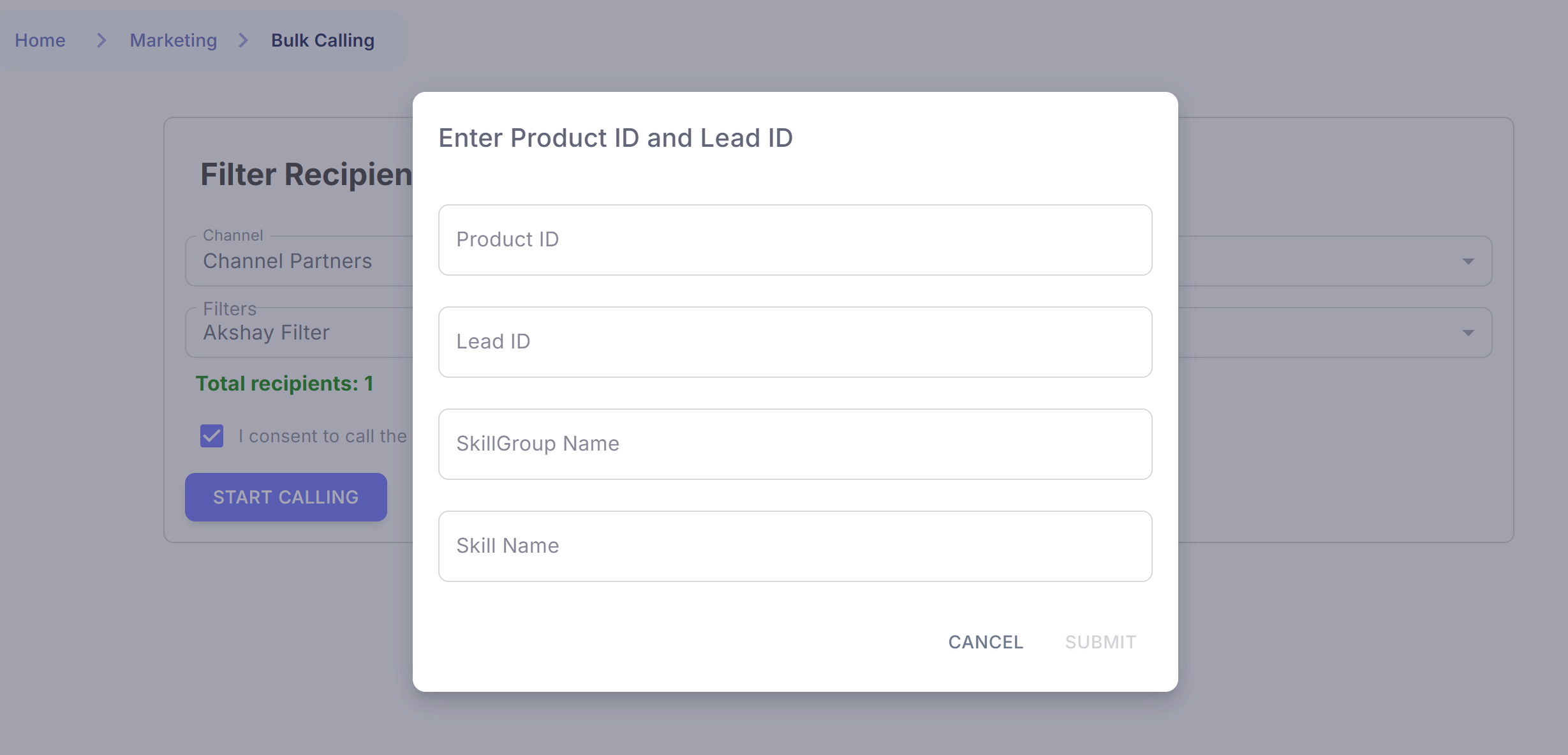 Step 5: Assign Skills to Telecaller
- Select the Skill Name that the telecaller should be mapped with.
- Select the Skill Group which defines the type of customers assigned to the telecaller.
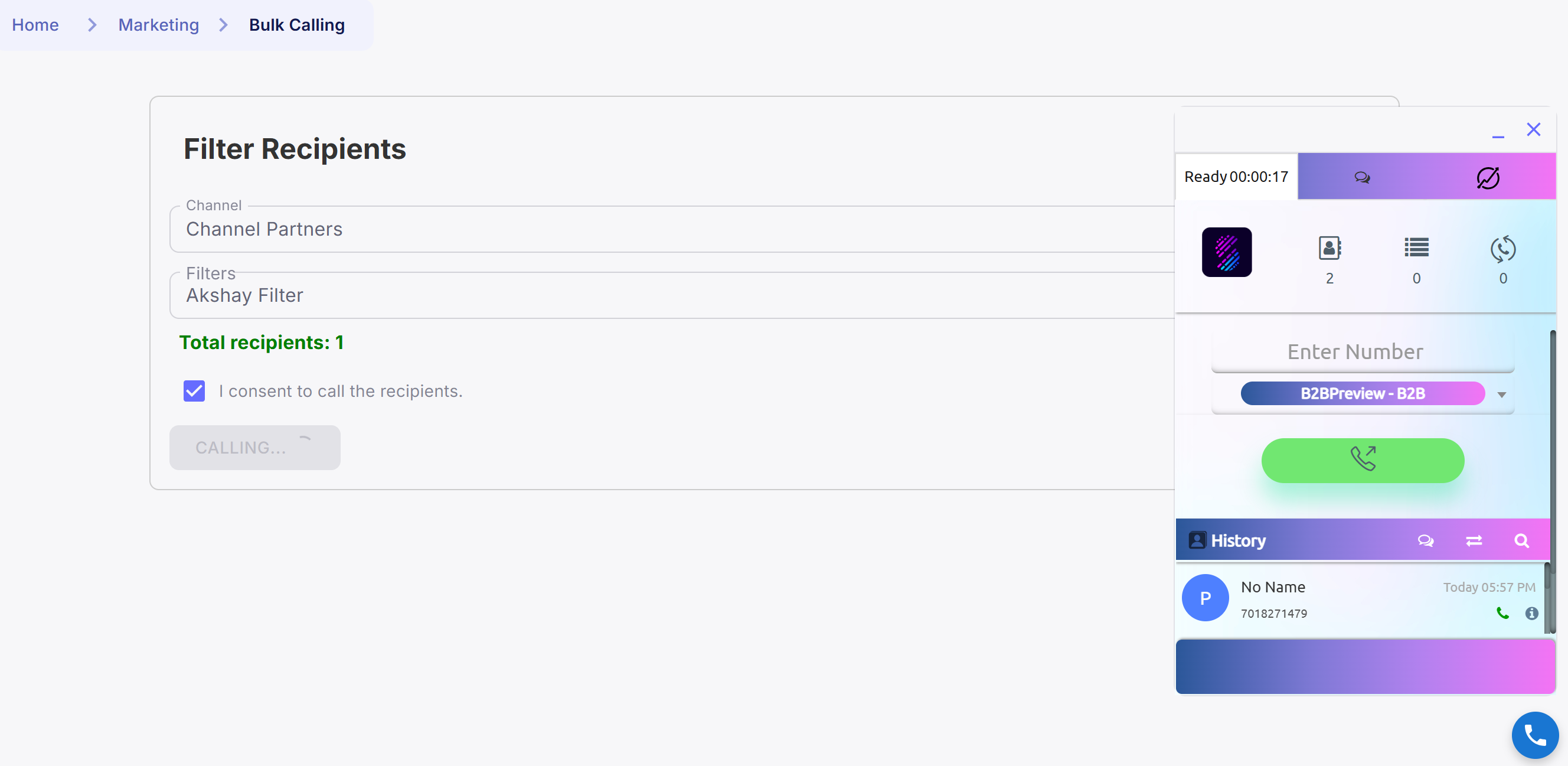
- Click on Start Calling to initiate the bulk calling process.
- The SlashRTC dialer will open automatically.
 Step 7: Access the Contact Book
- In the SlashRTC dialer, click on the Contact Book at the top.
- This is where the system has bulk pushed the leads (customers from the selected list filter).
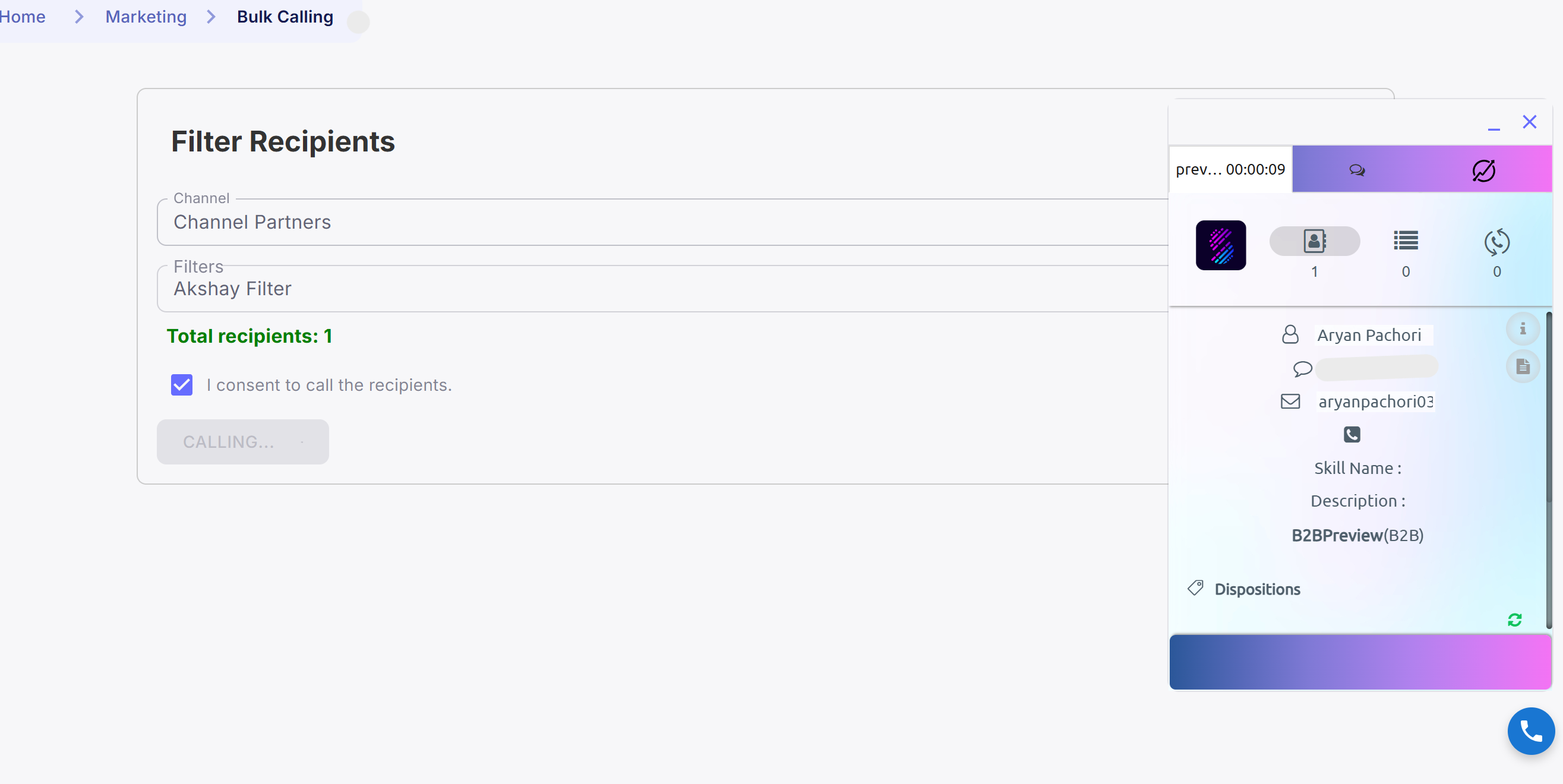 Step 8: Begin Calling
- Telecaller can now start calling the customers one by one from the Contact Book.
- After each call, provide the feedback/response for reporting and tracking.